Split a Scanned PDF into Pages

Scanners often dump a whole stack of paper into one big PDF, when what you actually need are separate documents — one per form, per receipt, or per record. PdfXpo splits a scanned PDF into individual pages or chosen sections free, so you can file or send each piece on its own without re-scanning.
The split runs in your browser, so even sensitive scans never get uploaded — they stay on your device. PdfXpo is free, unlimited, and watermark-free, and your original scan is untouched. Turn one messy scan bundle into clean, individually usable PDFs in seconds.
100% Local Privacy
Your files never leave your computer
Local Browser Power
Instant Processing in Browser
Secure Client-Side Processing
Data is handled entirely within your browser for maximum security
How to Split a Scanned PDF into Pages — Step by Step
1. Open the free Split PDF tool at PdfXpo.com — no account, no install. Drag your PDF in; it loads in your browser, so your file is never uploaded to a server.
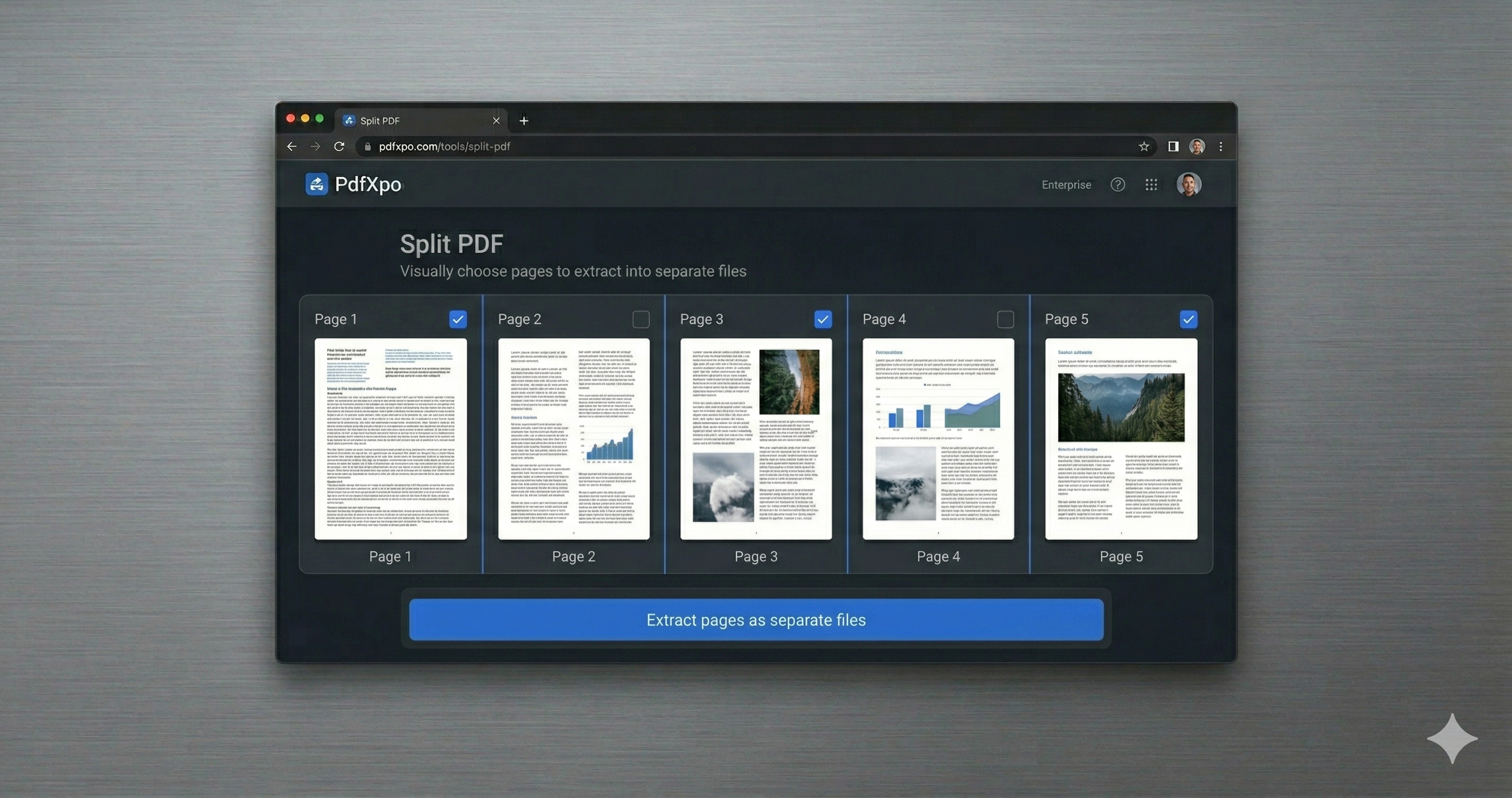
2. Choose how to split: pull out specific pages, split into separate files, or break the document at a page range. Preview the pages and select exactly what you need.
3. Click Split and download your new PDF (or files) instantly — no watermark, no daily limit, and your original stays untouched on your device.
Why PdfXpo for Splitting PDFs
PdfXpo is ideal for scan bundles: split a scanned PDF into pages or sections free, keep everything local (no upload), preserve image quality, and add no watermark — original untouched.
Common Questions
Can I split a scanned PDF without losing quality?
Yes. PdfXpo splits at the page level without re-compressing your scans, so image quality is preserved.
Are my scans uploaded?
No. Splitting runs in your browser; the scans never leave your device.
Can I split into sections, not just single pages?
Yes. Choose page ranges to break the scan into sections, or separate every page.
Is it free?
Yes — free, unlimited, no account, and no watermark.