Separate PDF Pages (Free)

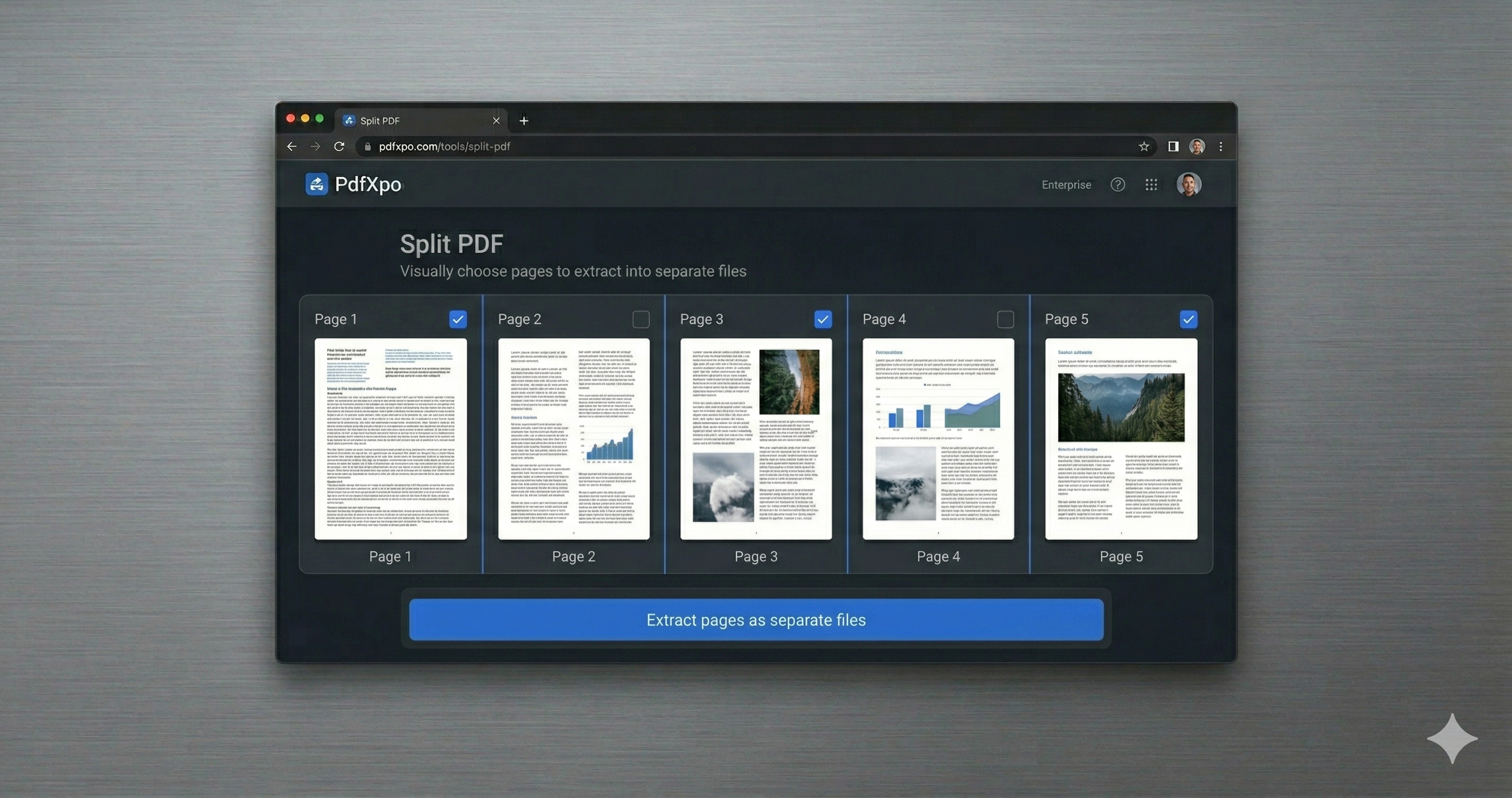
Separating PDF pages means turning one combined document back into individual pages — handy when a scanner bundled everything into a single file, or when an upload form wants one page at a time. PdfXpo separates pages free: split the whole document into individual pages, or select just the ones you want to pull out.
It all happens in your browser, so your document is never uploaded and stays private on your device. PdfXpo is free, unlimited, and watermark-free, and it never alters your original — you simply get clean, separated pages ready to use however you need.
100% Local Privacy
Your files never leave your computer
Local Browser Power
Instant Processing in Browser
Secure Client-Side Processing
Data is handled entirely within your browser for maximum security
How to Separate PDF Pages (Free) — Step by Step
1. Open the free Split PDF tool at PdfXpo.com — no account, no install. Drag your PDF in; it loads in your browser, so your file is never uploaded to a server.
2. Choose how to split: pull out specific pages, split into separate files, or break the document at a page range. Preview the pages and select exactly what you need.
3. Click Split and download your new PDF (or files) instantly — no watermark, no daily limit, and your original stays untouched on your device.
Why PdfXpo for Splitting PDFs
PdfXpo separates pages the simple way: free and unlimited, fully local so nothing is uploaded, watermark-free, and your original is left intact. Separate every page or just the ones you choose.
Common Questions
Can I turn every page into its own file?
Yes. Separate the whole document into individual pages in one step, free and without a watermark.
Is my document uploaded?
No. PdfXpo separates pages in your browser; your file never leaves your device.
Can I separate only certain pages?
Yes. Select just the pages you want to pull out into a new file.
Does it change my original PDF?
No. Your original stays exactly as it was; PdfXpo creates new files.