Split a PDF by Page Range (Free)

Sometimes you need to break a document at specific points — pages 1–10 as one file, 11–25 as another — rather than separating every single page. PdfXpo lets you split a PDF by custom page ranges free: define the ranges you want and it produces a separate file for each, exactly where you set the boundaries.
It runs entirely in your browser, so your document is never uploaded and stays private. PdfXpo is free, unlimited, and watermark-free, and your original is untouched. Range-based splitting is the precise way to carve a long document into the exact sections you need.
100% Local Privacy
Your files never leave your computer
Local Browser Power
Instant Processing in Browser
Secure Client-Side Processing
Data is handled entirely within your browser for maximum security
How to Split a PDF by Page Range (Free) — Step by Step
1. Open the free Split PDF tool at PdfXpo.com — no account, no install. Drag your PDF in; it loads in your browser, so your file is never uploaded to a server.
2. Choose how to split: pull out specific pages, split into separate files, or break the document at a page range. Preview the pages and select exactly what you need.
3. Click Split and download your new PDF (or files) instantly — no watermark, no daily limit, and your original stays untouched on your device.
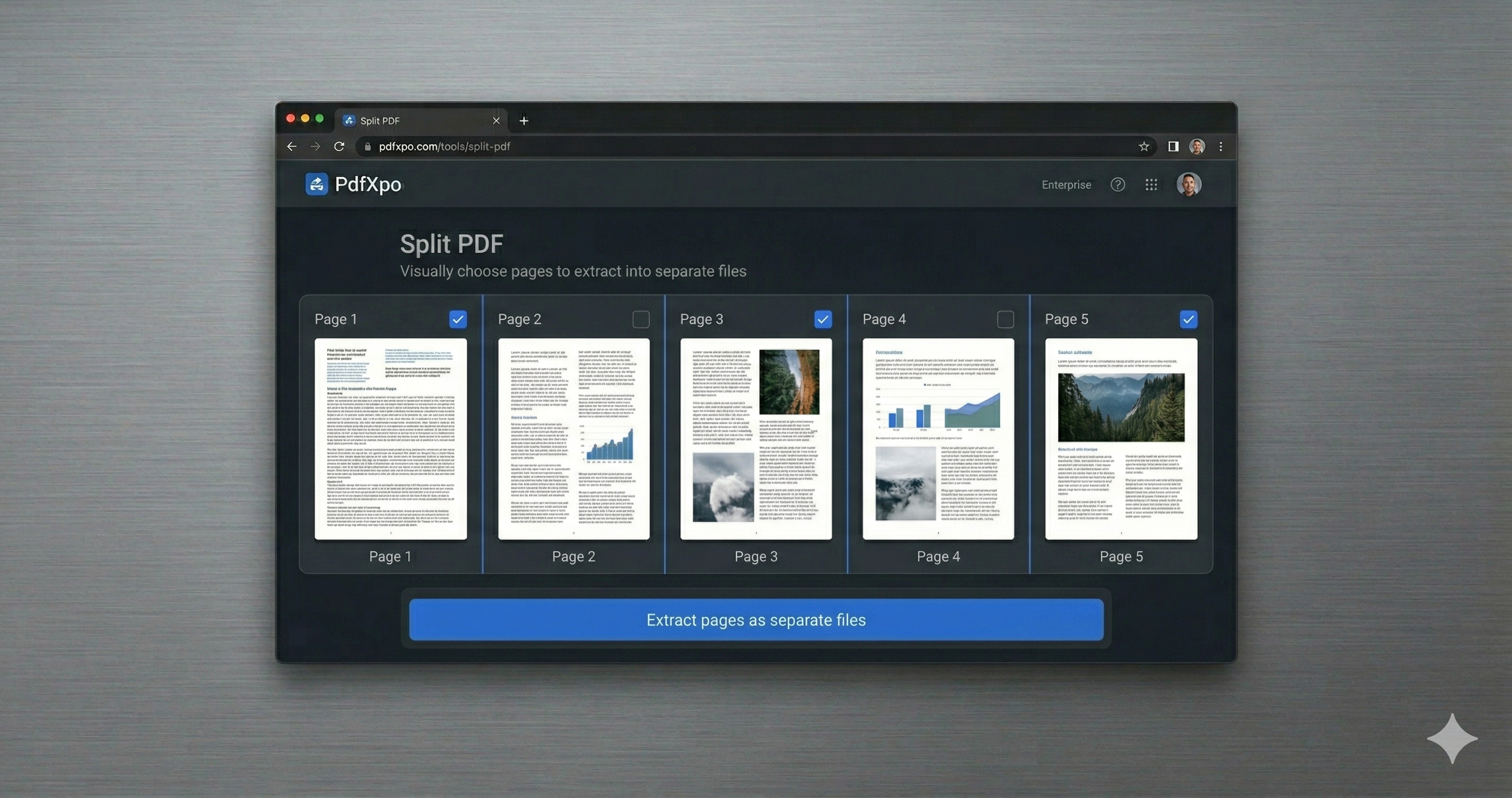
Why PdfXpo for Splitting PDFs
PdfXpo gives you precise, range-based splitting for free: set custom page ranges, keep everything local (no upload), get watermark-free files, and leave your original intact.
Common Questions
Can I split into custom ranges like 1-10 and 11-20?
Yes. Define the page ranges you want and PdfXpo creates a separate file for each, free and without a watermark.
Is my PDF uploaded?
No. Range splitting runs in your browser; your file never leaves your device.
Can I make ranges of different sizes?
Yes. Each range can be any length you choose.
Does it touch my original?
No. Your original stays as-is; PdfXpo outputs new files for each range.