Merge Scanned Documents into One PDF

Scanning often produces a separate file for each page or document, when you actually want one combined PDF — a full contract, a complete record, or a single submission. PdfXpo merges your scanned files into one ordered document free, so you do not have to re-scan everything into a single pass.
The merge runs in your browser, so even sensitive scans are never uploaded and stay on your device. PdfXpo is free, unlimited, and watermark-free, it preserves your scan quality, and your originals are untouched. Turn a folder of separate scans into one clean PDF in seconds.
100% Local Privacy
Your files never leave your computer
Local Browser Power
Instant Processing in Browser
Secure Client-Side Processing
Data is handled entirely within your browser for maximum security
How to Merge Scanned Documents into One PDF — Step by Step
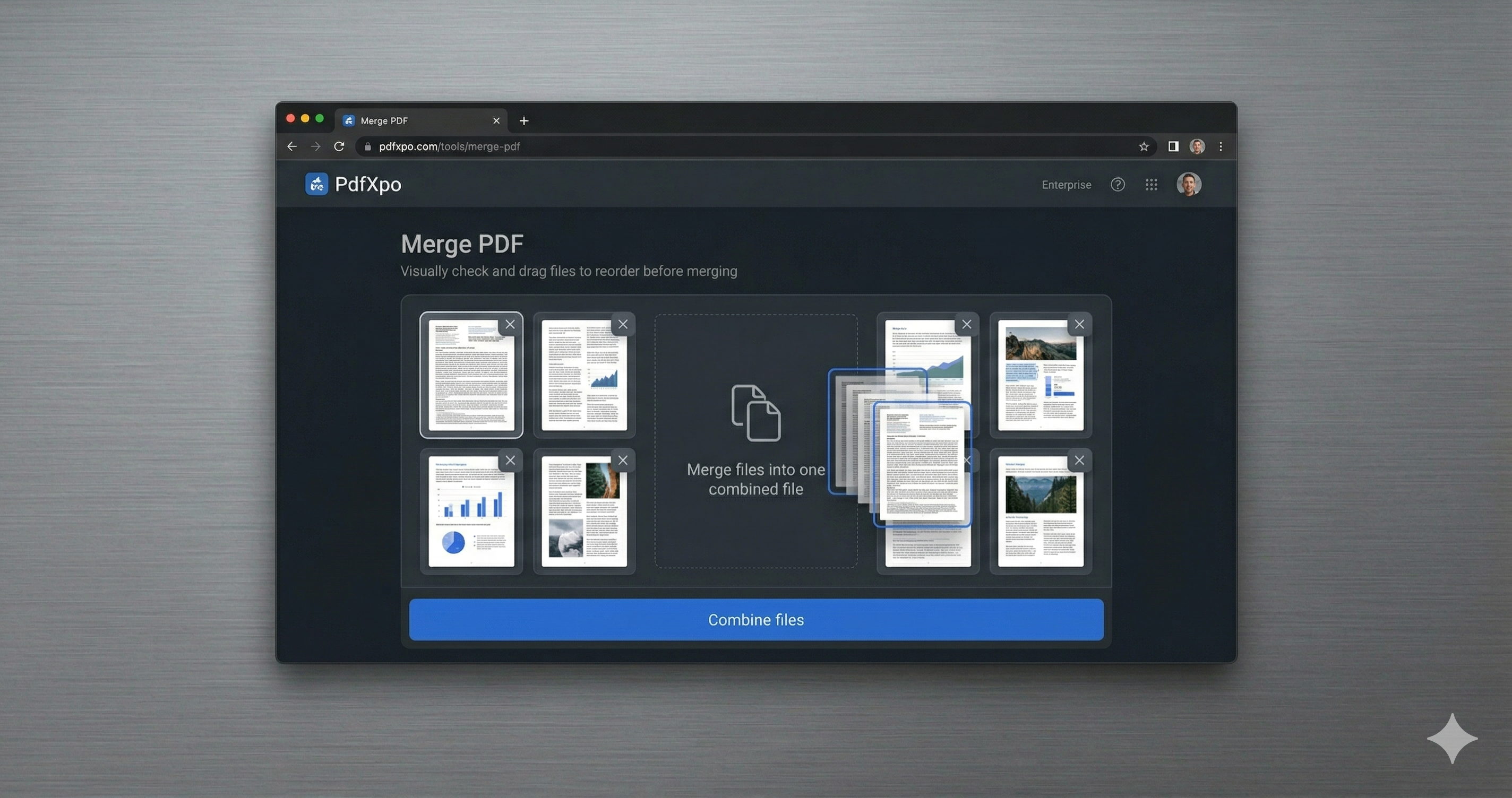
1. Open the free Merge PDF tool at PdfXpo.com — no account, no install. Drag in all the PDFs you want to combine; they load in your browser, so your files are never uploaded to a server.
2. Drag the files into the exact order you want them, then merge. You can combine as many PDFs as you like into a single document — there is no limit and no watermark.
3. Download your combined PDF instantly. It is one clean, ordered file, ready to send or upload, and your original files stay untouched on your device.
Why PdfXpo for Merging PDFs
PdfXpo is built for scan workflows: combine separate scans into one ordered PDF free, keep them local (nothing uploaded), preserve image quality, and add no watermark.
Common Questions
Can I merge scans that came out as separate files?
Yes. Add each scanned file, arrange the order, and merge them into a single PDF — no re-scanning needed.
Are my scans uploaded?
No. The merge happens in your browser; your scans never leave your device.
Will merging reduce the scan quality?
No. PdfXpo combines the files without re-compressing them, so quality is preserved.
Is it free?
Yes — free, unlimited, no account, no watermark.