Combine PDF for a Visa Application

Visa and immigration portals often require a single, ordered PDF of your supporting documents — passport copy, financial proof, itinerary, invitation letters, forms. Uploading them one by one risks missing a document or putting them out of order. PdfXpo combines everything into one clean, correctly ordered PDF free.
These documents contain highly personal information, so PdfXpo never uploads them — the merge runs in your browser and the files stay on your device. It is free, unlimited, and watermark-free, and your originals are untouched, so you can assemble a complete, professional application package without risking your personal data on a cloud server.
100% Local Privacy
Your files never leave your computer
Local Browser Power
Instant Processing in Browser
Secure Client-Side Processing
Data is handled entirely within your browser for maximum security
How to Combine PDF for a Visa Application — Step by Step
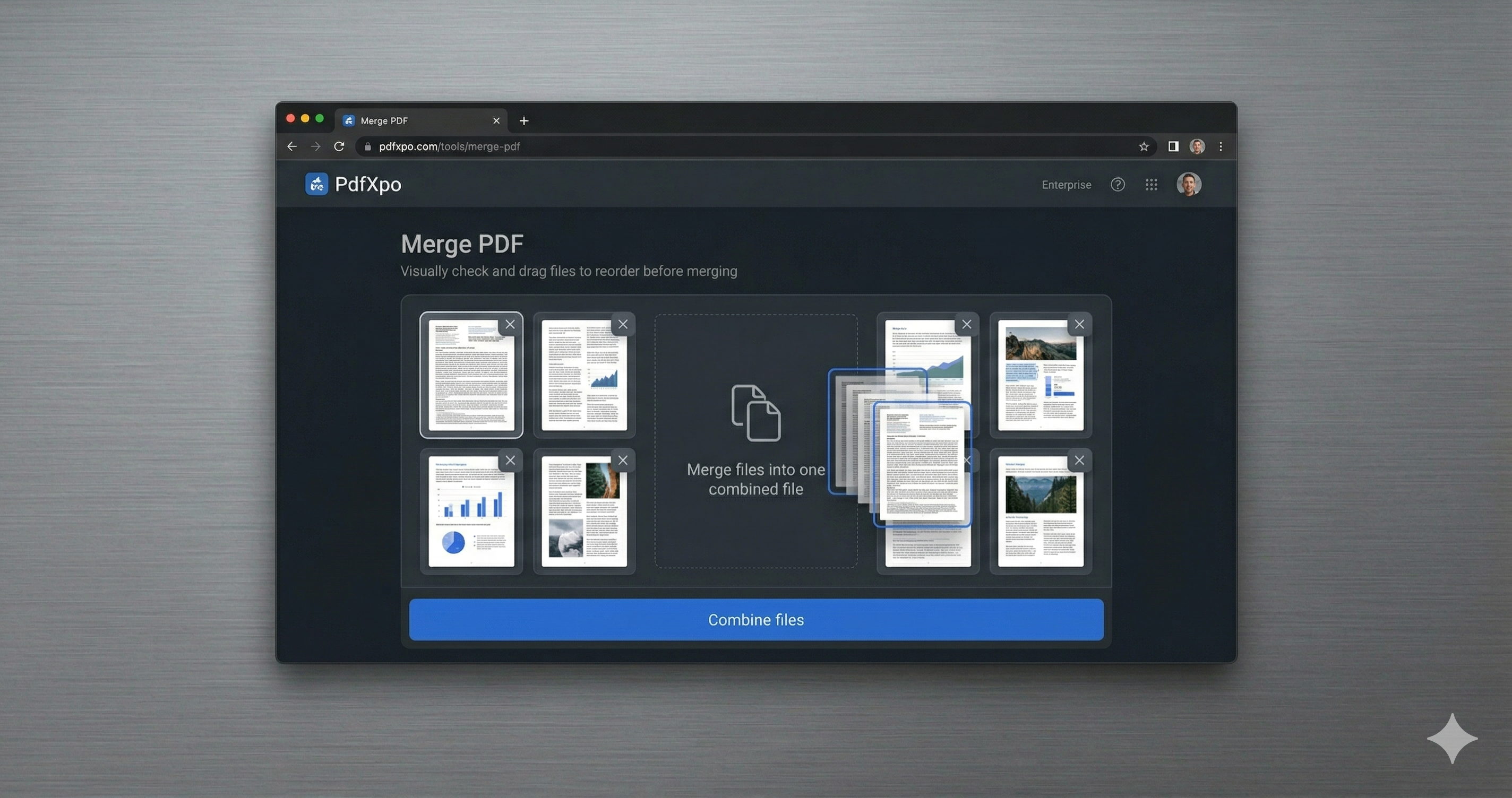
1. Open the free Merge PDF tool at PdfXpo.com — no account, no install. Drag in all the PDFs you want to combine; they load in your browser, so your files are never uploaded to a server.
2. Drag the files into the exact order you want them, then merge. You can combine as many PDFs as you like into a single document — there is no limit and no watermark.
3. Download your combined PDF instantly. It is one clean, ordered file, ready to send or upload, and your original files stay untouched on your device.
Why PdfXpo for Merging PDFs
PdfXpo assembles a complete visa package: merge all supporting documents into one ordered PDF free, keep your personal data local (no upload), and add no watermark.
Common Questions
Can I combine passport, finances and forms into one PDF?
Yes. Add every supporting document, arrange the required order, and merge into a single PDF for the application.
Are my personal documents uploaded?
No. The merge runs in your browser; nothing leaves your device.
Does the portal get one ordered file?
Yes — a single, correctly ordered, watermark-free PDF.
Is it free?
Yes — free, unlimited, no account, no watermark.