Merge PDF Files (Free)

Combining several PDFs into one is one of the most common document tasks: stitching together a report, a set of receipts, or a multi-part submission. The catch with most free tools is that they upload your files to a server and stamp a watermark or cap you at a couple of merges a day. PdfXpo merges PDF files free and unlimited, right in your browser, with full control over the order.
Because the merge happens locally, your files are never uploaded — even confidential documents stay on your device. There is no account, no watermark, and no daily limit, and your original files are left untouched. Drag the PDFs into the order you want and download one clean, combined file in seconds.
100% Local Privacy
Your files never leave your computer
Local Browser Power
Instant Processing in Browser
Secure Client-Side Processing
Data is handled entirely within your browser for maximum security
How to Merge PDF Files (Free) — Step by Step
1. Open the free Merge PDF tool at PdfXpo.com — no account, no install. Drag in all the PDFs you want to combine; they load in your browser, so your files are never uploaded to a server.
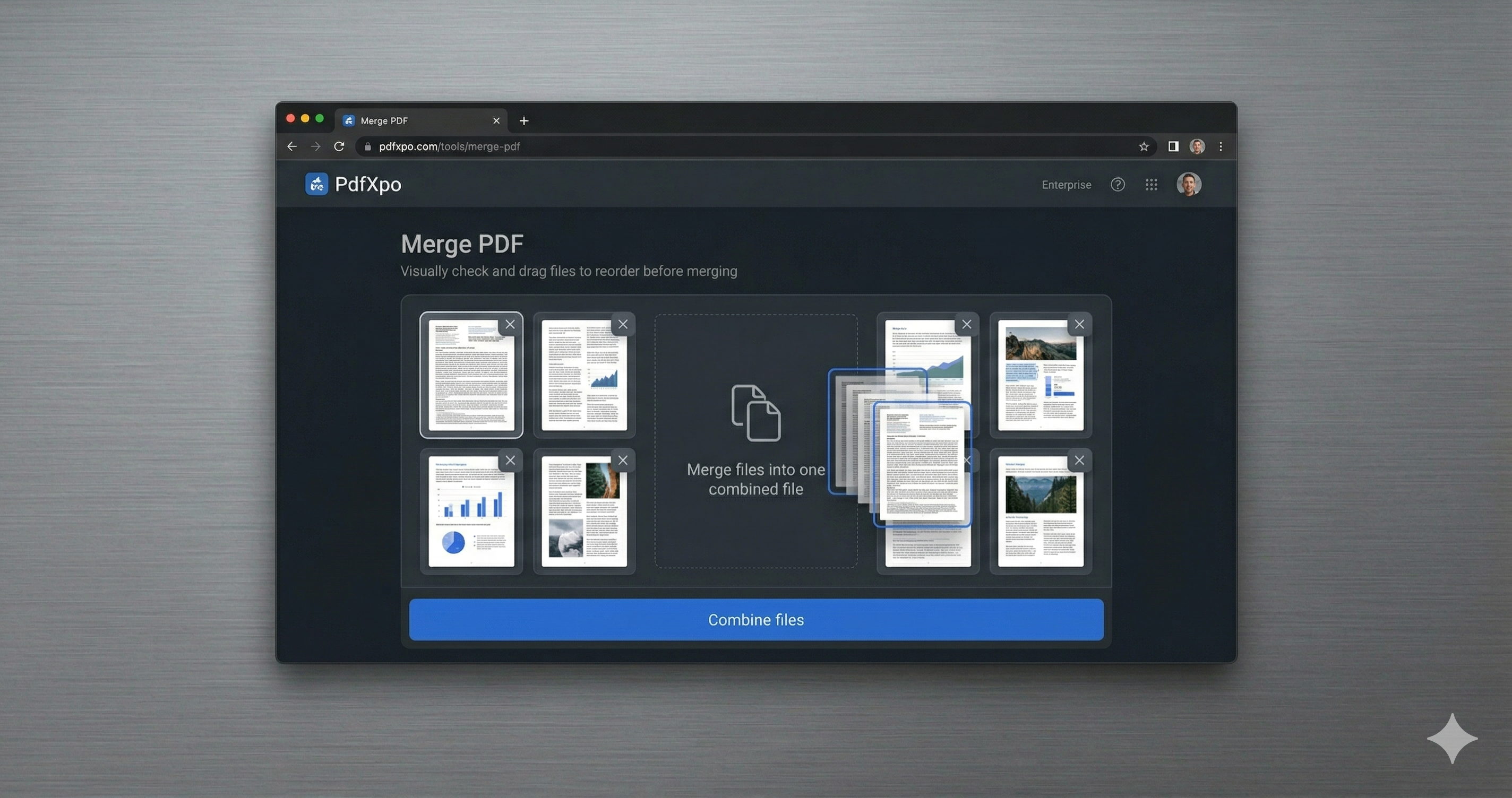
2. Drag the files into the exact order you want them, then merge. You can combine as many PDFs as you like into a single document — there is no limit and no watermark.
3. Download your combined PDF instantly. It is one clean, ordered file, ready to send or upload, and your original files stay untouched on your device.
Why PdfXpo for Merging PDFs
PdfXpo merges PDFs the simple way: free and unlimited, fully in-browser so nothing is uploaded, no watermark, and you control the exact page order. Your originals stay intact.
Common Questions
Is merging PDFs really free and unlimited?
Yes. Combine any number of PDFs as often as you like — no account, no daily cap, and no watermark on the result.
Are my files uploaded to merge them?
No. PdfXpo merges in your browser, so your files never leave your device.
Can I set the order of the files?
Yes. Drag the PDFs into the exact order you want before merging.
Does merging change my original files?
No. PdfXpo creates a new combined file; your originals are untouched.