Combine Invoices into One PDF

Whether you are filing an expense report, submitting an insurance claim, or closing the books, loose invoices and receipts are easier to handle as one combined PDF. PdfXpo merges any number of invoices into a single, ordered document free — no more emailing a dozen separate attachments.
Everything runs in your browser, so your financial records are never uploaded and stay on your device. PdfXpo is free, unlimited, and watermark-free, and your originals are untouched. Combine a month of receipts into one clean file in seconds, ready for accounting, reimbursement, or your records.
100% Local Privacy
Your files never leave your computer
Local Browser Power
Instant Processing in Browser
Secure Client-Side Processing
Data is handled entirely within your browser for maximum security
How to Combine Invoices into One PDF — Step by Step
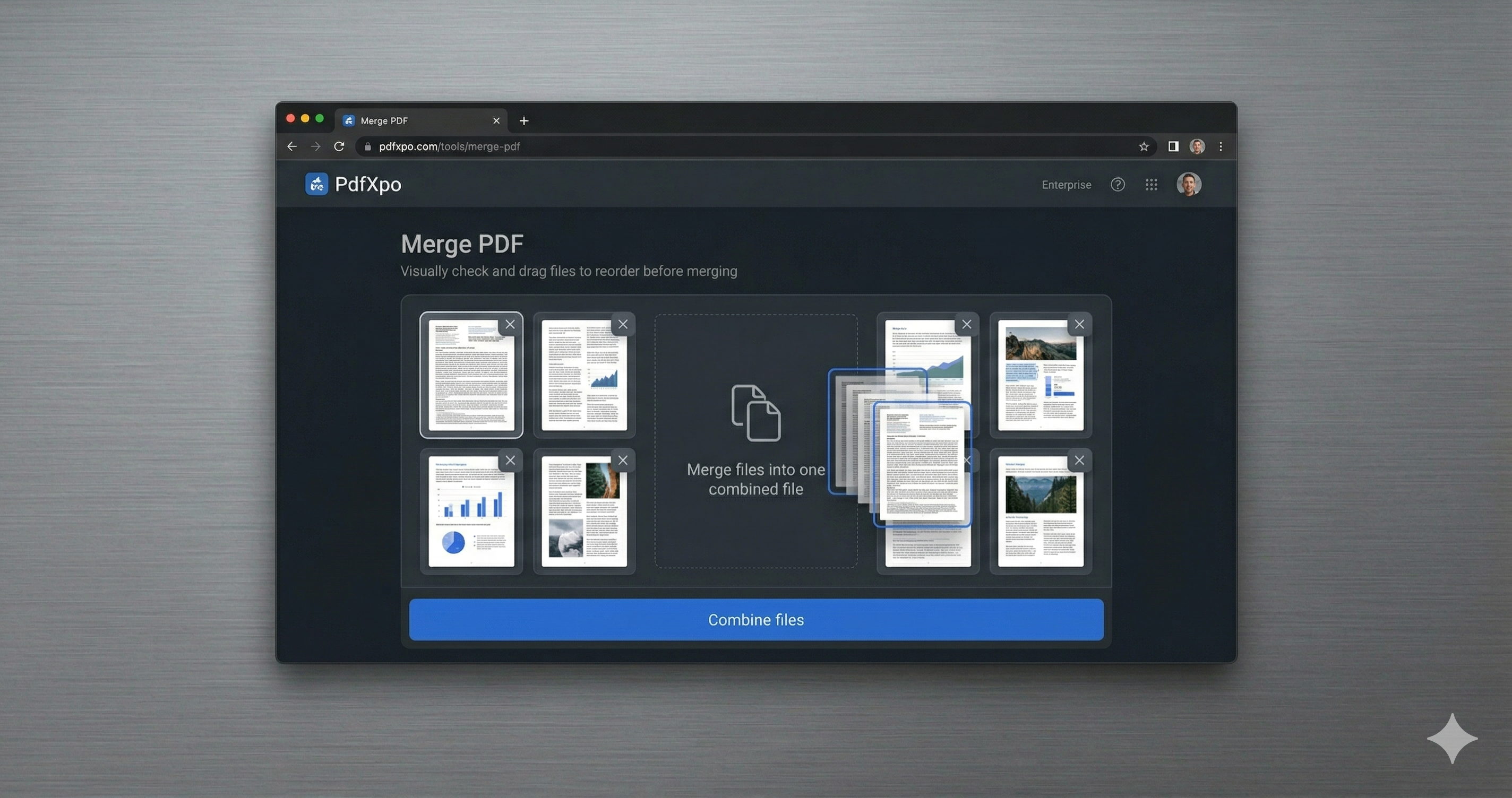
1. Open the free Merge PDF tool at PdfXpo.com — no account, no install. Drag in all the PDFs you want to combine; they load in your browser, so your files are never uploaded to a server.
2. Drag the files into the exact order you want them, then merge. You can combine as many PDFs as you like into a single document — there is no limit and no watermark.
3. Download your combined PDF instantly. It is one clean, ordered file, ready to send or upload, and your original files stay untouched on your device.
Why PdfXpo for Merging PDFs
PdfXpo is the quick way to consolidate invoices: merge them into one ordered PDF free, keep records local (nothing uploaded), and add no watermark — perfect for expenses, claims, and bookkeeping.
Common Questions
Can I combine receipts and invoices together?
Yes. Add them all, set the order, and merge into a single PDF for your report or claim.
Are my financial records uploaded?
No. The merge runs in your browser; nothing leaves your device.
Is there a limit on how many I can combine?
No. Combine as many invoices as you need, free and without a watermark.
Does it change my originals?
No. PdfXpo creates a new combined file; your originals stay as they are.