Compress PDF for an IBPS Bank Exam
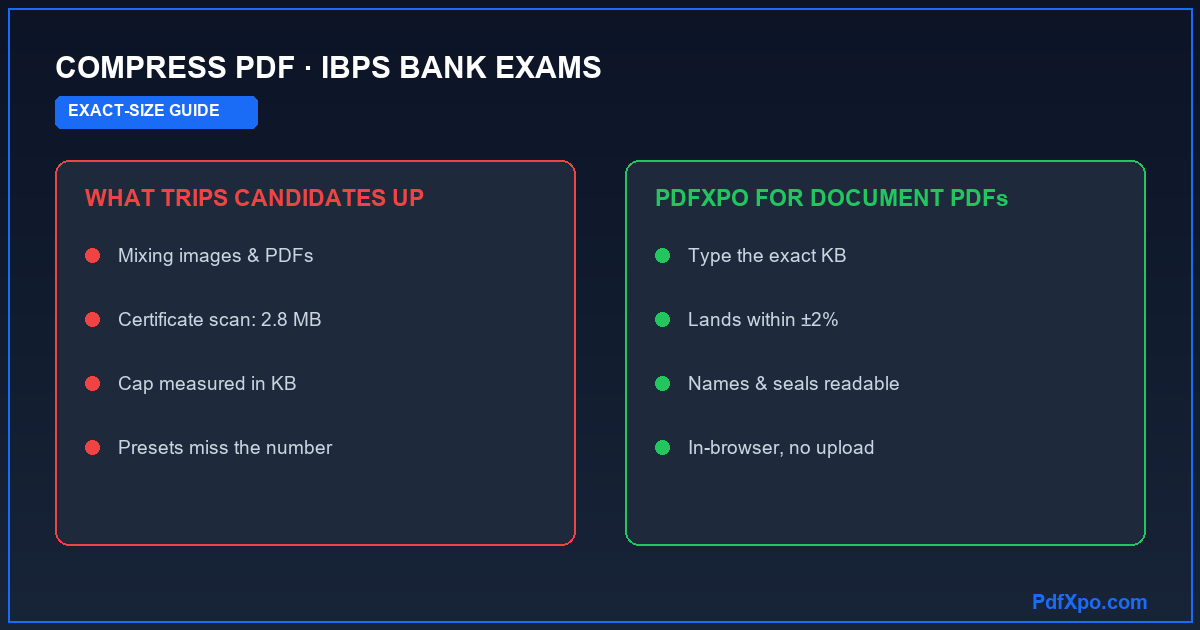
IBPS registrations for Probationary Officer, Clerk, Specialist Officer and RRB posts are famous for asking more of candidates than most exams. Beyond a photograph and signature, you may need a left thumb impression and a handwritten declaration, and at later stages a set of scanned certificates — each with its own size rule. If you are searching how to compress a PDF for an IBPS bank exam, this page separates what is an image from what is a document, and shows how to size the document PDFs exactly.
What IBPS asks you to upload — and the size limits
It helps to be precise here, because IBPS uploads fall into two groups:
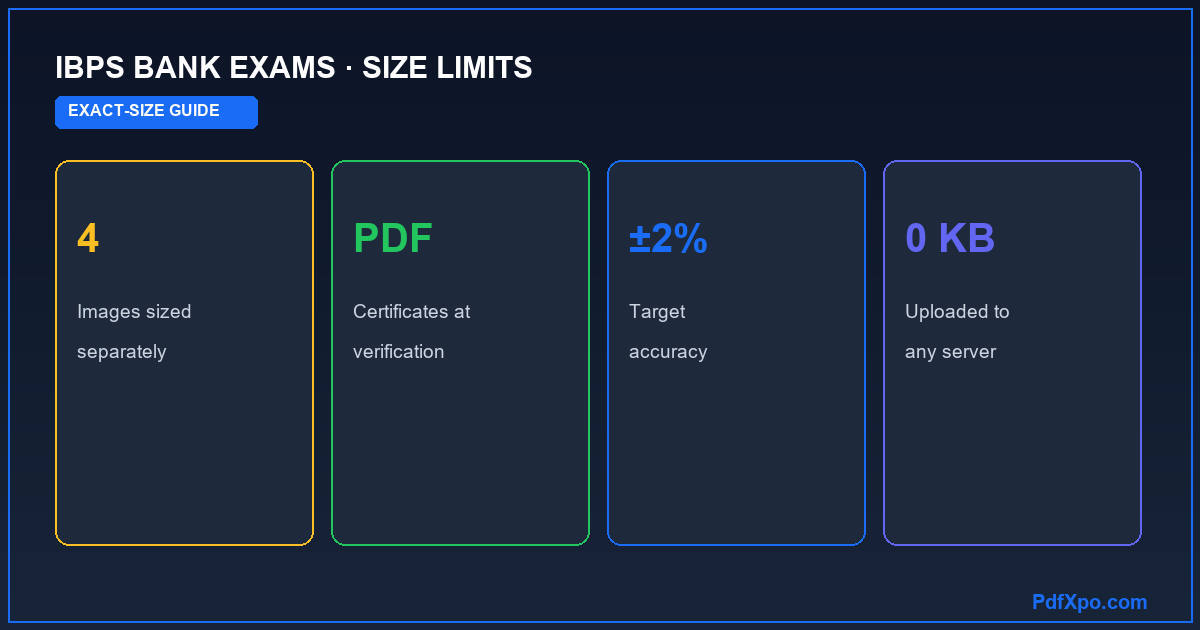
- Images sized individually — the photograph (a small JPEG, often around 20–50 KB), the signature (often 10–20 KB), the left thumb impression (often 20–50 KB) and the handwritten declaration (often 50–100 KB) are all scanned and uploaded as JPEG images. They have specific pixel dimensions as well as KB limits.
- Document PDFs — at document verification and joining you submit scanned certificates: graduation, category (SC/ST/OBC/EWS), proof of date of birth, caste/income proofs and experience letters where relevant. These are PDF documents under their own size caps.
PdfXpo is a PDF tool, so it is the right fit for the document PDFs — the certificates IBPS asks you to upload at verification, and any combined PDF a particular notice requests. The four small images above are sized with an image resizer, not a PDF compressor; getting that distinction right is half the battle.
How to compress your IBPS document PDFs to the exact size
- Scan each certificate and save it as a single PDF.
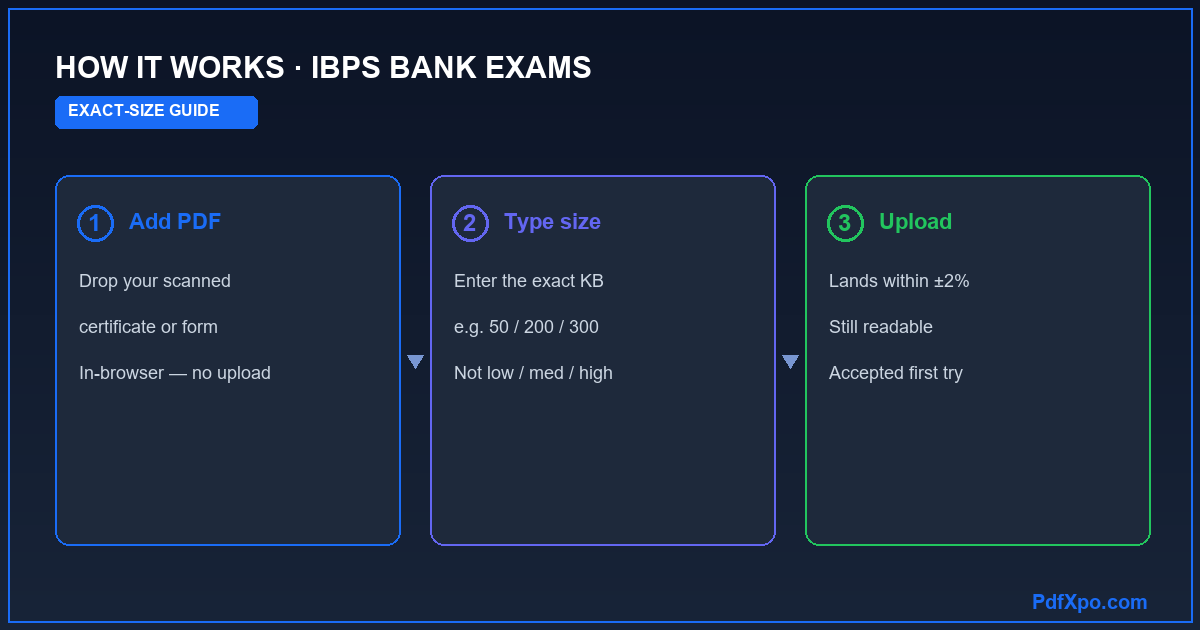
- Open PdfXpo's Compress to Exact Size tool and add the PDF.
- Type the size limit from the IBPS notice as your target.
- Compress, verify the certificate is readable, and download — the file lands within about 2% of your number.
Bank recruitment verification is thorough, so the document must stay clear: names, dates, marks and seals all have to be readable. PdfXpo reduces file size by removing redundant scan data rather than by destroying detail.
Fixing the most common IBPS upload errors
- "File size exceeds limit" — compress the certificate PDF to the exact allowed KB.
- Declaration or thumb impression rejected — those are image specifications (dimensions and KB), handled with an image tool, not the PDF compressor.
- "Invalid format" — make sure the field's required type (PDF vs JPG) matches what you upload.
- Upload fails under load — smaller, exactly-sized files upload faster; prepare documents ahead of the rush.
A checklist before you submit your IBPS application
- Photo, signature, thumb impression and declaration prepared as correctly-sized JPEG images.
- Each certificate saved as its own PDF.
- Every document PDF compressed to the exact size in the IBPS notice.
- Compressed files checked for legibility.
- Originals kept safe.
A worked example
At IBPS document verification you upload your graduation certificate, scanned at 2.8 MB, against a small PDF cap. The four registration images (photo, signature, thumb impression, declaration) were sized separately as JPEGs — this is the document side. You type the allowed KB in PdfXpo, compress, and the certificate lands within about 2% of the target with your name, the university and the year of passing all clearly readable, ready for the bank's verification panel.
How PdfXpo hits an exact file size — and why presets cannot
Almost every "compress PDF" tool online gives you three vague buttons — low, medium or high. You pick one, wait, download, and only then discover the new size, which is almost never the figure a portal demands. PdfXpo's exact-size mode is built the opposite way round. You type the size you actually need — 20 KB, 50 KB, 200 KB, 300 KB or 1 MB — and the engine works backwards from that target, testing compression levels until the file lands within roughly 2% of it. There is no trial and error and no re-uploading a PDF that is still a few kilobytes too big. You get a document that clears the limit on the first attempt while staying as sharp and legible as the size allows.
Why "file too large" keeps coming back
Three different problems all show up as the same red error, and only one of them is fixed by compressing:
- Size — the PDF is over the portal's KB or MB cap. This is the one an exact-size compressor solves.
- Dimensions or page count — some portals also limit the page size or the number of pages in a single upload.
- Format — the portal wants a PDF and you uploaded a JPG (or the other way round).
If compressing the file does not clear the error, the problem is dimensions or format rather than size — and knowing which one you are hitting saves a great deal of guesswork at the upload screen.
Documents are PDFs; photos and signatures are images
This is the single most common mix-up on exam and government portals, and it is worth getting right. A passport photograph and a specimen signature are usually JPEG images with their own tiny KB limits. Certificates, mark sheets, declarations, statements, ID scans and the application form itself are PDF documents. PdfXpo is a PDF tool, so it is the right fit for the document side — shrinking a scanned certificate or a multi-page form to the exact PDF size the portal accepts. For a JPEG photo or signature you would use an image resizer instead. Uploading the wrong file type, or compressing the wrong thing, is the usual reason an upload still fails after you thought you had already "compressed" it.
Your documents never leave your device
Everything PdfXpo does runs locally inside your browser through WebAssembly. When you compress an income certificate, an Aadhaar or national-ID scan, a degree certificate or a bank statement, the file is processed in your own browser's memory and is never sent to any server — unlike Smallpdf, iLovePDF or Adobe, which upload your file to their cloud to process it. For identity and financial paperwork that is precisely the guarantee you want. You can confirm it yourself: open your browser's developer tools, switch to the Network tab, and compress a file — you will see no request carrying your document's contents leave the page. It is also completely free, with no sign-up, no email, no watermark and no daily limit, so you can prepare an entire application's worth of documents in one sitting.
How small is too small? Balancing the limit and readability
It is tempting to compress as hard as possible "to be safe", but going far below a portal's limit can backfire: a certificate squeezed to a fraction of the cap may turn blurry and be rejected at verification for being unreadable. The goal is not the smallest possible file — it is a file that sits comfortably under the limit while staying perfectly clear, and that is exactly what compressing to an exact size gives you. If a portal allows 300 KB, target 300 KB (or a touch under), not 50 KB; you keep the maximum quality the rule permits. Scanning well in the first place helps too: a flat, evenly-lit scan at a sensible resolution compresses far more cleanly than a dark, skewed phone photo, so you reach the target size with more detail intact. When in doubt, compress, open the file, and read it at 100% before uploading — thirty seconds of checking saves a rejected application.
Official source, accuracy and last review
Upload-size rules change between cycles and portal updates, so always confirm the current figures on the official IBPS website before you submit — this guide explains the method, but the portal's own notification is the final word. PdfXpo is a free, in-browser PDF toolkit; for the underlying tools see Compress PDF and Compress PDF to an exact size. Related size guides: compress a PDF to 50 KB for a form and compress a PDF to 20 KB. This page is maintained by the PdfXpo team and was last reviewed in June 2026.
100% Local Privacy
Your files never leave your computer
Local Browser Power
Instant Processing in Browser
Secure Client-Side Processing
Data is handled entirely within your browser for maximum security
How to Compress PDF for an IBPS Bank Exam — Step by Step
1. Open the free Compress PDF tool at PdfXpo.com — no account, no install, nothing to download. Drag your scanned certificate, mark sheet or document PDF into the box. It loads inside your browser, so the file is never uploaded to any server — which matters when the document carries your name, ID number or financial details.
2. Type the exact size the portal allows — for example 50 KB, 200 KB, 300 KB or 1 MB — into the target-size field. Instead of guessing with a vague 'low / medium / high' slider, PdfXpo works backwards from your number and compresses the PDF until it lands within about 2% of the target.
3. Click Compress, open the result to confirm the text and stamps are still readable, then download it instantly — no watermark, no daily limit, and your original file untouched on your device. Upload the right-sized PDF to the portal and it goes through on the first attempt, with no 'file size exceeded' rejection.
Why PdfXpo for Exact-Size Portal Compression
IBPS recruitment has several upload requirements, and confusing the image ones with the document ones is what causes most failed submissions. PdfXpo handles the document side cleanly: type the exact KB the IBPS notice lists for a certificate and it compresses to within about 2%, keeping the text and seals readable for verification. Everything runs in your browser, so certificates carrying your personal details are never uploaded. Free, unlimited, watermark-free, with originals untouched.
Common Questions
What documents does IBPS ask candidates to upload?
At registration: a photograph, signature, left thumb impression and handwritten declaration — all small JPEG images. At verification and joining: scanned certificates as PDFs (graduation, category, date-of-birth proof and more). PdfXpo sizes the certificate PDFs to the exact limit; the four images are handled separately.
How do I compress a PDF certificate for IBPS?
Open PdfXpo's Compress to Exact Size tool, add the scanned certificate PDF, type the size the IBPS notice allows, and compress. It lands within about 2% of the target while staying readable.
Can PdfXpo compress my IBPS photo, signature or thumb impression?
No — those are JPEG images with pixel-dimension rules, so use an image resizer for them. PdfXpo is for the certificate and document PDFs IBPS requires.
Why does IBPS reject my upload?
Commonly the file is over the KB limit, or it is the wrong format for that field. Compress the PDF to the exact allowed size; confirm the field wants a PDF if the error continues.
Is it safe to compress my bank-exam documents online?
Yes. PdfXpo processes everything in your browser with WebAssembly, so your certificates never leave your device and nothing is uploaded.
Is the IBPS PDF compressor free?
Yes — free, unlimited, no account and no watermark.