Best Smallpdf Alternative 2026 — Free, No Limits, No Signup Required
If you have hit Smallpdf's daily limit and been asked to upgrade, you are not alone. It is one of the most searched complaints about PDF tools online. This guide covers the best Smallpdf alternative in 2026 — and why thousands of users are making the switch permanently.
The short version: PdfXpo gives you unlimited merging PDFs, splitting PDFs, compressing PDFs and cropping PDFs — completely free, no account needed, and your files never leave your device. Here is the full breakdown.
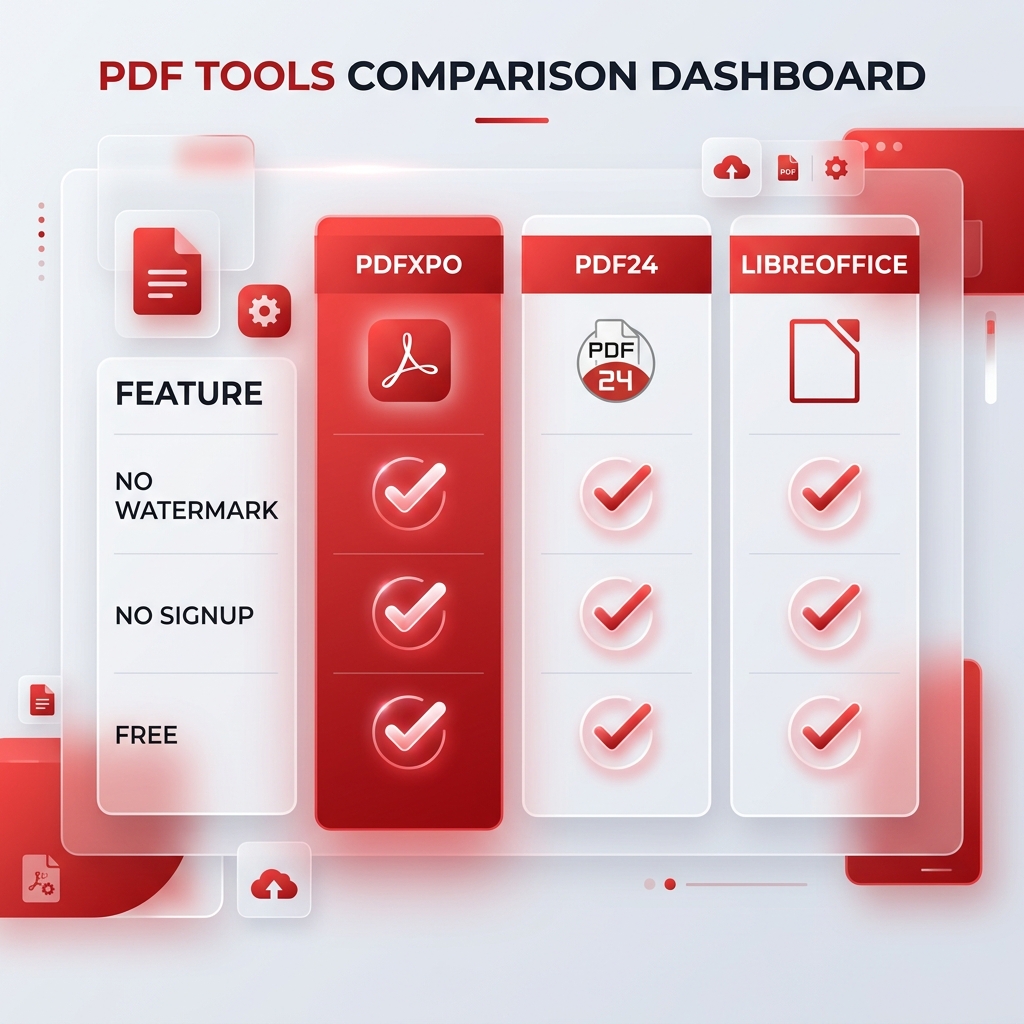
PdfXpo vs Smallpdf — free tools comparison 2026
WHY PEOPLE LOOK FOR A SMALLPDF ALTERNATIVE
Smallpdf is a well-designed tool. But it has one problem that frustrates users every single day: you get 2 free conversions every 24 hours. That is it. Hit the limit and you either wait until tomorrow or pay $12/month.
For anyone who works with PDFs regularly — lawyers, teachers, freelancers, small business owners, students — 2 conversions per day is not enough. And $12/month for basic PDF tasks feels excessive when free alternatives exist.
The complaints users report about Smallpdf most often:
THE BEST FREE SMALLPDF ALTERNATIVE IN 2026 — PDFXPO
PdfXpo was built specifically to solve the limitations that frustrate Smallpdf users. Here is what makes it a better choice for daily PDF work.
Truly unlimited — no daily cap
The tools most people need every day — merging PDFs, splitting PDFs, compressing PDFs, and cropping PDFs — are completely unlimited on PdfXpo. No daily limit, no weekly cap, and no counter ticking in the background. Use them as many times as you need, every day.
No account required
You do not need to create an account, verify an email address, or start a trial to use PdfXpo's core tools. Open the site, drag in your file, download the result. That is the entire process. No friction.
Files never leave your device
This is the feature that matters most for anyone handling sensitive documents. PdfXpo's local tools — merge, split, compress, crop — run entirely inside your browser using WebAssembly technology. Your PDF is never uploaded to any server. It never leaves your device. Not even PdfXpo can see it.
This matters for lawyers handling client contracts, accountants working with financial records, HR teams managing employee files, and anyone submitting documents to government portals. You can verify this yourself — open your browser network inspector while using the tool and you will see zero outgoing file uploads.
PDFXPO VS SMALLPDF — DIRECT COMPARISON
| Feature | PdfXpo | Smallpdf |
|---|---|---|
| Merge PDF free | Unlimited, no account | 2 per day free |
| Split PDF free | Unlimited, no account | 2 per day free |
| Compress PDF free | Unlimited, no account | 2 per day free |
| Crop PDF free | Unlimited, no account | 2 per day free |
| Files uploaded to server | Never — runs in browser | Yes — all files |
| Account required | No | Required for more than 2 |
| Daily limit | None | 2 conversions |
| Price to remove limits | Free forever | $12/month |
| AI-powered tools | Yes — Google Vertex AI | Limited |
| Works on iPhone and Mac | Yes | Yes |
WHICH TOOLS ARE FREE AND UNLIMITED ON PDFXPO?
The following tools are completely free, unlimited, and require no account — because they run entirely in your browser:
These four tools cover the tasks that most people use Smallpdf for every single day. All free. All unlimited. All private.
PDFXPO ALSO OFFERS AI-POWERED TOOLS
Beyond the free unlimited local tools, PdfXpo offers a suite of AI-powered document intelligence tools — converting PDFs to Word, Excel, and PowerPoint, redacting sensitive information, comparing document versions, and more. These tools use Google Cloud's Vertex AI infrastructure and run on a credit system for professional users.
For occasional personal use, the free credits cover most needs. For professional volume — law firms, accounting practices, HR departments — the Pro plan at $4.99/month is more cost effective than paying per document anywhere else.
WHO SHOULD SWITCH FROM SMALLPDF TO PDFXPO?
PdfXpo is the right choice if you:
Smallpdf remains a reasonable choice if you need only 1-2 PDF tasks per day, your documents are not sensitive, and you do not mind the daily limit.
HOW TO SWITCH FROM SMALLPDF TO PDFXPO
There is nothing to install and no account to create.
Go to pdfxpo.com
Select the tool you need from the homepage
Drag your file in or click to upload
Download the result
Your files stay on your device throughout. There is no limit counter. There is no upgrade prompt. If you are currently paying for Smallpdf, cancel your subscription — PdfXpo's free tools cover everything you are paying for.
FREQUENTLY ASKED QUESTIONS
Q: Is PdfXpo really free with no limits?
A: The core local tools — merge, split, compress, and crop — are completely free with no daily limits and no account required. These run in your browser and never upload your files. This is not a trial — it is free permanently.
Q: Does PdfXpo have a free trial that requires a credit card?
A: No. The free tools require no credit card and no account of any kind. You open the site and use them immediately.
Q: Is PdfXpo safe for confidential documents?
A: Yes. Local tools process your files entirely inside your browser. Your document never reaches any server — not even PdfXpo's servers. The processing genuinely happens on your device using WebAssembly technology. You can verify this with your browser's network inspector.
Q: What is the difference between PdfXpo and Smallpdf?
A: The main difference is limits and privacy. Smallpdf limits free users to 2 conversions per day and uploads all files to their servers. PdfXpo's core tools have no limits and never upload your files. For advanced AI tools like PDF to Word, PdfXpo uses a credit system rather than a hard daily cap.
Q: Does PdfXpo work on iPhone and mobile?
A: Yes. All tools work on iPhone, Android, Mac, Windows, and any modern browser without installing an app.
Q: How does PdfXpo make money if the tools are free?
A: PdfXpo's business model is transparent. Basic local tools are free forever — they cost very little to run because processing happens on your device. Revenue comes from Pro plan subscriptions for professional users who need AI-powered tools like PDF to Word, and from Tax Sentinel — a compliance portal for professionals submitting documents to tax authorities globally.
Written by the PdfXpo Team. PdfXpo is a document intelligence platform built for professionals who handle sensitive documents daily. Our tools combine browser-based privacy with Google Cloud AI intelligence — fast enough for millions, private enough for you.