Convert Large Scanned PDF to Word for Free
Converting a 'large scanned PDF' into an editable Word document is one of the most resource-intensive tasks in digital document management. Most online converters fail when a file exceeds 50MB or has more than 100 scanned pages, often timing out or demanding a premium subscription. In 2026, you shouldn't have to pay a toll just to access your own data. PdfXpo is engineered specifically to handle 'heavy' documents. By utilizing WASM-SIMD and multi-core browser processing, we bypass the file size limits that plaque traditional server-side tools. Whether you have a 300MB legal archive or a 1,000-page scanned manuscript, our local engine performs a 'Deep Scan' at the binary level. We don't just 'read' the images; we reconstruct the entire document structure locally, ensuring that your large files are converted with zero data loss and maximum speed.
100% Local Privacy
Your files never leave your computer
Local Browser Power
Instant Processing in Browser
Secure Client-Side Processing
Data is handled entirely within your browser for maximum security
How to Convert to Word — Step by Step
Open the [Large PDF to Word](https://pdfxpo.com/pdf-to-word) tool on PdfXpo.com.
Drag and drop your large scanned PDF (up to 500MB supported in modern browsers).
Wait as the engine allocates local memory to handle the high-resolution images.
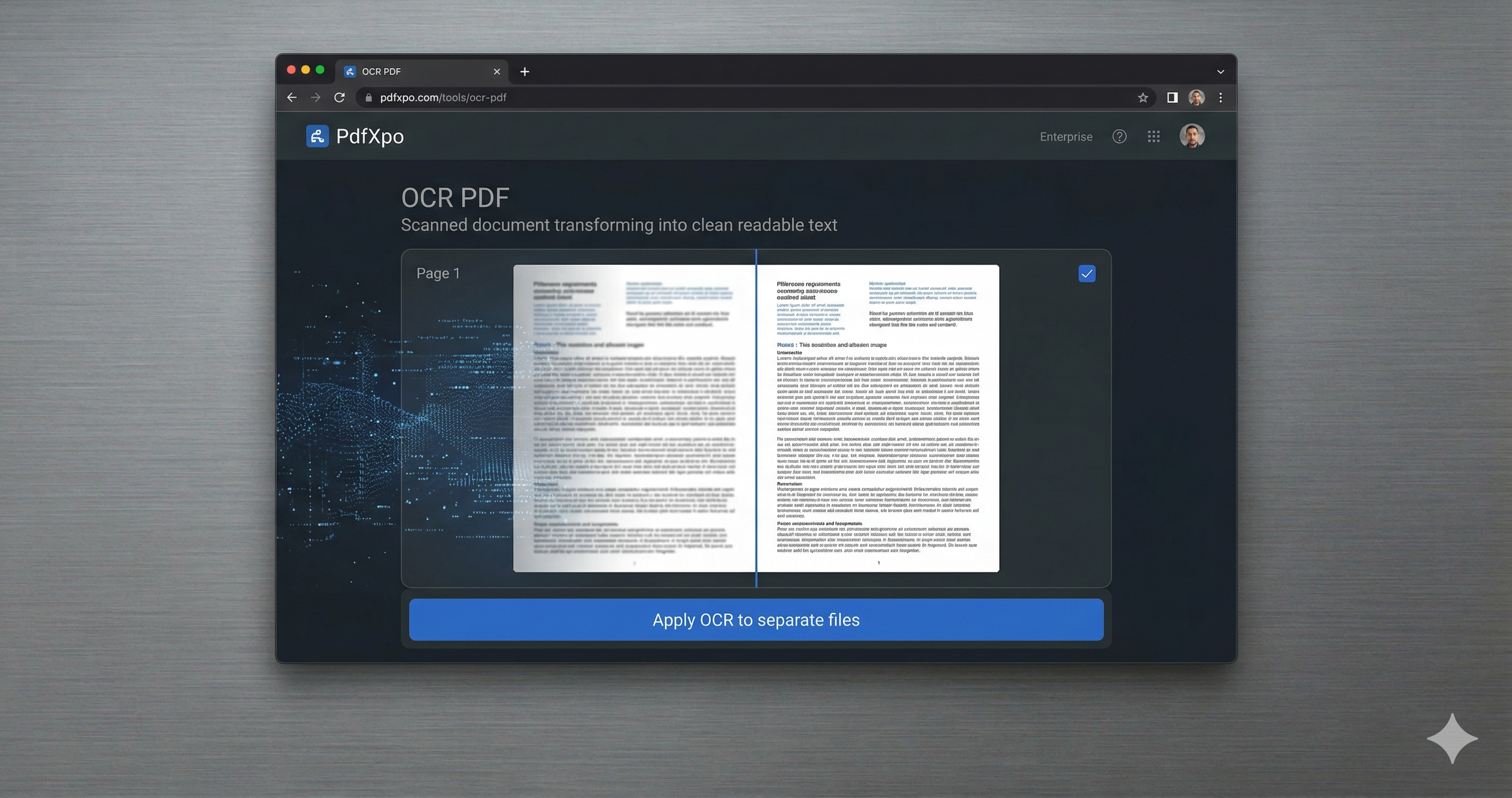
Advanced OCR will run in a multi-threaded process, converting images to editable text in seconds.
Save the final Word file (DOCX) directly to your computer without waiting for a server upload.
Why PdfXpo is the Best Choice for Large Scanned Files
Server-side converters struggle with large files because they have to upload the massive data, process it in a queue, and then wait for you to download it. This takes time and poses a significant security risk. PdfXpo's architecture is fundamentally different. Since the processing happens entirely within your browser's memory, there is no 'upload' phase. Our engine is optimized for Windows 10/11 and macOS hardware acceleration. It leverages every core of your CPU to perform OCR on hundreds of pages simultaneously. This 'Deep Scan' technology recognizes not just text, but the spatial relationship between elements, meaning your tables, signatures, and handwritten notes are preserved in their original context. For large-scale projects, this local-first approach is the only way to ensure both performance and 100% privacy.
Privacy Protocol
Privacy is paramount with large, sensitive archives. Our 'Zero-Retention' policy means your 300MB files never travel across the internet. They stay exactly where they belong: on your machine.
Safety Signals: Files auto-deleted in 60 seconds. No account required. All processing remains on your hardware (WASM).
Optimization Tips for Very Large PDFs
Ensure you have enough free RAM (at least 8GB recommended) for files over 200MB to allow the browser to cache the images during OCR.
Use 'Chrome' or 'Edge' for the best multi-threaded performance with our WASM engine.
If the document is extremely blurry, use our [OCR PDF](https://pdfxpo.com/ocr-pdf) tool first to sharpen the text recognition before final formatting.
For multiple large files, use our [Batch Processing](https://pdfxpo.com/bulk-pdf-to-word-converter-free-online) tool to process them in a queue efficiently.
Frequently Asked Questions
What is the maximum file size I can convert?
PdfXpo supports files up to 500MB, depending on your browser's available memory. Most standard 'large' PDFs are under 250MB.
How long does it take to convert a 200-page scanned document?
On a modern multi-core machine, our engine typically processes a 200-page document in under 60 seconds thanks to local WASM threading.
Do I lose formatting when converting large scanned files?
No. Our pixel-perfect reconstruction engine is designed to maintain margins, font styles, and table layouts even in heavy documents.