Bulk PDF to Word Converter Free Online
Do you have a massive library of PDF documents that need to be edited? Converting files one-by-one is slow, frustrating, and prone to errors. Whether you are dealing with a year's worth of financial statements, a semester's worth of lesson plans, or an entire department's worth of archives, you need a high-speed, reliable solution. PdfXpo introduces the most powerful bulk PDF to Word converter of 2026. Built on a unique multi-threaded architecture, our tool processes hundreds of files simultaneously directly within your browser. Unlike other "free" tools that limit you to 2 or 3 files per session, PdfXpo allows you to drop as many documents as your hardware can handle. Most importantly, because it uses local WASM-SIMD technology, your files are never uploaded to a server, making it the fastest and most private bulk converter available today.
100% Local Privacy
Your files never leave your computer
Local Browser Power
Instant Processing in Browser
Secure Client-Side Processing
Data is handled entirely within your browser for maximum security
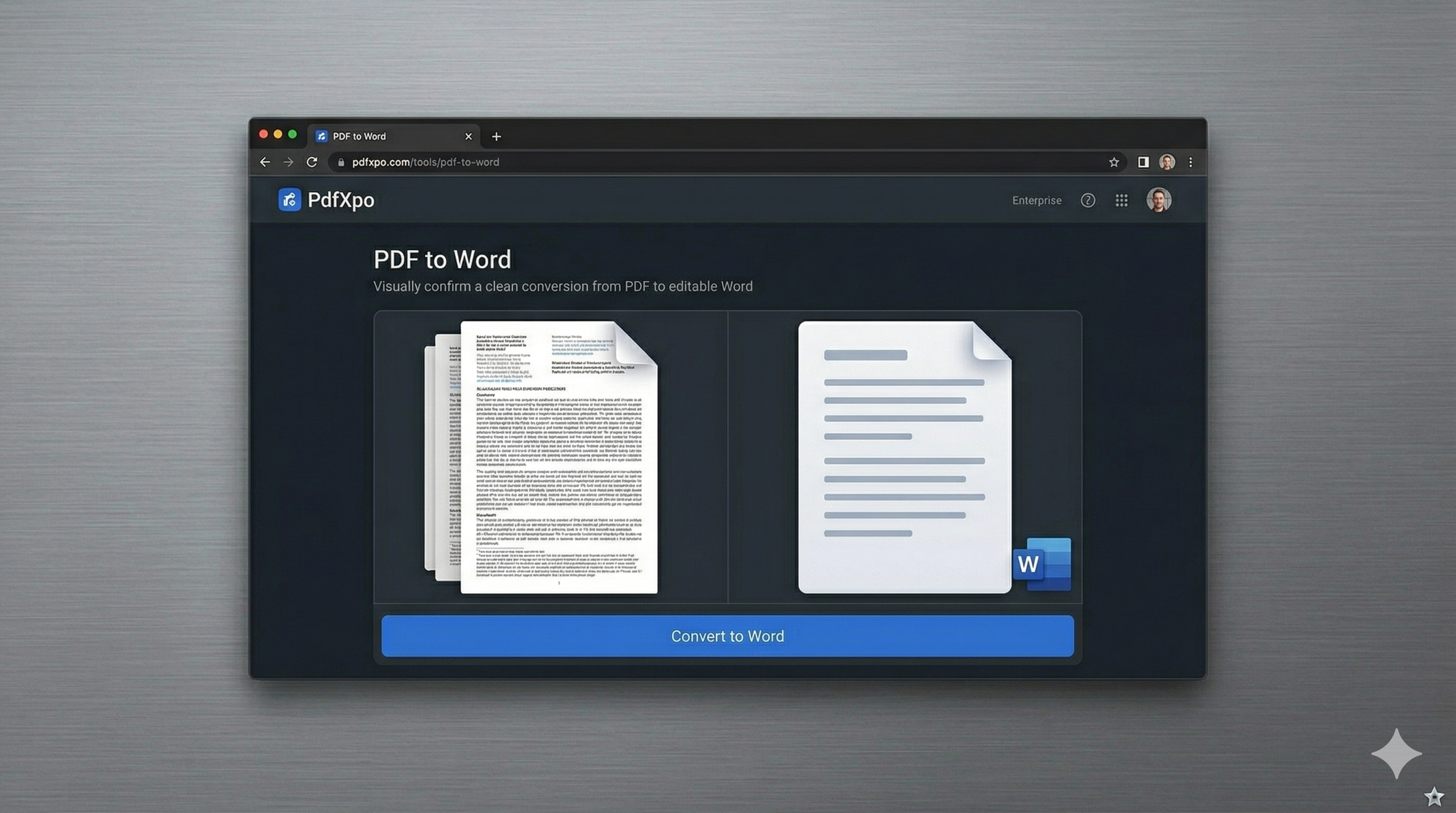
How to Convert to Word — Step by Step
Navigate to the [PDF to Word](https://pdfxpo.com/pdf-to-word) tool on PdfXpo.com.
Select multiple PDF files from your computer or drag an entire folder into the drop zone.
Choose your conversion settings (High-Fidelity or Standard) for the entire batch.
Watch as our local engine processes multiple files in parallel using your CPU's native speed.
Download your converted Word documents as a single organized ZIP file or individually.
Why Businesses and Professionals Choose Bulk Processing on PdfXpo
Time is the most valuable asset in any professional environment. Traditional bulk converters require you to upload your entire library to a remote server, wait for a queue, and then download everything back. This is slow and creates a significant security risk for sensitive corporate data. PdfXpo changes the game by bringing the server to you. Our batch engine operates on your local machine, utilizing your processor's full power to reconstruct documents concurrently. There is no "uploading" and no "downloading" from the cloud—everything stays in your local RAM. We support complex layouts, multi-page PDFs, and documents with embedded graphics. Best of all, it's 100% free with no daily limits or registration bottlenecks.
Privacy Protocol
Our "Privacy-First" commitment means your files never leave your environment. Whether you are converting 5 files or 500, every byte of data is processed locally. We have a zero-log policy, ensuring that your batch conversion is as secure as if you were working offline.
Safety Signals: Files auto-deleted in 60 seconds. No account required. All processing remains on your hardware (WASM).
How to Optimize Your Bulk Conversions
For the fastest results, use a modern browser like Chrome or Edge that supports advanced multi-threading.
Close other heavy browser tabs while processing very large batches (over 100 files) to free up system memory.
If your PDFs are scanned, ensure they have been passed through our [OCR PDF](https://pdfxpo.com/ocr-pdf) tool first for text recognition.
Use our [Organize PDF](https://pdfxpo.com/organize-pdf) tool beforehand if you need to merge or split files before batching them into Word.
Frequently Asked Questions
How many files can I convert at once?
PdfXpo does not impose a hard limit. You can convert as many files as your system memory can handle, typically ranging from 50 to 500 files at once.
Is there a file size limit for bulk processing?
No. Unlike competitors, we do not limit the size of individual files within a batch conversion session.
Do I need to pay for batch processing?
No. Bulk PDF to Word conversion is 100% free on PdfXpo. We do not have hidden tiers or 'Pro' versions.