Batch Convert PDF to Word Online Free — Multi-File Processing

Have dozens of PDF files to convert? Don't do them one by one. PdfXpo's ultra-fast batch converter allows you to upload an unlimited number of documents and convert them all to Word simultaneously. No waiting, no queues, just efficiency.
How to Batch Convert Multiple PDFs to Word for Free
Visit PdfXpo.com and drag multiple PDF files into the converter area.
Our system automatically queues all files for parallel processing.
Select 'Convert All' to start the high-speed browser-based conversion.
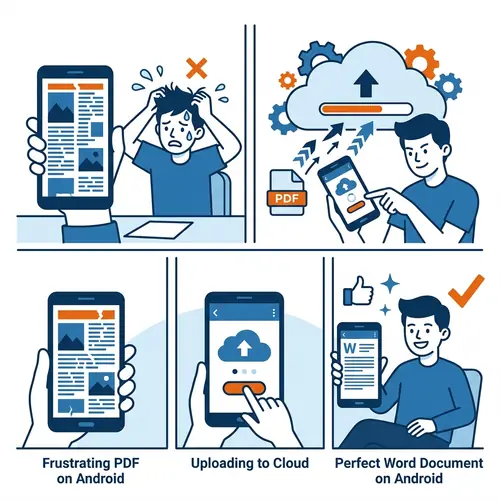
Monitor the real-time progress bar for each individual document.
Download all your converted Word files at once as a single ZIP archive.
The Fastest Batch Engine on the Web
| Feature | PdfXpo | iLovePDF | Smallpdf |
|---|---|---|---|
| Always Free | YES | Limited | Limited |
| No Signup Ever | YES | Required | Required |
| Files Stay Private | In-browser | Cloud upload | Cloud upload |
| No Watermarks | Never | Free tier | Free tier |
| Works on Mobile | YES | YES | YES |
Most online tools limit batch processing to 2 or 3 files to save server costs. PdfXpo is different. Because our converter runs in your browser, it uses your local CPU power. You can queue up 50 or 100 files, and they will process in parallel. It's safe, private, and exceptionally fast.

Frequently Asked Questions
Q: How many files can I convert at once?
A: There is no hard limit. You can upload as many files as your browser can handle. Most users successfully batch-convert 50+ files in one go.
Q: Will I get a separate file or a ZIP?
A: You have both options. You can download each file individually as they finish, or click one button to download everything in a neatly organized ZIP folder.
Q: Is batch processing slower?
A: No. We process files in parallel, meaning multiple conversions happen at the same time. It is significantly faster than doing them one by one.
Q: Is there a file size limit for batching?
A: No. You can combine large files and small files in the same batch. Our engine handles the heavy lifting locally.
Explore More Pro-Tools
Save hours of manual work.
Experience the power of multi-file conversion for free.
Start Batch Conversion Now