Redact an SSN from a PDF (Free)

A single exposed Social Security number is all an identity thief needs, so it has to be removed properly before you email, upload, or print a document. The mistake almost everyone makes is covering the SSN with a black highlight or box — the nine digits remain in the file and can be revealed by selecting the text or stripping the layer. PdfXpo removes the SSN from inside the PDF itself, so once it is redacted, it cannot be recovered by any means.
A document containing an SSN is the last thing you want sitting on someone else's cloud server. PdfXpo never uploads it — the entire redaction happens locally in your browser through WebAssembly, so the file stays on your device from start to finish. It is completely free, with no account and no watermark, so removing an SSN from a tax form, offer letter, or application takes seconds and leaves no trace anywhere but your own computer.
100% Local Privacy
Your files never leave your computer
Local Browser Power
Instant Processing in Browser
Secure Client-Side Processing
Data is handled entirely within your browser for maximum security
How to Redact an SSN from a PDF (Free) — Step by Step
1. Open the free Redact PDF tool at PdfXpo.com — no account, no email, nothing to install. The tool loads entirely in your browser, so your file never gets uploaded to a server. Drag your file straight in and it is ready to work on in seconds.
2. Draw a box over every piece of sensitive information you need gone — names, numbers, addresses, signatures, whole regions of a page. You can mark as many areas across as many pages as you like; there is no daily limit and no watermark on the result.
3. Run the redaction. PdfXpo physically deletes the underlying text and image data inside the file — not just a black box on top — so the information cannot be copied, searched, or recovered. Download your clean, court-and-compliance-ready PDF instantly.
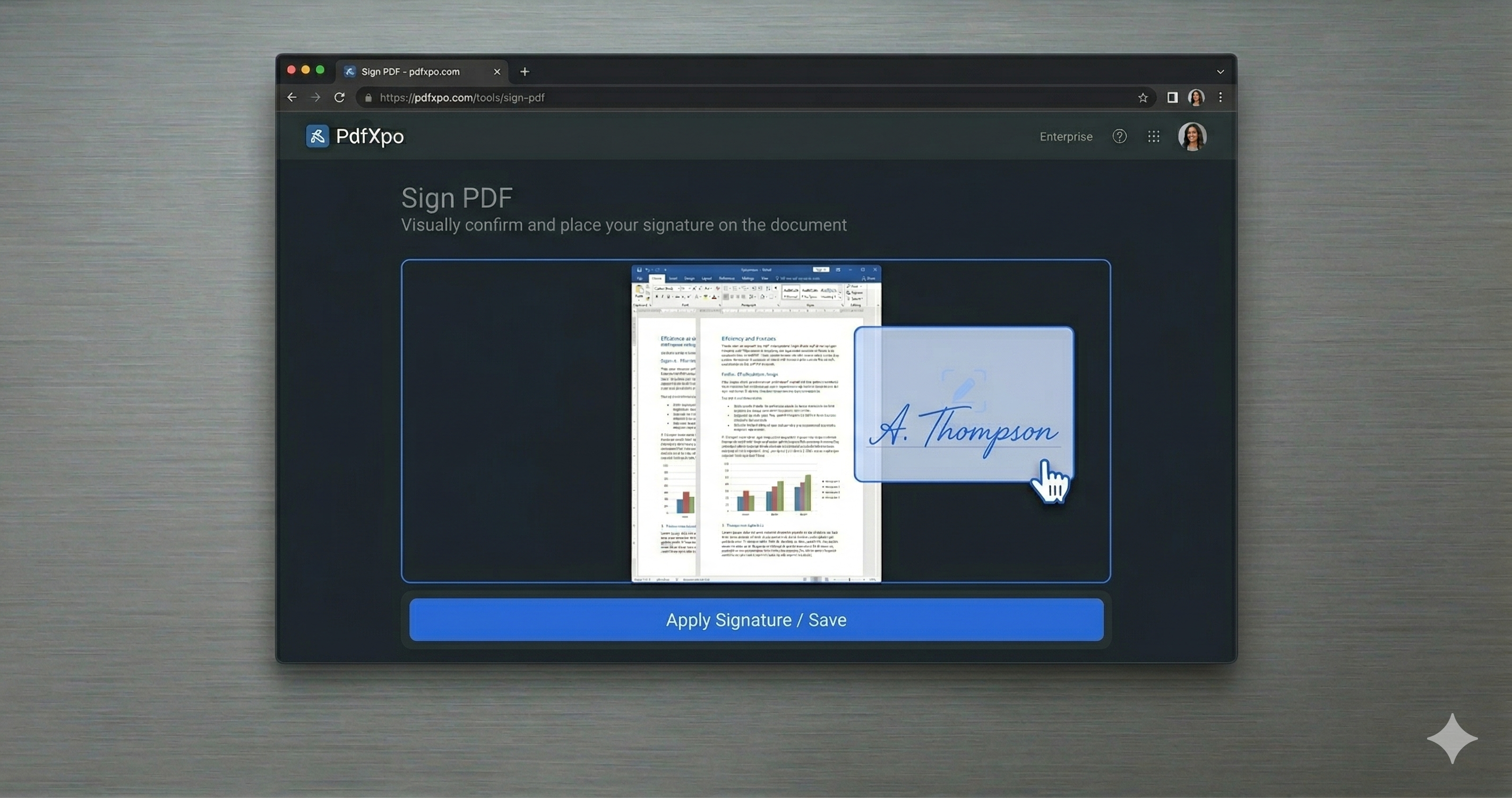
Why PdfXpo for Redaction
PdfXpo is the safe choice for SSNs and other identifiers because it does two things ordinary editors do not: it permanently destroys the data instead of hiding it, and it never transmits your file. No account, no watermark, no daily limit — and a privacy guarantee you can verify yourself by watching the (empty) network activity during redaction.
Common Questions
Why isn't a black highlight over the SSN safe?
Because the digits still exist underneath. Anyone can select the text or inspect the file and read them. PdfXpo deletes the underlying characters so the SSN is permanently unrecoverable.
Is the document with my SSN uploaded to a server?
No. PdfXpo redacts in your browser; the file never leaves your device, so the SSN is never transmitted anywhere.
Can I remove more than one SSN or other PII at once?
Yes. Mark every SSN, name, and number across the document and remove them all in one pass — free and with no limit.
Does the redacted PDF still open normally?
Yes. It stays a standard PDF that opens in any reader; only the redacted content is gone.