Redact PDF for GDPR Compliance | Secure PII Removal
Protecting Personally Identifiable Information (PII) is a fundamental legal requirement in 2026, especially under global frameworks like GDPR in Europe, HIPAA in the United States, and CPRA in California. Whether you're a data protection officer, a legal professional, or a business owner, ensuring that sensitive information—such as names, Social Security numbers, addresses, and financial details—is permanently removed from your PDF documents before they are shared is critical for maintaining compliance. Simply drawing black boxes over text is not enough; if the underlying data isn't professionally 'sanitized,' sophisticated attackers or even simple text-selection tools can easily recover the 'redacted' information, leading to devastating legal consequences and massive fines.
PdfXpo provides a specialized 'Privacy-Hardened' redaction engine designed specifically for high-compliance environments. We understand that in a GDPR or HIPAA scenario, there is zero room for error. Our neural conversion tool doesn't just overlay blocks; it performs a deep structural audit of the PDF's internal binary code. It identifies and permanently purges the specific data bytes associated with your redacted areas, ensuring that the PII is technically and logically removed from the file forever. Whether you're preparing documents for a Freedom of Information Act (FOIA) request or sharing sanitized research data, PdfXpo enables you to achieve military-grade data protection in seconds.
Security and processing speed are especially critical when handling high-stakes documents that contain sensitive personal or corporate data. PdfXpo is unique because it uses local, browser-based processing via WebAssembly (WASM). Your sensitive documents never leave your computer. We do not upload your files to our servers, meaning your private data is never stored, analyzed, or exposed to the risk of a cloud data breach throughout the redaction process. You can achieve GDPR-compliant data removal with absolute privacy and zero signup friction. It's 100% free forever, providing you with a secure, high-speed alternative to traditional cloud-based document converters that often compromise your data sovereignty during the most sensitive compliance tasks.
100% Local Privacy
Your files never leave your computer
Local Browser Power
Instant Processing in Browser
Secure Client-Side Processing
Data is handled entirely within your browser for maximum security
How to Redact PDF for GDPR Compliance — Step by Step
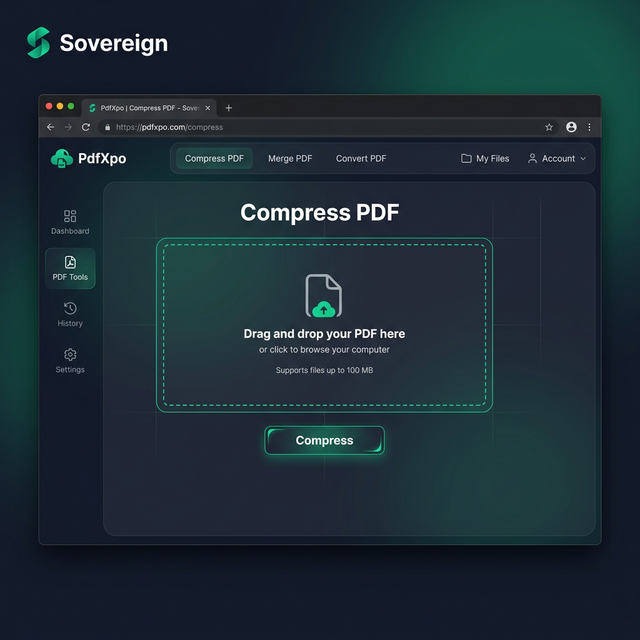
1. Visit the secure PdfXpo.com homepage and select the professional-grade 'Redact PDF' or 'Sanitize PDF' tool to begin preparing your documents for GDPR compliance. You will find a clean, responsive interface that operates entirely within your browser's local sandbox, ensuring your sensitive PII and confidential identifiers never travel across the internet. Drag and drop the sensitive PDF you wish to mask directly into the secure processing dashboard and prepare for immediate local WASM optimization.
2. Use the intuitive masking tool to highlight all the sensitive text, names, and numbers that must be removed from the document for your specific compliance report. Our neural technology will perform a real-time structural audit of the PDF's internal layers, identifying the hidden text streams and metadata that must be purged to ensure your data remains 100% protected on your own hardware. Watch the progress indicator as the neural optimizer prepares your document for a successful, error-free sanitization right in your browser window.
3. Tap the 'Apply Redaction' button to execute the browser-based data purge and receive an immediate link to download your watermark-free, compliant PDF directly to your device's local folder. Once the download is complete, you should open the resulting PDF to verify that all your sensitive entries are visible as black blocks and can no longer be searched or selected. Share your sanitized document with the regulatory body or public portal and proceed with your compliance requirement with total confidence and zero risk of data exposure.
Why DPOs Choose PdfXpo for Compliance
When your legal compliance is on the line, your documentation must be technically flawless and irreversible. Many 'free' online PDF editors use simple graphics overlays that can be 'undone' by anyone with a decent PDF editor, exposing your sensitive data. PdfXpo ensures your work remains professional and archival-grade. We use advanced neural reconstruction for data purging, ensuring that once you redact an area, the underlying text layers are permanently deleted from the document binary. This ensures your legal briefs, medical reports, and internal corporate audits remain professional and ready for secure sharing.
Furthermore, we eliminate the 'signup walls' and 'processing limits' that can slow you down during high-pressure audit seasons. You don't have to waste time verifying emails or managing subscriptions when you have multiple sensitive documents to sanitize immediately for a deadline. PdfXpo is 100% free and unlimited, allowing you to optimize and redact your entire compliance suite in a single, high-speed session. By keeping the processing local on your own device via WASM, we provide a faster and more private experience than cloud-resident competitors like iLovePDF or Smallpdf, protecting your personal data throughout the entire sanitization cycle.
Common Questions
Is the redaction performed by PdfXpo permanent and irreversible?
Yes. Unlike simple PDF editors that just place a black box over text, PdfXpo's 'Sanitize' engine actually deletes the underlying text and image data from the document's binary stream. Once the process is finished and you download the file, there is no way for someone to 'un-redact' or recover the masked information using standard text selection or developer tools.
Does original document metadata get removed during the redaction process?
Yes, besides masking the visual text, our 'Secure Redact' tool can be configured to purge hidden metadata, such as authorship data, timestamps, and revision histories. This ensures that your document is 'clean' from both a visual and technical standpoint, satisfying the most stringent GDPR and HIPAA audit requirements.
Is it safe to redact extremely sensitive PII on an online tool?
PdfXpo is the safest online tool for compliance professionals because it uses local processing. Your files never leave your computer; the 'online' part of the tool is just the interface. All the actual data purging happens on your machine, ensuring that your Social Security numbers and private details are never exposed to the internet or stored on our servers.