PDF to Word Windows 11 free
Looking for a built-in way to convert PDFs on your new PC? You can convert a PDF to Word on Windows 11 for free using PdfXpo’s high-performance web application. While Windows 11 doesn't include a dedicated PDF-to-Word utility, and using the "Open with Word" feature often destroys complex formatting, PdfXpo provides a superior, logic-based reconstruction that preserves your document’s original integrity. It works seamlessly within Microsoft Edge, Google Docs, or any browser, offering a fast and secure desktop experience without the need for bloated software installations.
100% Local Privacy
Your files never leave your computer
Local Browser Power
Instant Processing in Browser
Secure Client-Side Processing
Data is handled entirely within your browser for maximum security
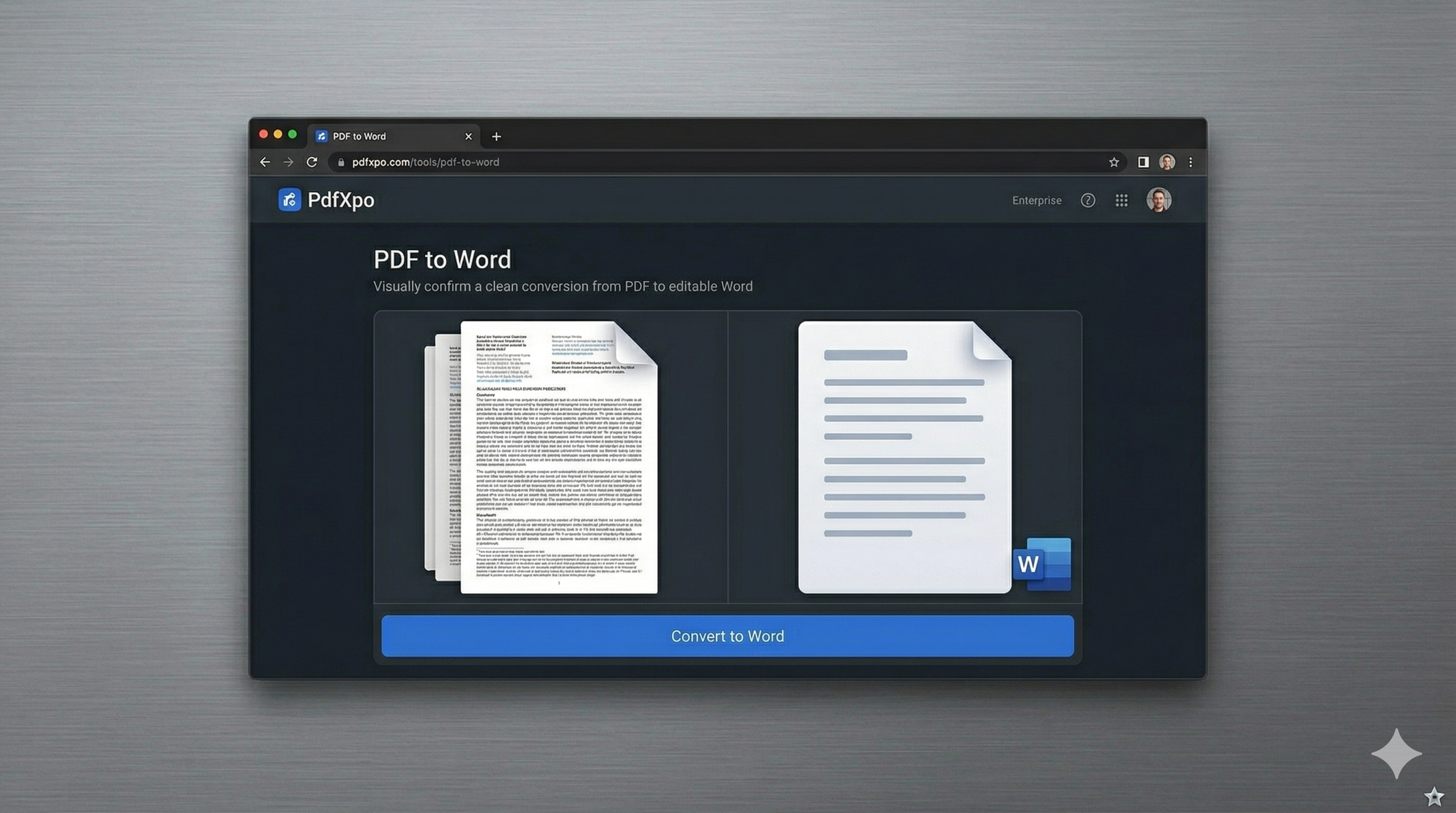
How to Convert to Word — Step by Step
Open Microsoft Edge or Chrome and visit pdfxpo.com/pdf-to-word.
Drag your PDF from your Windows File Explorer directly into our secure workspace.
Our Neural Synthesis engine will analyze your file using your Windows CPU for maximum speed.
Download your .docx file and it will open perfectly in your standard Microsoft Office setup.
Windows 11 vs. PDF Formatting: The Struggle
Native Windows 11 tools are great for viewing PDFs, but when it comes to editing, the options are limited. Many users try to right-click a PDF and "Open with Word," only to find that the resulting document is a mess of broken frames, misaligned text, and corrupted images. This "reflow" method used by Word is inherently flawed because it tries to force PDF data into Word's layout engine without understanding the original document's structure. Furthermore, professional PDF suites for Windows often come with steep price tags and heavy system footprints. Installing a 500MB software package just to convert a few documents isn't efficient and clutters your registry. PdfXpo offers a "Green" alternative. Our tool is optimized for the latest Windows 11 environment, utilizing modern browser APIs to deliver lightning-fast conversions.
Privacy Protocol
Windows users are a primary target for malware bundled in "free PDF tools." PdfXpo eliminates this risk by operating entirely within the safe environment of your web browser. There is no .exe to download and no risk to your Windows 11 system files.
Safety Signals: Files auto-deleted in 60 seconds. No account required. All processing remains on your hardware (WASM).
Optimized for Windows 11 Performance
PdfXpo is designed to leverage the modern hardware often found in Windows 11 machines.
By using WebAssembly (WASM), we tap into your multi-core processor for incredible speed.
Complex documents with multi-column layouts and intricate graphics are synthesized in seconds.
We preserve original font mappings, ensuring that your text looks identical and remains searchable.
Frequently Asked Questions
Can I use this without Microsoft Office installed?
Yes. Once you convert the file to .docx, you can open it in free alternatives like LibreOffice, Google Docs, or the online version of Word.
Is it safer than downloading a free PDF converter for Windows?
Much safer. Since PdfXpo is web-based and runs securely on the edge, you don't have to worry about the security risks associated with downloading and installing unsigned .exe files.
Does it support the 'Snap Layouts' feature in Windows 11?
Yes, our web app is fully responsive and works perfectly with Windows 11 productivity features like Snap Layouts and split-screen multitasking.
What browser should I use on Windows 11?
PdfXpo is optimized for Microsoft Edge, Chrome, and Firefox on Windows 11. We recommend using a Chromium-based browser for the best performance.