Convert PDF to Word on Windows 11 | Professional Document Reconstruction
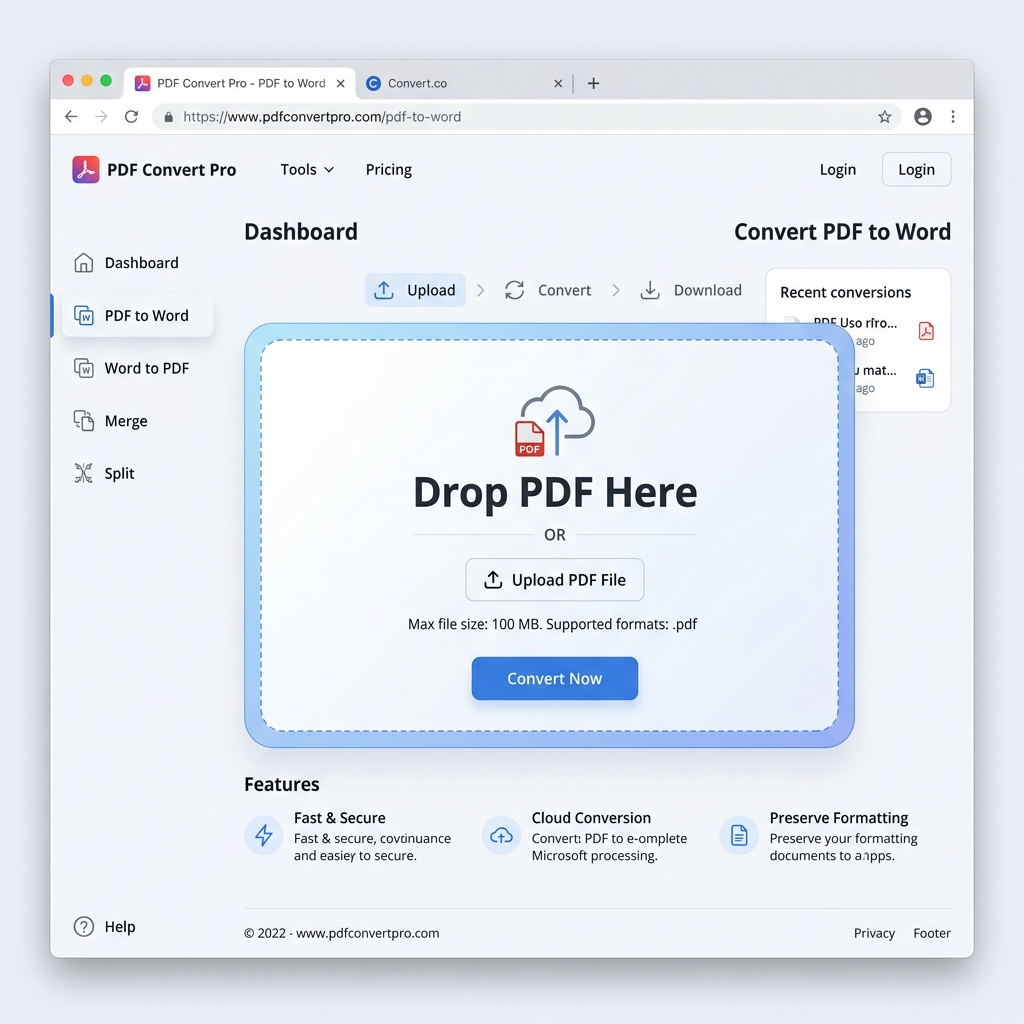
Windows 11 has redefined the modern desktop experience, emphasizing speed, productivity, and sleek aesthetics. Whether you're a business professional using a Microsoft Surface or a student on a high-end workstation, the ability to convert PDFs into editable Word documents is a cornerstone of your daily workflow. Often, you'll receive a PDF report, memo, or contract that needs immediate modification or data extraction. While Windows 11 offers various tools for viewing and printing PDFs, it lacks a dedicated, high-performance native feature for converting these files into fully editable Docx format without losing their original formatting.
PdfXpo provides a premium, 'SaaS-Grade' conversion solution that integrates perfectly with the Windows 11 ecosystem. We leverage the power of modern web standards—including WebAssembly (WASM)—to run high-speed document reconstruction right within your browser, whether you prefer Microsoft Edge, Google Chrome, or Mozilla Firefox. This means you turn your PC into a high-performance document processing workstation without the need to install bloated desktop software or pay for expensive monthly subscriptions. It's the ultimate solution for Windows 11 power users who demand professional precision with zero-friction accessibility.
Data sovereignty and privacy are top priorities for the Windows community, especially for those handling sensitive legal or financial paperwork. PdfXpo addresses this by keeping the entire conversion cycle local to your hardware. Unlike traditional online converters that force you to upload your sensitive contracts and private records to their remote cloud servers, PdfXpo ensures your files never leave your browser. This 'Air-Gap' approach to privacy ensures that your confidential information remains 100% private, with no storage on our end and zero signup friction. It's the fastest, safest way to convert PDF to Word on Windows 11 in 2026.
100% Local Privacy
Your files never leave your computer
Local Browser Power
Instant Processing in Browser
Secure Client-Side Processing
Data is handled entirely within your browser for maximum security
How to Convert PDF to Word on Windows 11 — Step by Step
1. Open Microsoft Edge or Google Chrome on your Windows 11 PC and navigate to PdfXpo.com to access our premium PDF-to-Word conversion tool. You will find a clean, responsive interface that matches the modern Windows 11 aesthetic and requires no software installation or registration. Drag and drop the large PDF you wish to make editable from your File Explorer directly into the secure processing dashboard for immediate optimization.
2. Upload your file and selection the 'Recommended' conversion preset to ensure the neural engine performs an immediate structural audit of your document's layout and typography. The conversion process happens entirely within your browser sandbox using your PC's native hardware, ensuring your sensitive data remains 100% private and protected from cloud vulnerabilities. Watch the progress bar as our WASM technology transforms your static PDF into a fully editable, high-fidelity Microsoft Word document.
3. Click the 'Convert' button to finalize the document reconstruction and receive an instant download link for your watermark-free Docx file directly in your downloads folder. Once the download is complete, you can open the file in Microsoft Word 365 or Word 2024 to begin making your professional edits and updates. Verify that all your tables, images, and font styles have been preserved perfectly before you finalize your business reports or academic submissions.
Why Windows 11 Professionals Choose PdfXpo
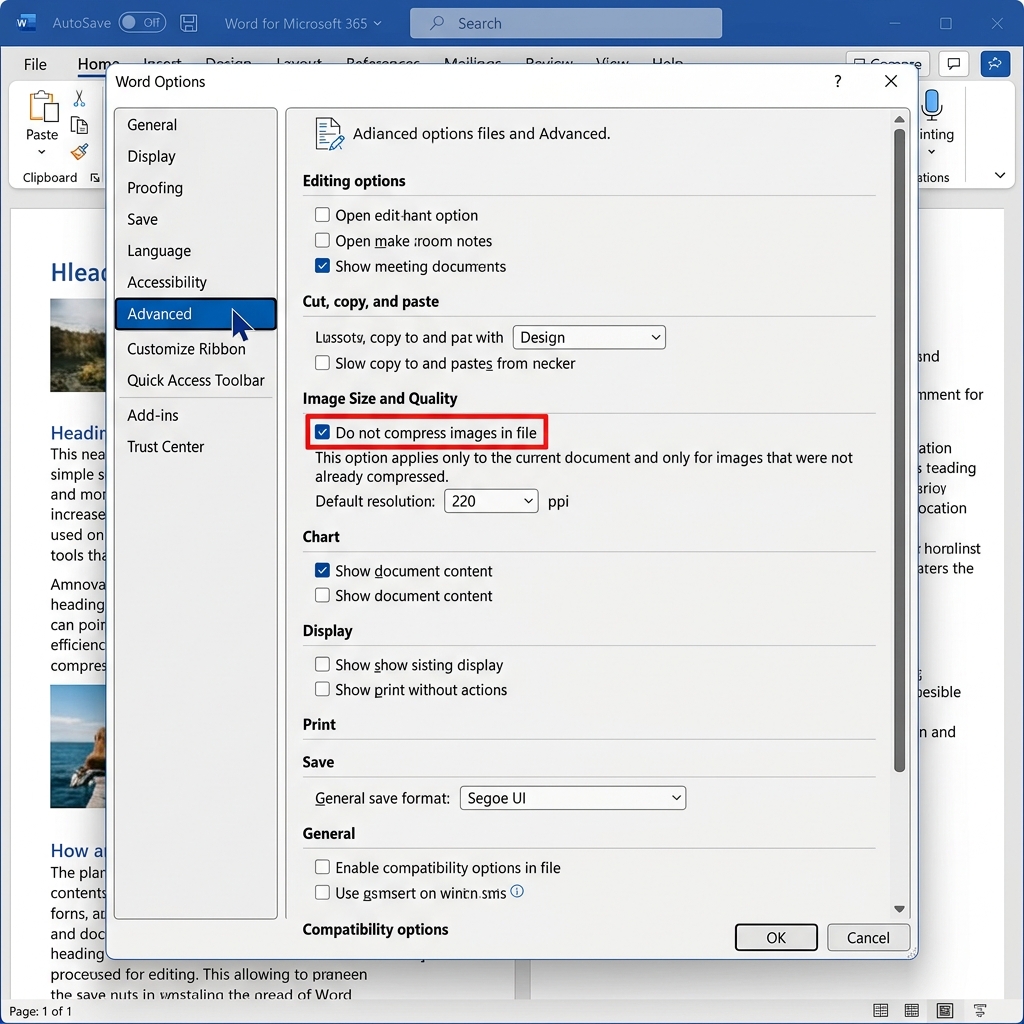
Most legacy Windows PDF applications are bloated, expensive, and require constant updates that can slow down your system. Adobe Acrobat and similar desktop suites often take up significant disk space and can be confusing for simple conversion tasks. PdfXpo provides a 'Modern Web' alternative that matches the aesthetic and performance standards of Windows 11. We use advanced neural reconstruction to ensure your tables remain functional, your images stay crisp, and your text layers remain 100% editable without the 'fuzziness' found in lower-quality tools.
Furthermore, we eliminate the security risks associated with 'free' Windows software downloads. The internet is full of PDF converters that come bundled with unwanted malware or trackers that can compromise your PC's performance. Because PdfXpo runs entirely in the secure sandbox of your browser using WASM, it represents the safest way to process documents on Windows. There is no need for 'Connect to Drive' permissions or email signups—just high-speed, 100% free conversion whenever you need it. By keeping the processing local on your machine, we provide a faster and more private experience than cloud-resident competitors, helping you maintain a clean and secure Windows 11 environment.
Common Questions
Do I need to install any software to convert PDF to Word on Windows 11?
No. PdfXpo works directly in your web browser (Microsoft Edge, Chrome, or Firefox). This saves you from having to install heavy desktop apps that can slow down your PC and take up valuable storage space. Simply visit our site, upload your file, and convert it instantly with no installation required.
Will the Word document look exactly the same as my original PDF?
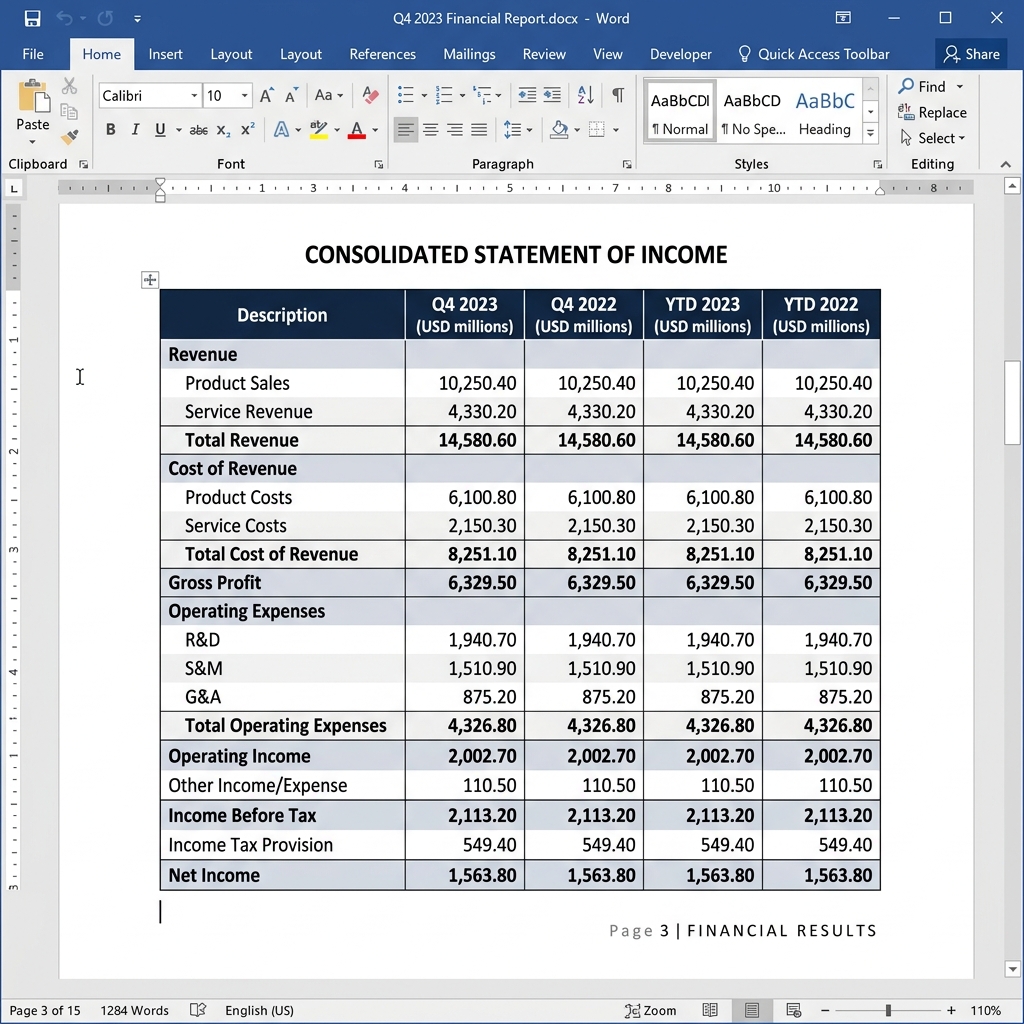
Yes. Our neural conversion engine is designed to prioritize a 1:1 match with your original layout. We specifically focus on maintaining the integrity of tables, font styles, and image placements so your document is ready for professional submission the moment you open it in Microsoft Word.
Is it safe to convert my sensitive company records on PdfXpo?
It is the safest method available for Windows users. Because PdfXpo uses local browser-resident processing, your documents never leave your PC. Your private data is never sent to a server, never stored in a database, and never analyzed by a third party, ensuring total confidentiality for your professional and personal files.