Convert multiple PDF files to Word
Have a folder full of PDFs that need editing? You can convert multiple PDF files to Word efficiently using PdfXpo’s high-speed conversion workflow. Whether you're dealing with a batch of quarterly reports, an archive of client contracts, or a series of research papers, PdfXpo allows you to process your documents one by one with near-instant results. While we prioritize the integrity of individual file synthesis, our "no-limit" and "no-signup" policy makes handling a large volume of files faster and more private than traditional batch tools.
100% Local Privacy
Your files never leave your computer
Local Browser Power
Instant Processing in Browser
Secure Client-Side Processing
Data is handled entirely within your browser for maximum security
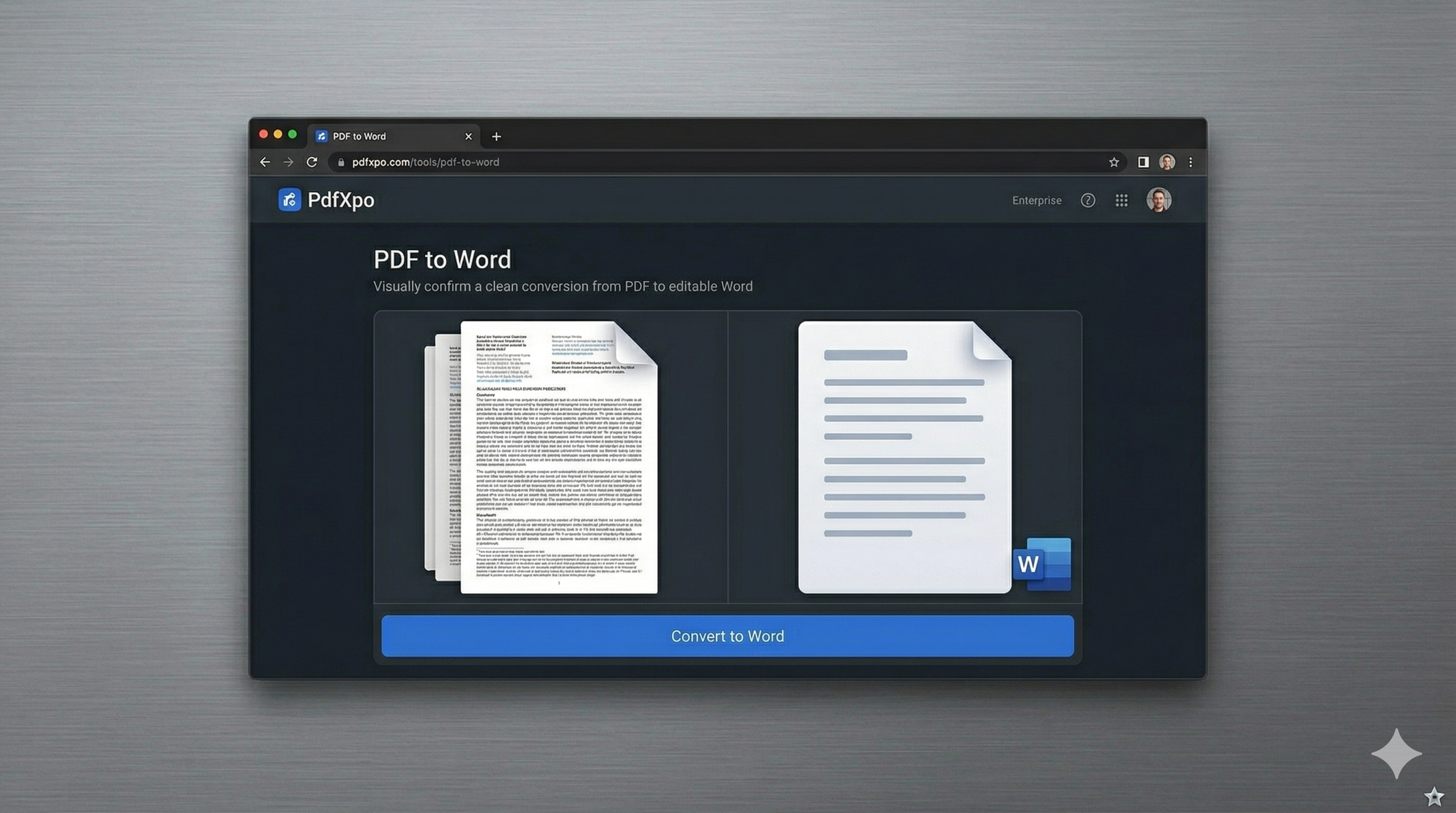
How to Convert to Word — Step by Step
Open pdfxpo.com/pdf-to-word in its own dedicated browser tab.
Upload your first PDF and start the synthesis.
Once finished, download the Word file and immediately refresh or click 'convert another'.
Repeat the process for your entire folder. You'll finish a batch of 10 files in minutes.
The Efficiency Challenge: Managing Your PDF Archive
Working with a large number of PDFs is a classic office bottleneck. Most users find themselves either paying for a "Batch Pro" subscription that they rarely use or wasting time with converters that force them to wait 60 seconds between each file as a "cooling-down" period for free users. These artificial throttles are designed to frustrate you into a paid plan, turning what should be a simple 5-minute task into an hour-long ordeal. PdfXpo removes these barriers. We believe that if you have 10 files to convert, you should be able to do them as fast as you can click. Because our "Neural Reconstruction" engine runs securely on the edge, we don't have to worry about our servers being overloaded. Your computer does the work.
Privacy Protocol
Converting a large archive often involves shifting thousands of pages of sensitive data. Other tools that offer "Bulk Conversion" often do so by storing your files in a queue, creating a privacy risk. PdfXpo's local-first model means your document library remains local.
Safety Signals: Files auto-deleted in 60 seconds. No account required. All processing remains on your hardware (WASM).
Streamlining Your Batch Document Workflow
Efficiency is about the quality of the result as much as the speed.
PdfXpo’s 'Synthesis Precision' means each file is treated with individual AI care.
Tables remain tables, images stay anchored, and fonts stay mapped.
Maximize efficiency by naming input PDFs clearly and using the side-by-side browser workflow.
Frequently Asked Questions
Is there a limit to how many files I can convert in a row?
No. PdfXpo has no daily limits or cooling-off periods. You can convert as many files as you need, one after the other, completely for free.
Do I have to wait between each conversion?
Not at all. As soon as one file is converted and downloaded, you can immediately start the next one. Our local engine is always ready for the next task.
Can I open multiple tabs to convert files faster?
Yes! Since the processing happens in your browser, you can open several PdfXpo tabs to process multiple documents in parallel.
Will my files be saved in a 'history' list?
No. For privacy reasons, we do not save your files or your 'history.' Once you download your file and close the tab, the data is permanently deleted.