Graphic Integrity | Convert PDF to Word with High-Res Images
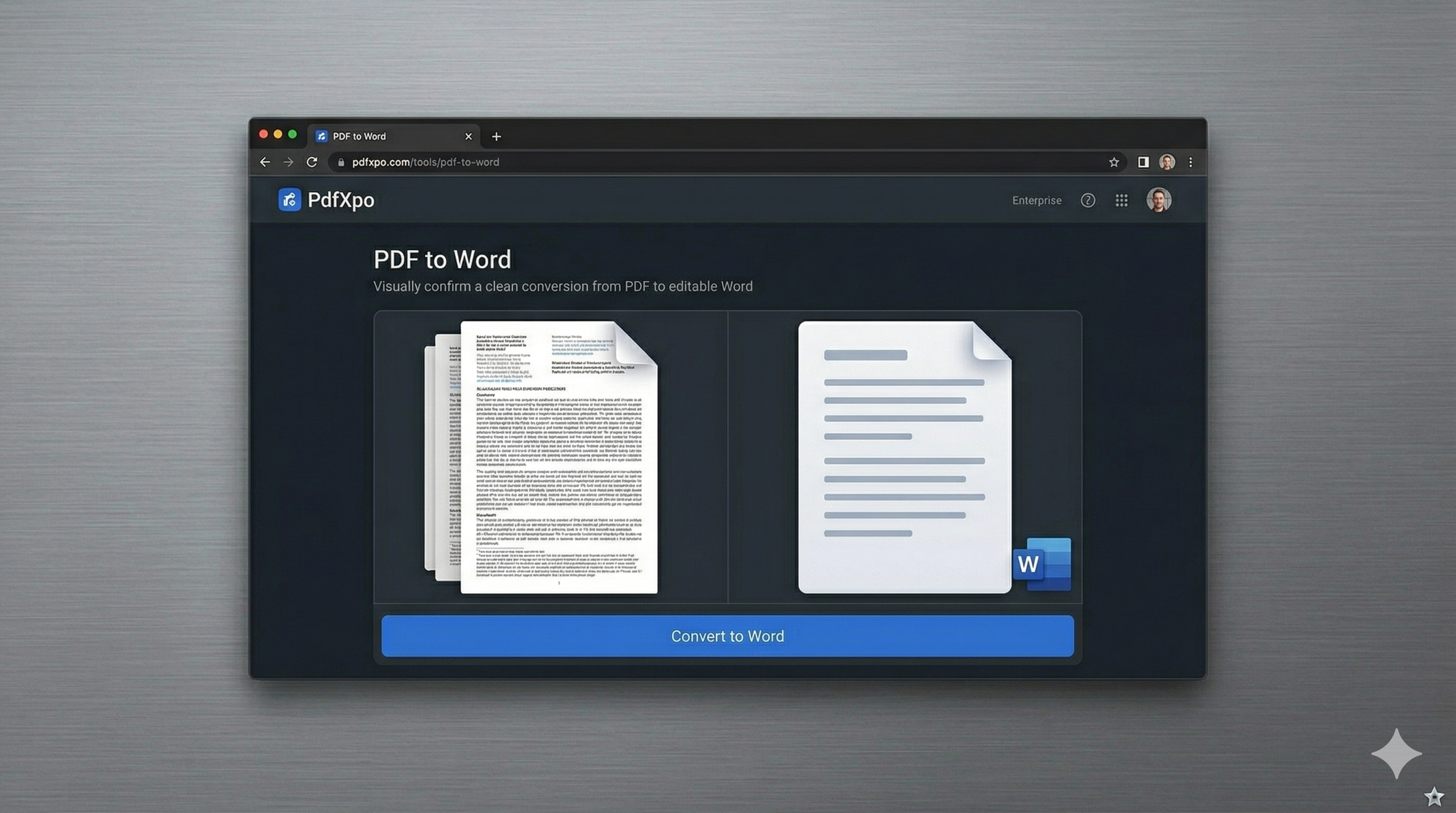
One of the most persistent issues in document conversion is the 'Pixel Degradation' of visual assets. Whether you are a graphic designer sharing a portfolio, a real estate agent presenting high-res property photos, or an engineer including technical drawings, your images are not just 'placeholders'—they are essential data. Most standard online converters prioritize text speed, often applying heavy 'lossy' compression to your images to reduce the file size of the resulting Word document. This leaves you with blurry photographs, fuzzy logos, and unreadable charts that undermine your professional authority.
PdfXpo's 'Graphic-First' conversion protocol was engineered specifically to protect your visual intellectual property. Unlike legacy tools that 're-save' images—a process that introduces compression artifacts—our engine performs a 'Binary Extraction.' We identify the original, high-resolution JPEG or PNG assets embedded within the PDF’s internal data structure and migrate them directly into the Word document’s XML container. This ensures that a 300DPI photograph remains 300DPI, and a transparent vector logo keeps its crisp edges and alpha channels. Your design work remains 'Retina-Ready' and print-grade.
Security for creative professionals is our other core pillar. We understand that your portfolios and brand assets are highly valuable intellectual property. Traditionally, users were forced to upload these high-value files to cloud-resident converters, exposing them to unauthorized storage or AI-training datasets. PdfXpo operates 100% locally using WebAssembly (WASM). The entire extraction and conversion logic happens inside your browser’s secure sandbox. Your pixels never leave your machine, providing a level of artistic and data security that is fundamentally superior to any cloud-based alternative.
100% Local Privacy
Your files never leave your computer
Local Browser Power
Instant Processing in Browser
Secure Client-Side Processing
Data is handled entirely within your browser for maximum security
How to Graphic Integrity — Step by Step
1. Visit the PdfXpo 'Graphic-First' conversion portal and prepare your imagery-dense document for a lossless structural transfer. Our platform is built for high-performance creative workflows, requiring no registration and no 'Email for Results' hurdles. Simply drag and drop your high-resolution portfolio or visually-rich PDF directly into the secure browser processing zone to initiate the digital asset audit.
2. Once the file is localized, watch as our WASM-powered engine performs a 'Binary Sweep' of your PDF. The process happens entirely within your browser environment using your hardware’s native resources, ensuring your high-value photography and private designs remain 100% protected. Monitor the dashboard as our system identifies and isolates every high-DPI image and complex vector logo for pixel-perfect preservation.
3. Click 'Convert' to trigger the final reconstruction and receive an immediate download link for your watermark-free, high-fidelity Docx file. Once the download is complete, open the file in Word to confirm that every photo, chart, and design element has its original clarity and depth. You now have a fully editable document that matches the visual professional standards of your original PDF, ready for immediate professional distribution.

Why Visual Designers Prefer Our Engine
In the world of professional design, 'fuzzy' results are unacceptable. When a client opens your converted document, the first thing they notice is the visual quality. If your logos are pixelated or your charts are blurry, the message of quality is lost. PdfXpo was built to eliminate this 'Design Gap.' Our engine uses advanced resampling logic that respects the original color profiles and transparency masks of your assets, ensuring they look identical on everything from a high-res iPhone screen to a professional print display.
Furthermore, we've eliminated 'Quality Caps.' Many competitors lock their 'Best Quality' conversion modes behind a 'Pro' account or limit the file size for imagery-dense documents. PdfXpo is 100% free and unlimited, allowing you to convert complex, 100MB+ catalogs or portfolios with the same level of granular precision as a single-page flyer. By keeping the entire process local via WASM, we provide a faster, safer, and significantly more accurate graphic solution that respects your privacy and your pixels. It's the only converter built for those who won't settle for 'mostly clear.'

Common Questions
Will my images lose quality during the PDF to Word conversion?
No. Most converters use 'lossy' re-saving which causes blur. PdfXpo use 'Binary Extraction' to take the original high-resolution assets from the PDF and place them directly into the Word file, ensuring that your 300DPI photos and sharp graphics remain identical to the original.
Do you support transparent PNGs and complex vector logos?
Yes. Our engine is optimized to identify and preserve transparency layers and vector paths where possible. While Word has its own internal limitations, PdfXpo provides the highest level of fidelity for logos and icons compared to any other online tool.
Is it safe to upload my high-value design portfolio to PdfXpo?
You don't have to upload it! PdfXpo is 100% local. Using WebAssembly, the entire 'Graphic-First' conversion happens inside your browser. Your private designs and valuable artistic assets never leave your hardware, giving you total security and peace of mind.