PDF to Word Converter that Keeps Original Layout
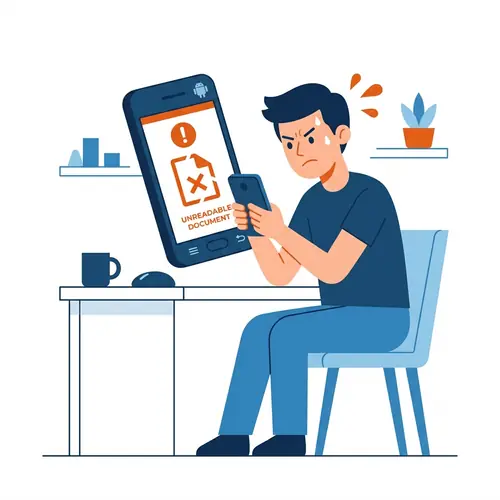
Tired of Word documents that look like a 'scrambled egg' after conversion? Stop wasting hours fixing margins, images, and overlapping text boxes. PdfXpo preserves your layout pixel-by-pixel.
How to Convert PDF to Word and Keep the Layout Exact
Visit PdfXpo.com and select our 'PDF to Word' high-fidelity converter.
Upload your document with complex layouts, images, and text boxes.
Our AI-assisted layout engine maps the exact position of every element in the PDF.
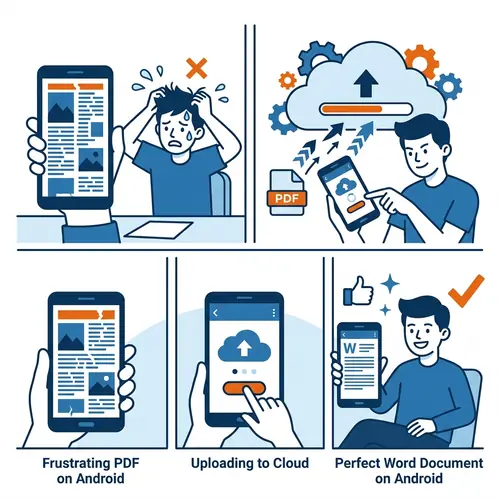
Wait 3-5 seconds for the WASM-powered high-fidelity conversion to finish.
Download your new Word file and see a 100% layout match with the original.
Pixel-Perfect PDF to Word Conversion
| Feature | PdfXpo | iLovePDF | Smallpdf |
|---|---|---|---|
| Always Free | YES | Limited | Limited |
| No Signup Ever | YES | Required | Required |
| Files Stay Private | In-browser | Cloud upload | Cloud upload |
| No Watermarks | Never | Free tier | Free tier |
| Works on Mobile | YES | YES | YES |
Traditional converters fail because they try to guess where text belongs. PdfXpo maps the exact coordinates of every image, font, and margin using our browser-based layout engine. No server upload means no fonts are substituted and no layouts are broken. 100% free and private.

Frequently Asked Questions
Q: Will my images stay in the same place?
A: Yes. Our layout engine uses coordinate-based anchoring, ensuring every image, shape, and text block stays exactly where it was in the PDF.
Q: Is it safe to convert my sensitive professional layouts?
A: Absolutely. Your file is processed securely on the edge (WASM). Your professional documents never touch our servers.
Q: Does it support Multi-Column layouts?
A: Yes. PdfXpo is optimized for newsletters, reports, and academic papers with complex multi-column structures.
Q: Will the fonts change after conversion?
A: We match PDF font metrics to equivalent Word fonts to ensure line-height and character spacing remain identical to the original layout.
Explore More Pro-Tools
Stop rebuilding layouts manually.
Experience the industry's most accurate PDF to Word layout mirror.
Convert My Layout Now