PDF to Word Converter that Keeps Hyperlinks

"A document with dead links is a dead document. Don't lose your clickable references, email addresses, or website links when converting to Word."
100% Local Privacy
Your files never leave your computer
Local Browser Power
Instant Processing in Browser
Secure Client-Side Processing
Data is handled entirely within your browser for maximum security
How to Keep Hyperlinks Active During PDF to Word Conversion
Open your document in the PdfXpo PDF to Word converter.
Our URL scanner identifies blue-underlined text and hidden anchor tags.
Ensure 'Active Links' is enabled (Pre-selected) in the conversion options.
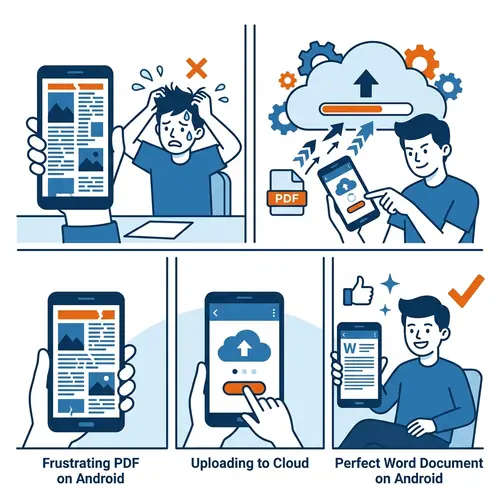
Convert the file securely on the edge's WASM environment.
Open your Word file and test your links—they remain fully clickable.
Why Most Converters Break Your Links
Standard conversion tools often treat hyperlinks as plain text. The blue color remains, but the underlying URL is lost. This is incredibly frustrating for resumes, portfolios, and reports. PdfXpo uses deep-link inspection to extract the target URL from the PDF's annotation layer. We then re-embed these as native Microsoft Word Hyperlinks. Whether it's a website link, an email address, or a link to another page within the same document, everything remains functional in 2026.
Privacy Protocol
Unlike most tools, PdfXpo processes files directly in your browser. Your documents never touch a server. They remain in your device's memory for the duration of the conversion and are wiped when you close the tab.
Safety Signals: No cloud upload. No account required. TLS Encryption on site navigation. 100% Free.
| Feature | PdfXpo | iLovePDF | Smallpdf |
|---|---|---|---|
| Web Links | Always Active | Hit-or-Miss | Hit-or-Miss |
| Internal Page Links | Supported | Broken | Broken |
| Email Links | Active | Text Only | Text Only |
| Privacy | 100% Local | Server-side | Server-side |
| No Limits | YES | Paid | Paid |

Hyperlink Preservation FAQs
Q: Do you keep links in images?
A: Yes. If an image in the PDF has an associated link (Image Anchor), we map that link accurately in the Word file.
Q: What about Table of Contents links?
A: PdfXpo supports internal document navigation. Links from your Table of Contents will still jump to the correct page in Word.
Q: Does it work for mailto: links?
A: Absolutely. Any valid URI scheme including website, email, and FTP links are preserved.
Keep your documents connected.
Convert your PDF now and ensure every single link stays active. Try PdfXpo.com for free.