PDF to Word Converter for Complex Layouts

"Does your Word file look like a jigsaw puzzle after conversion? Most tools fail when they see multiple columns, floating images, or overlapping text boxes."
100% Local Privacy
Your files never leave your computer
Local Browser Power
Instant Processing in Browser
Secure Client-Side Processing
Data is handled entirely within your browser for maximum security
How to Restore Complex Layouts in PDF to Word Conversion
Upload your multi-column or design-heavy PDF to PdfXpo.
Our layout engine uses spatial analysis to group related elements.
Choose 'Structure Preservation' to maintain exact element positioning.
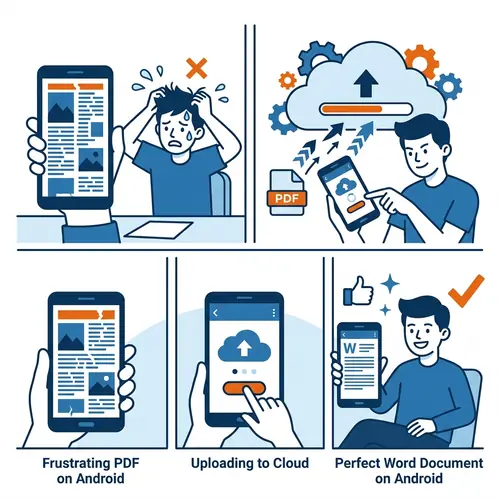
Convert securely in your browser—no files are sent to a cloud server.
Open your Word doc and find your columns and sidebars exactly where they belong.
The Problem with Design-Heavy PDFs
Most converters read PDFs line by line. When a document has two columns or floating sidebars, the converter gets confused and merges the text into one long, messy line. PdfXpo uses a 100% local WASM-based structural recognition system. We identify text flow, column boundaries, and image-wrap properties. Instead of just throwing text onto a page, we create a structured Microsoft Word document that mimics the original design in 2026. This is perfect for newsletters, marketing brochures, and academic papers.
Privacy Protocol
Unlike most tools, PdfXpo processes files directly in your browser. Your documents never touch a server. They remain in your device's memory for the duration of the conversion and are wiped when you close the tab.
Safety Signals: No cloud upload. No account required. TLS Encryption on site navigation. 100% Free.
| Feature | PdfXpo | iLovePDF | Smallpdf |
|---|---|---|---|
| Multi-Column Support | Native Columns | Merged Text | Merged Text |
| Floating Sidebars | Preserved | Lost/Scattered | Lost/Scattered |
| Image Wrapping | Tight Wrap | In-line Only | In-line Only |
| Privacy | 100% Local | Cloud Upload | Cloud Upload |
| Cost | Free Forever | Paid Pro | Paid Pro |

Complex Layout Conversion FAQs
Q: Can I edit the columns after conversion?
A: Yes. We use Word's native Section Breaks and Column settings, so you can adjust widths and flow just like a regular document.
Q: Do you support overlapping images?
A: Yes, our engine respects Z-index and transparency settings to layer images correctly in Word.
Q: What about scientific papers with equations?
A: PdfXpo maintains the spatial relationship between formulas and text, ensuring that complex scientific layouts remain readable.
Bring your designs to life in Word.
Don't settle for messy conversions. Get the world's most accurate layout reconstruction for free. Try PdfXpo.com.