KRA iTax PDF Optimization | Perfect eFiling Compliance
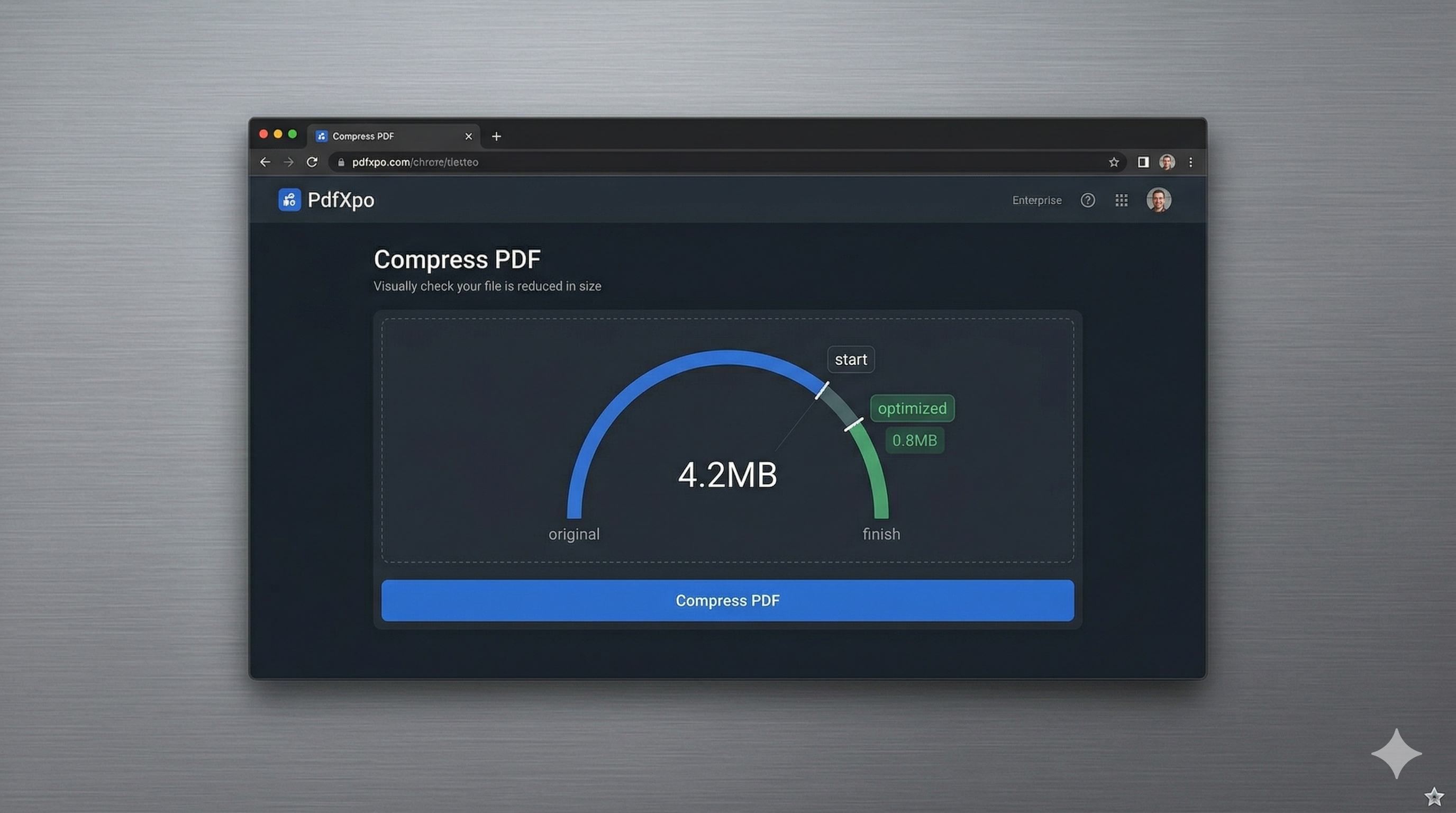
Submitting your annual tax returns through the Kenya Revenue Authority (KRA) iTax portal is a critical responsibility for every Kenyan taxpayer and business. In 2026, the iTax system continues to enforce strict document upload limits, often capping PDF attachments at very low sizes (commonly 2MB or less). Whether you're uploading your P9 forms, financial statements for a company return, or supporting documents for a VAT refund, you’ve likely faced the frustration of having your submission rejected because your PDF was 'too large' or contained 'unsupported features' like active form fields. Navigating these technical hurdles during the tax deadline can be incredibly stressful and time-consuming.
PdfXpo provides a specialized 'iTax-Ready' optimization engine specifically calibrated to meet the unique technical requirements of the Kenya Revenue Authority's digital infrastructure. We understand that your tax filings are high-stakes documents that require both extreme precision and absolute security. Our neural optimization algorithm doesn't just 'shrink' the file; it performs a structural audit of the PDF to remove redundant data, flatten active form layers, and compress high-resolution images while preserving the absolute legibility of every numeric figure and identification detail. This ensures that your P9 forms and financial schedules pass the iTax portal's automated validation checks smoothly, every single time.
Security and data privacy are paramount when handling sensitive tax information, which contains your KRA PIN, income details, and private personal identifiers. PdfXpo is fundamentally different from other online tools because it uses local, browser-based processing via WebAssembly (WASM). Your private KRA documents never leave your computer, meaning they are never uploaded to our servers or stored in a cloud database. You can achieve KRA-compliant optimization with absolute privacy and zero signup friction. It's 100% free forever, providing Kenyans with a secure, high-speed alternative to traditional cloud-based tools that often compromise your financial data sovereignty during the most sensitive time of the year.
100% Local Privacy
Your files never leave your computer
Local Browser Power
Instant Processing in Browser
Secure Client-Side Processing
Data is handled entirely within your browser for maximum security
How to KRA iTax PDF Optimization — Step by Step
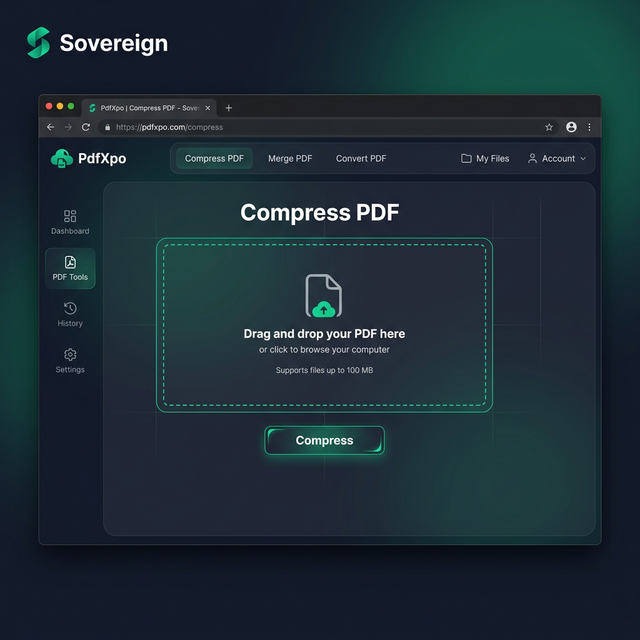
1. Visit PdfXpo.com and select the specialized 'Compress PDF' or 'Flatten PDF' tool to begin preparing your Kenyan tax attachments for the KRA iTax portal. You will find a clean, responsive interface that operates entirely within your browser's local sandbox, ensuring your private KRA PIN and income details never travel across the internet. Drag and drop your P9 forms or financial schedules directly into the secure processing dashboard to prepare for immediate local WASM-powered optimization.
2. Upload your file and selection the 'Government eFiling' or '2MB Limit' profile to ensure the engine performs a comprehensive structural audit of your tax document to meet the iTax portal's strict size requirements. Our neural technology will instantly reconstruct the PDF, removing redundant metadata and flattening any interactive fields while keeping your numeric totals 100% clear and legible on your own hardware. Watch the progress dashboard as the neural optimizer prepares your document for a successful, error-free submission to the iTax system right in your browser.
3. Click the 'Optimize' button to finalize the document transformation and receive an immediate link to download your watermark-free, iTax-ready PDF directly back to your device's local folder. Once the download is complete, you should open the resulting PDF to verify that all your financial figures are visible and the file size is well within the 2MB KRA limit. Upload your optimized document to the KRA iTax portal and proceed with your tax filing with total confidence and zero risk of technical rejection.
Why Kenyan Taxpayers Choose PdfXpo for iTax
When your tax compliance and personal data are on the line, you cannot settle for 'amateur' resizing tools. Many 'free' online PDF compressors use aggressive lossy techniques that can make numeric values blurry, leading to disputes or manual corrections during KRA audits. PdfXpo ensures your tax data remains sharp and professional. We use advanced bicubic resampling for the image portions of the file and intelligent thresholding to ensure that black text and numeric totals remain perfectly clear against a white background. This ensures your P9 forms and corporate returns are easy for both KRA officers and automated systems to read accurately.
Furthermore, we eliminate the 'signup walls' and 'processing limits' that can slow you down during the high-pressure June tax deadline in Kenya. You don't have to waste time managing subscriptions or navigating through annoying email signups when you have multiple client filings to process immediately for a deadline. PdfXpo is 100% free and unlimited, allowing you to optimize and flatten your entire case history in a single, high-speed session. By keeping the processing local on your own device via WASM, we provide a faster and more secure experience than cloud-resident competitors like iLovePDF or Smallpdf, helping the Kenyan business community achieve digital compliance without sacrificing their records' privacy.
Common Questions
What is the maximum file size for PDF uploads on the KRA iTax portal?
As of 2026, the KRA iTax portal generally enforces a limit of 2MB per PDF attachment for P9 forms and other supporting documents. If your file exceeds this, the portal will reject the upload. PdfXpo is specifically designed to shrink your documents below this 2MB threshold while maintaining the high clarity required for government records.
Will my KRA P9 form remain legible after compression?
Yes. Our 'Government eFiling' mode uses a specialized preservation algorithm that prioritizes text and numeric clarity over extreme file shrinking. We ensure that your income figures, tax totals, and employer details remain perfectly sharp and professional, even after significant file size reduction.
Is it safe to optimize my private tax returns on PdfXpo?
It is the safest way to handle sensitive KRA tax data. Because PdfXpo processes your files locally using WebAssembly, your KRA PIN, income, and personal details never leave your browser. This 'Air-Gap' approach to privacy ensures that your confidential financial information is never stored on a server or exposed to the internet during the optimization.