How to Convert PDF to Word on iPhone Free
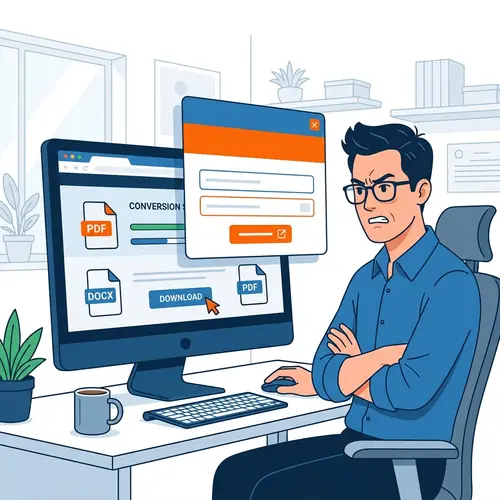
Need to edit a PDF on your iPhone or iPad? Skip the expensive App Store subscriptions. PdfXpo is a browser-based, privacy-first tool that lets you convert any PDF to a fully editable Microsoft Word document directly in Safari or Chrome in 2026. 100% free with no email required.
5 Simple Steps: iPhone PDF to Word
Open Safari or your preferred browser on your iPhone and visit PdfXpo.com.
Tap the 'PDF to Word' icon in our mobile-responsive tool gallery.
Select 'Choose File' and pick your PDF from the iOS 'Files' app or iCloud.
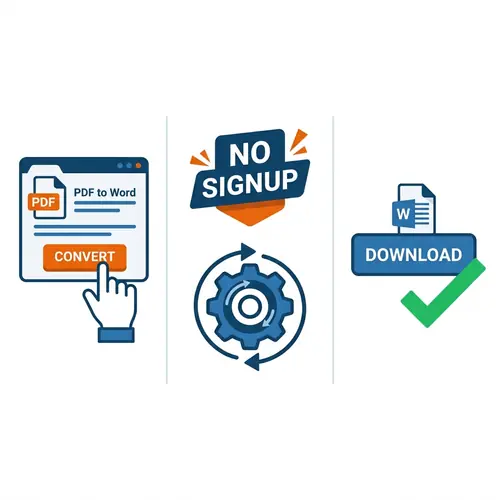
Wait 3-5 seconds for our lightweight engine to reconstruct the document.
Tap 'Download' and choose where to save your new, editable Word (.docx) file.
Why convert on your iPhone with PdfXpo?
| Feature | PdfXpo | iLovePDF | Smallpdf |
|---|---|---|---|
| Always Free | YES | Limited | Limited |
| No Signup Ever | YES | Required | Required |
| Files Stay Private | In-browser | Cloud upload | Cloud upload |
| No Watermarks | Never | Free tier | Free tier |
| Works on Mobile | YES | YES | YES |
Most iPhone apps require a monthly subscription or capture your personal data. PdfXpo works entirely in your mobile browser. It's faster, safer, and requires no registration. You get desktop-grade conversion quality in the palm of your hand.
Frequently Asked Questions
Q: Do I need to download an app?
A: No. PdfXpo works directly in Safari or Chrome. No installation needed.
Q: Is it really free?
A: Yes, 100% free. No hidden fees, no subscriptions, and no email required.
Q: Does it work on older iPhones?
A: Yes. Our web-based engine is optimized for all modern iOS versions and devices.
Q: Can I edit the Word file afterwards?
A: Absolutely. The resulting file is a standard Microsoft Word document that you can edit in Pages, MS Word, or Google Docs.
Explore More Pro-Tools
Convert on the go. No strings attached.
Try the fastest app-free PDF to Word converter for iPhone today.
Convert PDF on iPhone Now