Free PDF to Word Converter for Windows 10 & 11
Searching for a reliable way to convert PDF to Word on Windows 10 or Windows 11? Many users immediately look for a "download" or an .exe installer, assuming that only desktop software can handle complex conversion and OCR tasks. However, in 2026, the technology has changed. Installing third-party software often brings unwanted bloatware, slow startup times, and constant update prompts. PdfXpo offers a superior alternative: a high-performance, browser-based converter that feels and acts like a native Windows application. By utilizing WASM-SIMD technology, we perform the entire conversion locally on your PC. You get the same speed and security as a traditional 'download' without ever having to install a single byte on your hard drive. Our tool is perfectly optimized for the latest Windows environments, ensuring seamless integration with your file explorer and Microsoft Word workflow.
100% Local Privacy
Your files never leave your computer
Local Browser Power
Instant Processing in Browser
Secure Client-Side Processing
Data is handled entirely within your browser for maximum security
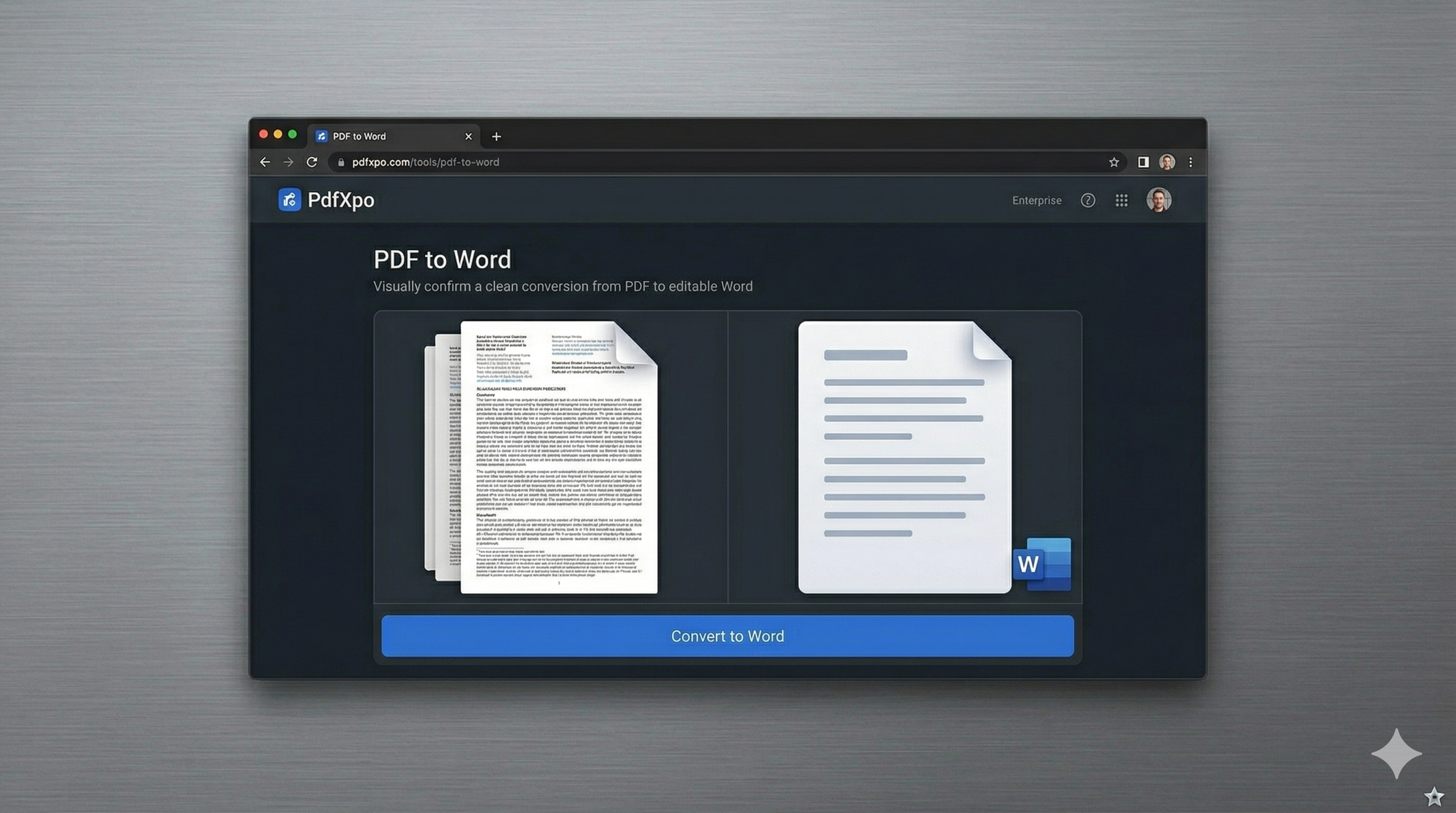
How to Convert to Word — Step by Step
Open your preferred browser on Windows 10 or 11 and visit [PDF to Word](https://pdfxpo.com/pdf-to-word) on PdfXpo.com.
Drag your PDF file directly from your Windows folder into the conversion zone.
The system detects your OS and optimizes the local engine for maximum performance on your hardware.
For scanned documents, the engine automatically applies OCR to make the text editable.
Save the resulting DOCX file directly to your 'Documents' or 'Downloads' folder.
Why Windows Users are Switching from Desktop Software to PdfXpo
Legacy Windows PDF converters are often expensive and difficult to manage. They require administrative rights to install and can slow down your system. PdfXpo provides a 'Web-as-App' experience. Our site is designed to be added as a desktop shortcut or pinned to your taskbar, giving you one-click access with zero system overhead. Our converter is built with a deep understanding of Microsoft Word's .docx format. We don't just 'scrape' text; we reconstruct the underlying XML to ensure that headers, footers, page numbers, and complex styles remain intact when you open the file in Word. Best of all, because you aren't 'downloading' and 'installing' an .exe, there is no risk of viruses or registry clutter. It's the cleanest, fastest way to manage your documents on a Windows PC in 2026.
Privacy Protocol
Privacy on Windows is a major concern. Our 'Zero-Retention' policy means that even though you are using a web-based tool, your files never leave your local machine. The conversion happens in your browser's memory, ensuring that your corporate or personal data is never exposed to the cloud.
Safety Signals: Files auto-deleted in 60 seconds. No account required. All processing remains on your hardware (WASM).
Windows Optimization Tips
Pin PdfXpo.com to your Windows Taskbar for instant access whenever you need to convert a file.
If you have high-resolution scans, the Windows 10/11 multi-core engine will handle them much faster on our platform.
Use 'Edge' or 'Chrome' for the best WASM performance on Windows systems.
After converting, use our [Word to PDF](https://pdfxpo.com/word-to-pdf) tool if you need to finalize your edits and share the document as a secure PDF.
Frequently Asked Questions
Do I really not need to download an installer?
No download is required. Our browser-based engine runs at native speeds directly on your Windows 10 or 11 PC.
Is this compatible with the latest Windows 11 updates?
Yes, PdfXpo is fully tested and optimized for all current versions of Windows 10 and Windows 11.
Does it support OCR for scanned Windows documents?
Absolutely. Our advanced OCR engine is built-in and works automatically for any image-only PDFs.