Convert PDF to Word Without Software - Free Online
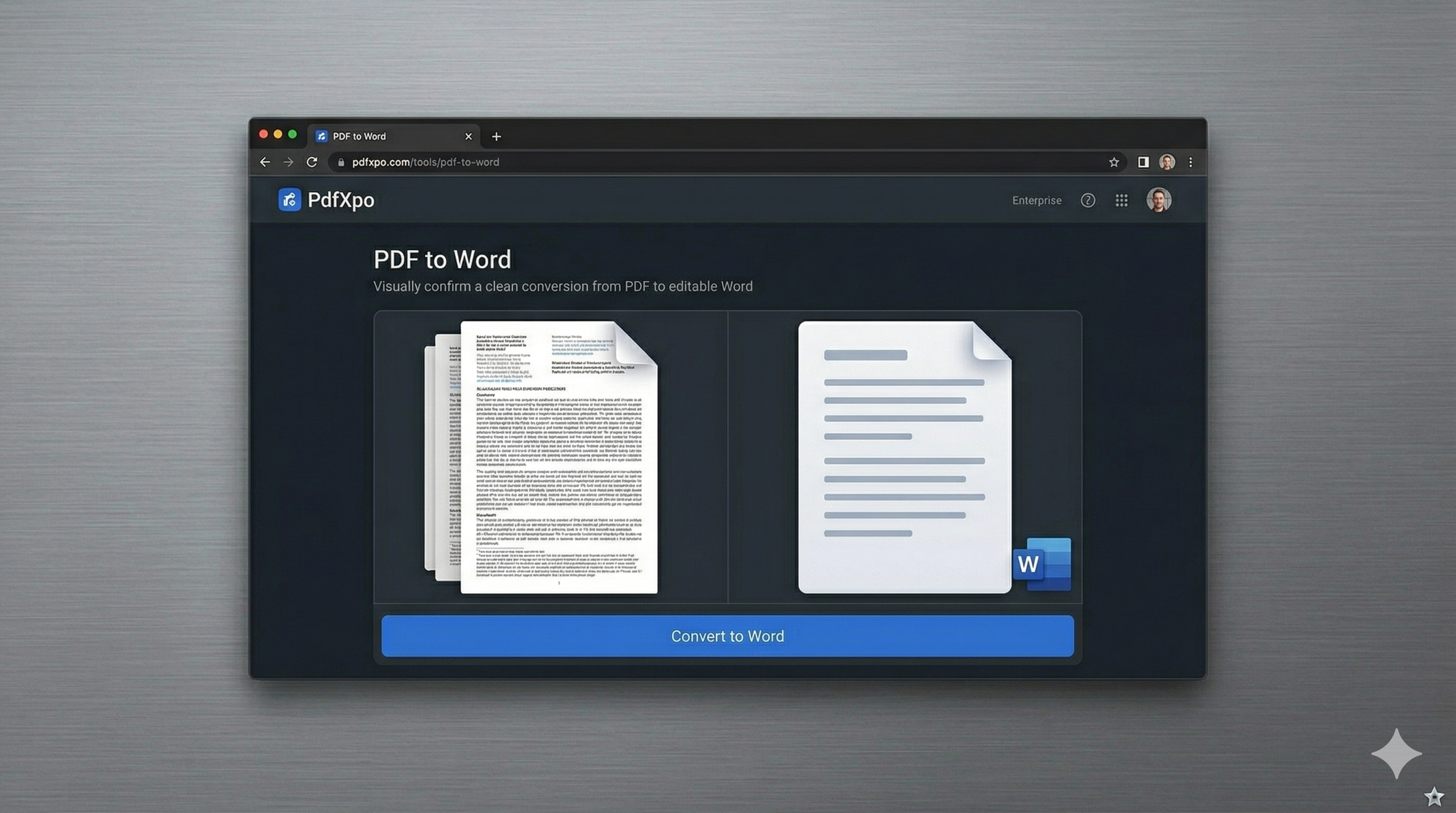
Forgetting your laptop or being restricted by office IT policies can make document editing a nightmare. If you need to 'Convert PDF to Word Without Software', PdfXpo provides the perfect server-less solution. Our platform eliminates the need for expensive subscriptions like Adobe Acrobat or bulky desktop installations. Instead, we use state-of-the-art WebAssembly (WASM) to bring the power of professional reconstruction engines directly to your browser. You get high-fidelity results without the bloat of traditional software. This isn't just a simple web tool; it's a browser-native application. Most 'without software' alternatives actually upload your data to a remote server, which is slow and poses security risks. PdfXpo is different. Your files never leave your machine. The conversion happens in your browser's memory, ensuring that your privacy is protected and your speed is unmatched. Whether you are on a Chromebook at school, a locked-down workstation at work, or a public computer at the library, you can transform your PDFs into fully editable Word documents instantly.
100% Local Privacy
Your files never leave your computer
Local Browser Power
Instant Processing in Browser
Secure Client-Side Processing
Data is handled entirely within your browser for maximum security
How to Convert PDF to Word Without Software - Free Online — Step by Step
Why This is the Best Way to Convert PDF to Word Without Software
The traditional way of converting documents involved downloading complex software packages that could take up gigabytes of space and monitor your system activities. PdfXpo offers a cleaner, more ethical alternative. By running the logic client-side, we allow you to maintain an 'air-gapped' level of security while using an online interface. There are no background processes, no auto-updates, and no hidden telemetry. Furthermore, converting without software through PdfXpo ensures you always have the latest version of our conversion engine. There's no need to manually update a desktop app to get better layout support or faster processing. Every time you load our page, you are using the most advanced document reconstruction technology available today. It's the ultimate tool for developers, students, and professionals who value their system performance and their time.
Common Questions
Is it really true that no software is installed on my PC?
Yes. Our tool runs entirely using the resources already present in your web browser. There are no plugins, extensions, or background executables.
Can I convert large PDF files without software?
Absolutely. Our browser-based engine is capable of handling files up to 200MB, leveraging your CPU's multi-core power via WASM.