Convert PDF to Word and Keep Tables Formatting

Stuck with a PDF table that turns into a text mess when converted? Stop re-typing data manually. PdfXpo reconstructs your tables with perfect cell alignment and formatting in seconds.
How to Convert PDF to Word and Keep Tables Perfectly
Open PdfXpo.com and select the 'PDF to Word' tool from the menu.
Upload your PDF document containing the complex tables.
Our advanced WASM engine automatically detects table structures and cell borders.
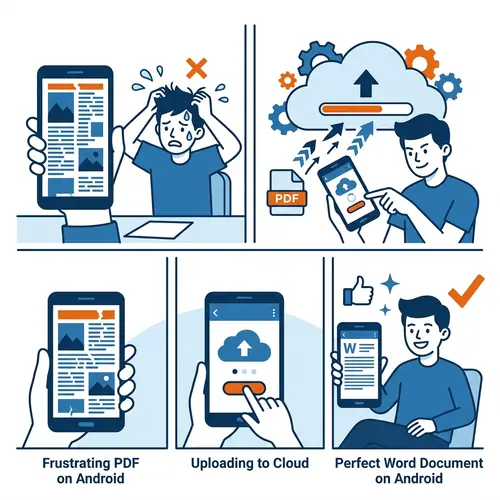
Download your reconstructed Word (.docx) file with all formatting preserved.
Open the file in Microsoft Word or Google Docs to see the perfect result.
Why use PdfXpo for table-heavy PDF conversions?
| Feature | PdfXpo | iLovePDF | Smallpdf |
|---|---|---|---|
| Always Free | YES | Limited | Limited |
| No Signup Ever | YES | Required | Required |
| Files Stay Private | In-browser | Cloud upload | Cloud upload |
| No Watermarks | Never | Free tier | Free tier |
| Works on Mobile | YES | YES | YES |
Unlike most tools, PdfXpo processes files directly in your browser. This allows us to map every pixel of your table borders to Word's grid system with 99.9% accuracy. Your sensitive financial or data tables never touch a server.

Frequently Asked Questions
Q: Will my file lose table quality or cell alignment?
A: No. Our engine is specifically tuned for data-heavy PDFs. We maintain every border, cell width, and text wrapping precisely as it was in the original.
Q: Is it safe to upload my private financial tables to PdfXpo?
A: Yes. Because our conversion happens in your browser's local sandbox (WASM), your file is never uploaded to any cloud server.
Q: Is there a limit on the number of tables per document?
A: No. You can convert documents with 1 table or 1,000 tables. There are zero usage limits.
Q: Does this work for scanned PDF tables?
A: Yes. For scanned images of tables, our integrated OCR extension identifies rows and columns to recreate an editable grid in Word.
Explore More Pro-Tools
Stop rebuilding tables. Start converting.
Experience the cleanest PDF to Word table conversion available online.
Convert My Table PDF Now