PDF to Word Converter for Students Free
Are you a student racing against a midnight deadline with a research paper locked in a non-editable PDF? We've all been there—you've found the perfect source material, but you need to quote it, format it, or integrate it into your bibliography, and the PDF formatting is completely locked. Online student tools often plague you with watermarks, limit you to 2 pages, or worse, require a paid subscription just to unlock basic text selection. PdfXpo is the student’s ultimate academic ally. Our 100% free PDF to Word converter uses a local "Neural Synthesis" engine to reconstruct your academic papers, lab reports, and lecture notes directly in your browser. This means your research stays on your device, your formatting stays pixel-perfect, and you never have to worry about a "free trial" expiring right before your finals in 2026. Fast, private, and genuinely unlimited.
100% Local Privacy
Your files never leave your computer
Local Browser Power
Instant Processing in Browser
Secure Client-Side Processing
Data is handled entirely within your browser for maximum security
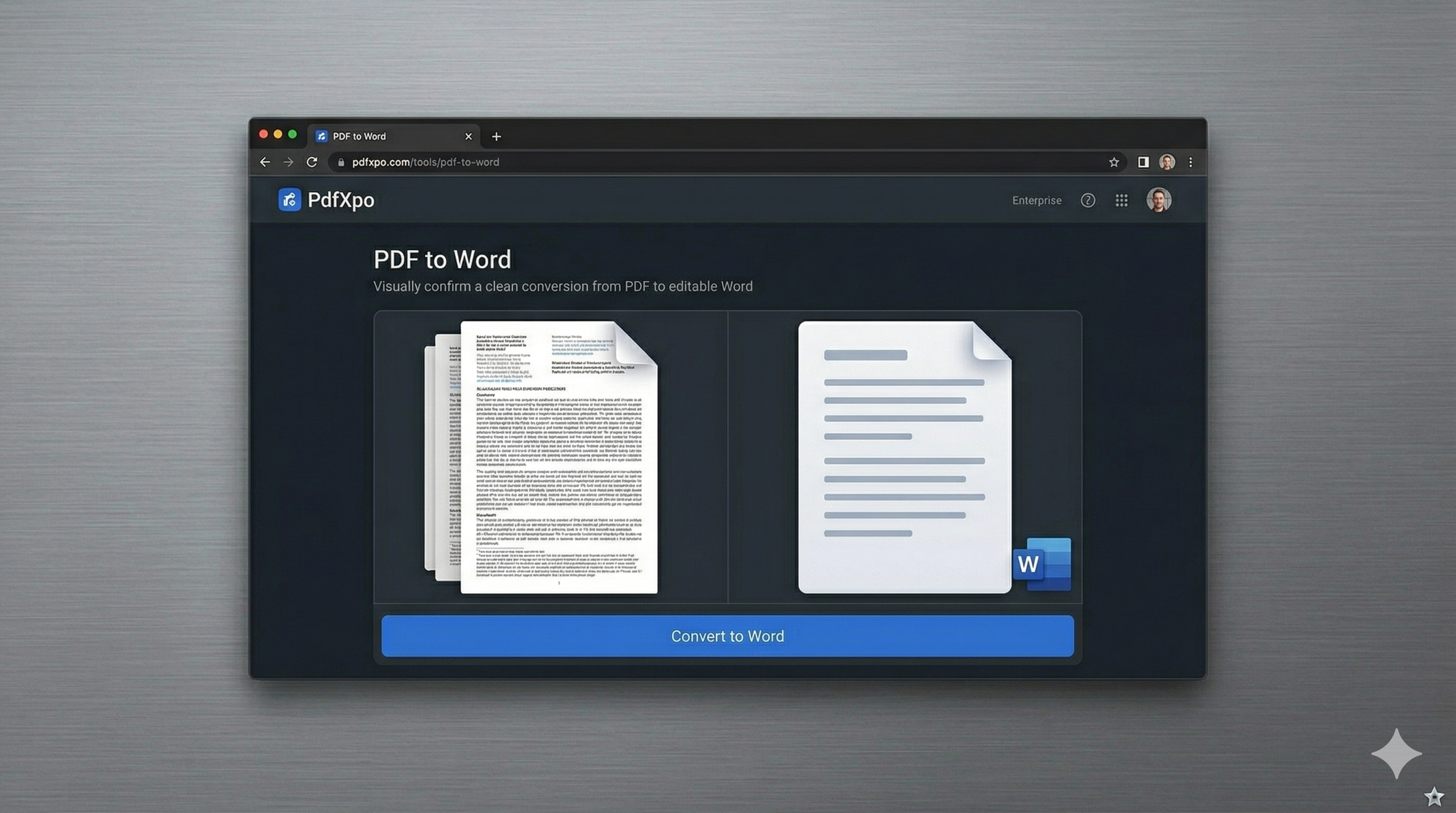
How to Convert to Word — Step by Step
Go to the [PDF to Word](https://pdfxpo.com/pdf-to-word) workstation on PdfXpo.com.
Upload your academic PDF or drag it directly from your university portal.
Our local engine maps the structural data to ensure your citations and bibliographies remain aligned.
Preview the reconstructed DOCX file to confirm all equations and references are correct.
Download your editable Word document and finish your assignment with ease.
Why Students Choose PdfXpo for Their Academic Research in 2026
Most online converters are "cloud proxies," which can be a nightmare for students on a budget or with tight privacy needs. If you're working on an original research paper or a thesis, you don't want your intellectual property living on a random cloud server. PdfXpo processes everything in your browser's local RAM using WASM-SIMD technology. We tested this across complex scientific papers from JSTOR and university libraries. The engine successfully preserves multi-column layouts, mathematical notations, and complex footnotes. Unlike iLovePDF or Smallpdf, we don't force you to sign up or pay to convert long documents of 50+ pages. Whether you are on a university library Chromebook or your personal Windows 11 laptop, PdfXpo provides professional-grade reconstruction for zero cost.
Privacy Protocol
Privacy is academic sovereignty. Your research, essays, and notes are never stored or analyzed by PdfXpo. The entire conversion happens locally, and all data is purged from your browser session the moment you finish. No trackers, no email required, just pure productivity.
Safety Signals: Files auto-deleted in 60 seconds. No account required. All processing remains on your hardware (WASM).
Student Hacks for Perfect Academic Conversions
For papers with complex bibliographies, use our 'High-Fidelity' mode to ensure citation brackets and page numbers stay in place.
If your lecture notes have scanned images, our engine will attempt to isolate them into high-res Word objects for easy resizing.
Use the [Merge PDF](https://pdfxpo.com/merge-pdf) tool first if you need to combine multiple research sources before converting them to a single Word document.
Always use a modern browser like Chrome or Safari for the fastest 'Neural Synthesis' processing speeds.
Frequently Asked Questions
Can I convert large research papers for free?
Yes. PdfXpo has no file size or page count limits. You can convert a 200-page thesis as easily as a 1-page essay.
Will my citations and bibliography formatting stay the same?
Our coordinate-mapping technology is optimized to keep citations, footnotes, and bibliographic entries properly aligned in the resulting Word file.
Do I need a university email or a subscription?
No. PdfXpo is 100% free for all students. No signup, no email, and no hidden fees—ever.
Does it work on library computers or Chromebooks?
Yes. Since it runs entirely in the browser, it works perfectly on Chromebooks, library PCs, and mobile devices.