Convert PDF to Editable Word Document Free
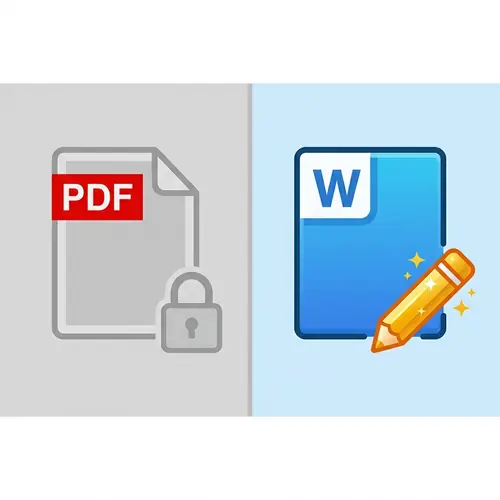
Stuck with a PDF that you can't edit? Don't waste time retyping the whole document from scratch. PdfXpo uses advanced AI to reconstruct your PDF into a fully editable Microsoft Word file with active text, working tables, and original fonts in 2026.
How to Turn a PDF into an Editable Word File
Visit PdfXpo.com and select 'PDF to Word' from the tool gallery.
Upload your 'locked' PDF file. Even scanned documents can be processed.
Our AI engine 'unlocks' the text and layout elements in seconds.
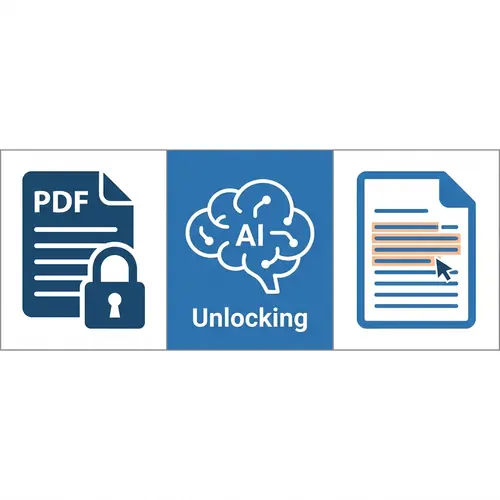
Download the newly created Word document (.docx) to your device.
Open it in Microsoft Word or Google Docs and start editing your content immediately.
Why Use PdfXpo for Editable Conversions?
| Feature | PdfXpo | iLovePDF | Smallpdf |
|---|---|---|---|
| Always Free | YES | Limited | Limited |
| No Signup Ever | YES | Required | Required |
| Files Stay Private | In-browser | Cloud upload | Cloud upload |
| No Watermarks | Never | Free tier | Free tier |
| Works on Mobile | YES | YES | YES |
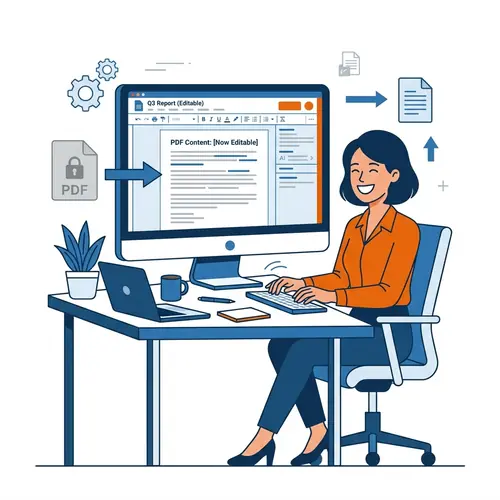
Most tools just give you a static image inside a Word file. PdfXpo is different. We break down the PDF structure and rebuild it using real Word objects. This means your tables are real tables, your fonts are mapped correctly, and your text is 100% flowable and editable.
Frequently Asked Questions
Q: Is the text actually editable in Word?
A: Yes. Unlike simple OCR tools, PdfXpo reconstructs the entire document as native Word objects, so you can edit text, change fonts, and rewrite paragraphs.
Q: Can I edit tables and data?
A: Absolutely. Our AI recognizes table structures, borders, and cell data. You can add rows, change numbers, and format cells directly.
Q: Will the layout remain the same?
A: We aim for 100% layout parity. Most documents will look identical to the PDF but with full editability unlocked.
Q: Is there a limit on how many editable documents I can create?
A: No. PdfXpo offers unlimited editable conversions for free, with no signup, credit card, or email required.
Explore More Pro-Tools
Stop retyping. Start editing.
Unlock your PDF documents and get back to work. Convert your PDF to a fully editable Word file now, for free.
Convert PDF to Editable Word Now