Convert PDF Table to Word Table Free

"Tired of copying and pasting PDF tables row by row? Most converters turn tables into unformatted text or messy image-like boxes."
100% Local Privacy
Your files never leave your computer
Local Browser Power
Instant Processing in Browser
Secure Client-Side Processing
Data is handled entirely within your browser for maximum security
How to extract PDF tables to Word accurately
Upload your PDF containing tables or invoices to PdfXpo.
Our data engine identifies cell boundaries and merged rows/columns.
Choose 'Table Integrity' mode for the best grid reconstruction.
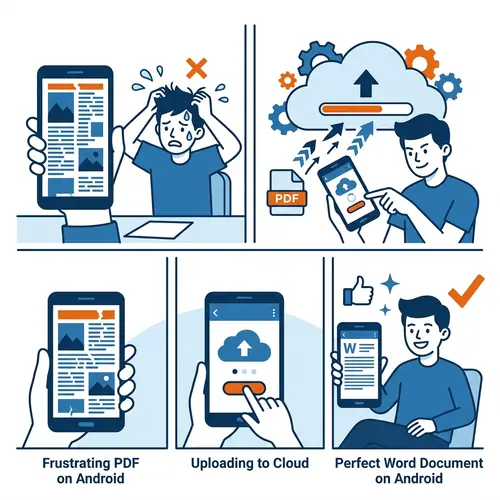
Process the extraction securely on the edge for 100% privacy.
Download your Word file with fully editable tables and perfect borders.
Why PDF Table Extraction is Difficult
PDFs don't actually 'know' what a table is; they just know where lines and text are drawn. Standard converters often strip away the table structure, leaving you with a list of numbers that are impossible to analyze. PdfXpo uses a specialized grid-detection algorithm. We look for the underlying logic of the cells—recognizing headers, footers, and merged cells. In 2026, we convert these into native Microsoft Word tables (not text boxes!), allowing you to use Word's built-in formulas and sorting features immediately.
Privacy Protocol
Unlike most tools, PdfXpo processes files directly in your browser. Your documents never touch a server. They remain in your device's memory for the duration of the conversion and are wiped when you close the tab.
Safety Signals: No cloud upload. No account required. TLS Encryption on site navigation. 100% Free.
| Feature | PdfXpo | iLovePDF | Smallpdf |
|---|---|---|---|
| Grid Preservation | 100% Native Tables | Loose Text | Broken Borders |
| Merged Cells | Full Support | Splits Data | Splits Data |
| Data Privacy | WASM Local | Uploads Data | Uploads Data |
| Cell Formatting | Retained | Lost | Lost |
| Unlimited Usage | Free Forever | Paid Pro | Paid Pro |

Table Conversion FAQs
Q: Do I need to re-type the data?
A: No. The data is extracted as editable text within a native Word table, so you can edit any cell immediately.
Q: Does it work with bordered and borderless tables?
A: Yes. Our engine uses both line detection and white-space analysis to identify tables even without visible borders.
Q: Can I convert large bank statements?
A: Yes. PdfXpo can handle hundreds of pages of tabular data with extremely high accuracy for financial auditing.
Stop the manual entry today.
Convert your PDF tables now and get back hours of your time. Experience the best grid extraction in 2026 for free. Try PdfXpo.com.