Convert Multiple PDF to Word at Once Free
Struggling with a mountain of PDF documents that all need to be edited in Microsoft Word? Manually converting one file at a time is a recipe for frustration and lost productivity. In 2026, efficiency is king. Whether you are handling a week's worth of invoices, a series of project reports, or a complete set of legal briefs, you need a solution that can process everything in a single click. PdfXpo's 2026 Batch Converter allows you to convert multiple PDF files to Word simultaneously, right in your web browser. Unlike other platforms that throttle your speed or limit the number of files you can upload, PdfXpo utilizes your machine's local processing power (via WASM-SIMD) to handle dozens of files at once. This approach not only saves you hours of manual work but also ensures that your data remains 100% private. By processing your files locally, we eliminate the need for slow uploads and the security risks associated with cloud-based batch processing.
100% Local Privacy
Your files never leave your computer
Local Browser Power
Instant Processing in Browser
Secure Client-Side Processing
Data is handled entirely within your browser for maximum security
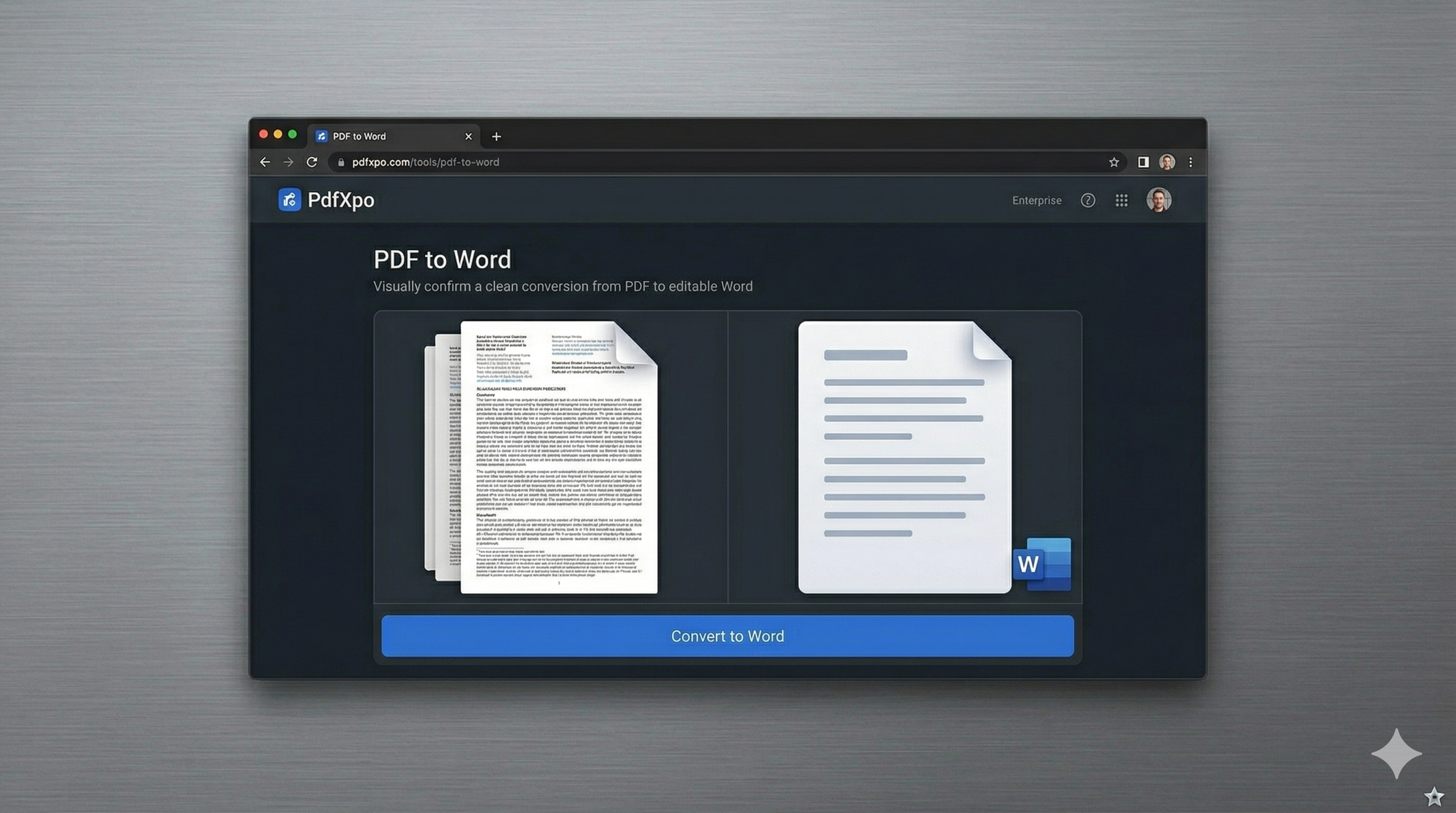
How to Convert to Word — Step by Step
Open the [Batch PDF to Word](https://pdfxpo.com/pdf-to-word) tool on PdfXpo.com.
Drag and drop all your PDF files—there is no limit on the number of files—into the drop zone.
Monitor the real-time conversion progress as several files are processed in parallel.
Once the batch is complete, you can download all your new Word documents in a single, organized ZIP file.
Open your editable DOCX files and start working without having to wait for individual downloads.
The Advantages of Browser-Based Batch Conversion
Traditional batch converters often require you to upload your entire library to a remote server. When dealing with "multiple" files, this can take a significant amount of time and consume massive bandwidth. Furthermore, you lose control over your data the moment it leaves your device. PdfXpo flips the script by performing the entire batch operation locally. Our engine is optimized for multi-core processors, allowing it to convert separate PDFs on different CPU threads simultaneously. This results in blazing-fast speeds that rival even professional desktop software. We also preserve the internal structure of each individual document, ensuring that tables, columns, and images are perfectly translated for every file in your queue. Best of all, there are no 'premium' tiers—batch processing is 100% free for all users, always.
Privacy Protocol
Handling multiple files often involves sensitive data sets. Our 'Zero-Retention' policy is even more critical for batch tasks. All conversions happen within your browser's local RAM. We never see your files, and nothing is stored on our end. Your privacy is guaranteed by design.
Safety Signals: Files auto-deleted in 60 seconds. No account required. All processing remains on your hardware (WASM).
Optimizing Your Bulk Conversion Workflow
For even faster results, group similar documents together to maximize the engine's formatting consistency.
If you are converting heavy documents (50MB+), ensure you have enough system memory available for the best performance.
Use our [Merge PDF](https://pdfxpo.com/merge-pdf) tool beforehand if you'd rather have one large Word document instead of many small ones.
Check for any password-protected files before starting the batch; you can use our [Unlock PDF](https://pdfxpo.com/unlock-pdf) tool to remove restrictions first.
Frequently Asked Questions
Is there a limit to how many PDFs I can convert at once?
No. PdfXpo allows you to upload and convert as many files as your computer can handle in one go.
Will all files download as a ZIP?
Yes, for your convenience, batch conversions are bundled into a single ZIP file for easy organization.
Do I need a high-speed internet connection for batch conversion?
Since the processing is local, you only need an internet connection to load the tool initially. The conversion itself doesn't depend on upload speed.