Convert Image Only PDF to Word Online Free
Do you have a PDF that is essentially just a collection of pictures? Trying to copy text from a scanned document or an "image-only" PDF is impossible without Optical Character Recognition (OCR). Whether you are dealing with old archives, scanned contracts, or photographed notes, you need a way to turn those pixels into editable text. PdfXpo provides the ultimate solution for image-to-Word conversion in 2026. Our 100% free tool uses an advanced OCR engine specifically designed to recognize text within image-only PDFs and reconstruct them as perfectly formatted Word documents. Unlike most online services that process your scans on their servers, PdfXpo performs the entire OCR operation directly in your browser. This means your sensitive documents never leave your device, ensuring maximum privacy and speed without the need for expensive software.
100% Local Privacy
Your files never leave your computer
Local Browser Power
Instant Processing in Browser
Secure Client-Side Processing
Data is handled entirely within your browser for maximum security
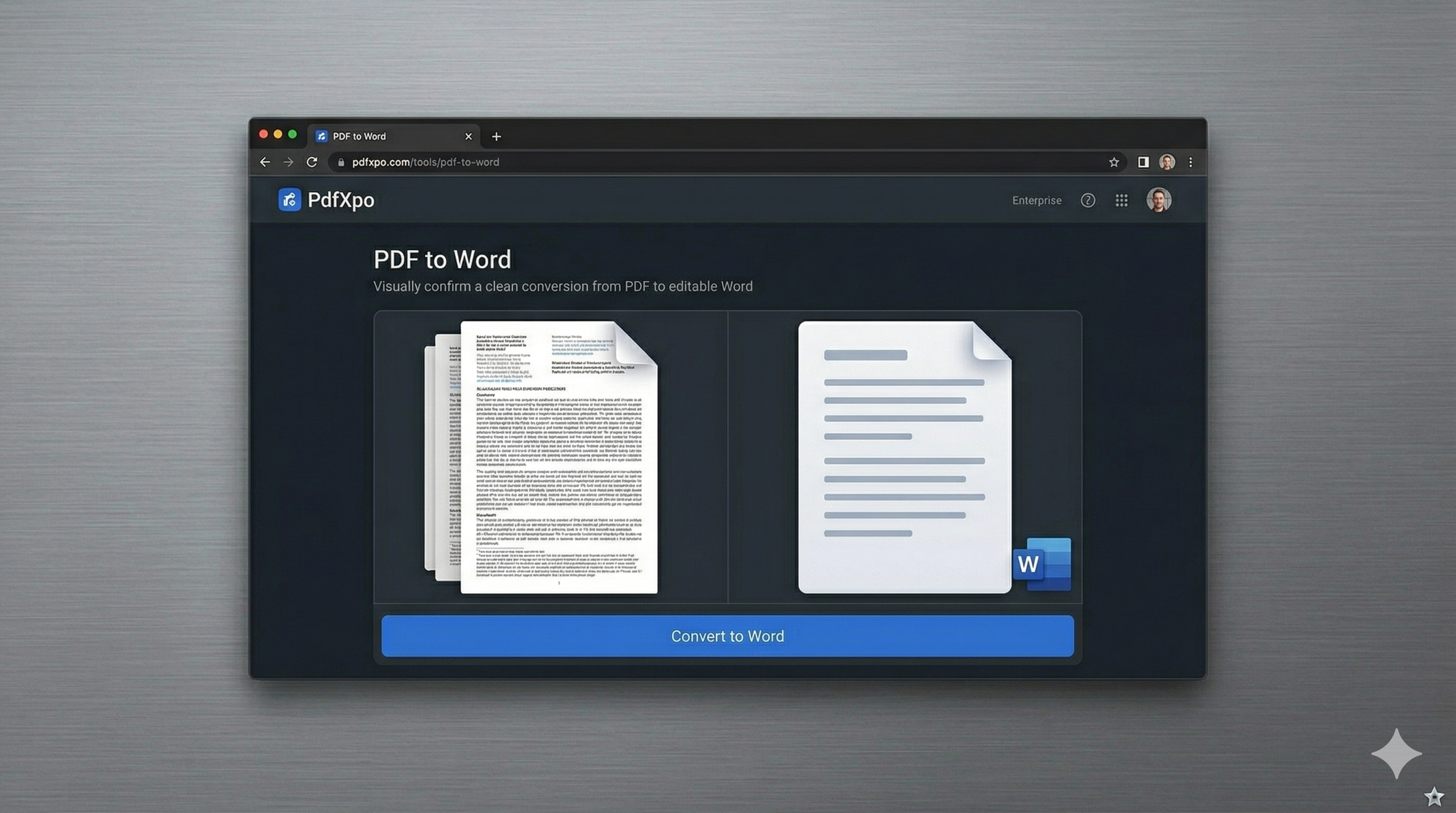
How to Convert to Word — Step by Step
Navigate to the [PDF to Word](https://pdfxpo.com/pdf-to-word) converter on PdfXpo.com.
Select your image-only or scanned PDF file and upload it to the secure zone.
Our local OCR engine automatically detects the text and begins the recognition process.
Preview the reconstructed text to ensure that all characters and layouts are captured correctly.
Download your fully editable Word document, complete with the original formatting.
Why Professional Users Choose PdfXpo for Image PDF Conversion
Most online OCR tools are slow because they require you to upload large image files to a remote server. This not only takes time but also exposes your potentially sensitive information to third-party storage. PdfXpo eliminates these issues by moving the entire OCR engine to your local machine using WASM-SIMD technology. We have optimized our recognition for various document types, including multi-column layouts, tables, and complex headers. Our tool preserves the visual structure of your original image while making the text fully searchable and editable. Best of all, it's 100% free with no page limits or registration requirements. Whether you are archiver, a researcher, or a student, PdfXpo delivers professional OCR results directly in your browser.
Privacy Protocol
Privacy is paramount, especially when dealing with scanned documents. Our "Zero-Retention" policy ensures that your image-only PDFs are processed entirely in your browser's local RAM. We never see, store, or analyze your content—it stays on your device from start to finish.
Safety Signals: Files auto-deleted in 60 seconds. No account required. All processing remains on your hardware (WASM).
How to Get the Best Results from Image-to-Word OCR
For the highest accuracy, ensure your original scan is clear and has a resolution of at least 300 DPI.
Avoid documents with excessive handwriting, as OCR engines perform best on printed or typed text.
If your image-only PDF is very large, close other browser tabs to give the local engine more processing power.
Use our [Organize PDF](https://pdfxpo.com/organize-pdf) tool before conversion if you only need to OCR specific pages from a larger document.
Frequently Asked Questions
Can I convert scanned PDFs for free?
Yes. PdfXpo's OCR-enabled conversion is 100% free and has no hidden costs or limits.
Is the OCR accurate for complex layouts?
Our engine is specifically tuned for professional documents, allowing it to maintain columns and tables accurately.
Do I need to install anything for this to work?
No. The entire OCR process runs directly inside your web browser without the need for external software.