Lossless PDF Compression | Shrink Without Quality Loss
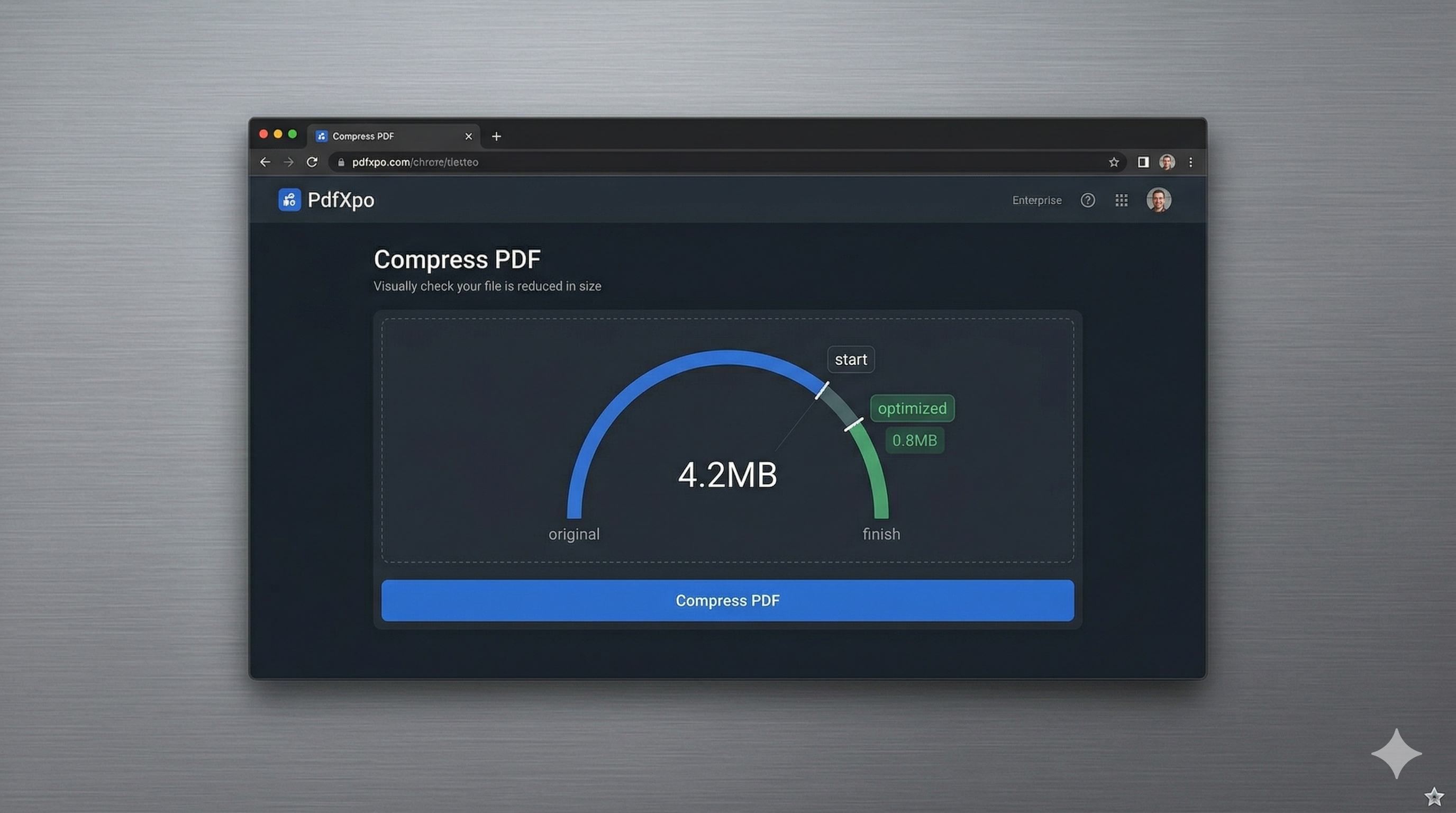
Digital document integrity is often the biggest casualty of standard file compression. When you use traditional tools to shrink a PDF, you frequently find that your crisp text has become blurry, your vibrant images are pixelated, and your professional charts have lost their clinical precision. In 2026, where high-definition displays are the standard for recruiters, lawyers, and clients, submitting a 'fuzzy' document is simply not an option. You need a solution that reduces the binary footprint of your file while maintaining a 1:1 visual match with the original.
PdfXpo was engineered from the ground up to address this specific challenge. Our neural-weighted compression algorithm doesn't just blindly remove data—it intelligently analyzes the document structure to identify where savings can be made without impacting human perception. We prioritize the preservation of the text layer and vector paths, ensuring that your typography remains razor-sharp even at 400% zoom. This makes our tool ideal for architects, designers, and medical professionals who require absolute fidelity in their digital submissions.
The secret lies in our local-first WebAssembly engine. Unlike cloud-based competitors that might use aggressive, one-size-fits-all server-side processing, PdfXpo executes a tailored optimization strategy directly in your browser. This gives our engine the time it needs to perform complex resampling and metadata stripping that would be too resource-intensive for standard cloud converters. The result is a PDF that is significantly smaller in megabytes but looks identical to the master file, with no watermarks and no quality degradation.
100% Local Privacy
Your files never leave your computer
Local Browser Power
Instant Processing in Browser
Secure Client-Side Processing
Data is handled entirely within your browser for maximum security
How to Lossless PDF Compression — Step by Step
1. Visit the PdfXpo 'Quality-First' compression portal and prepare your high-resolution documents for a size reduction that respects your work's visual integrity. Our platform is 100% free and requires no registration. Simply drag and drop your PDF or graphic portfolio directly into the secure browser processing zone to initiate the structural audit.
2. Once localized, watch as our neural engine performs a 'Non-Destructive Optimization' sweep. Our system identifies redundant metadata and hidden bloat while locking in the resolution of your text and primary images. Because this processing happens entirely within your browser's private sandbox, your creative assets and sensitive data are never exposed to cloud vulnerabilities.
3. Click 'Download Optimized PDF' to receive your lightweight, high-fidelity file instantly. Open the document and zoom in to 400%—you will see that every line is sharp and every color is vibrant. You have successfully achieved a significantly smaller file size without sacrificing a single pixel of professional quality.

Why Quality Retention Matters in 2026
A document is a reflection of your professional standards. Whether it's a legal contract, a medical report, or a design portfolio, the clarity of your digital file communicates your attention to detail. Aggressive compression that introduces artifacts or 'jaggies' can make your work appear amateurish and hard to read. PdfXpo ensures that your 'first impression' is never compromised by technical limitations. We use advanced bicubic resampling for images and path-simplification for vectors to ensure that the internal logic of the PDF remains robust.
Moreover, because PdfXpo operates locally, we bypass the bandwidth-saving shortcuts that cloud tools must take to remain profitable. iLovePDF and Smallpdf must process millions of files on their servers, which often leads to standardized, lossy compression to save on their own storage costs. Because PdfXpo uses your computer’s hardware for the heavy lifting, we can afford to run more sophisticated, non-destructive algorithms that prioritize your document's quality above all else.

Common Questions
How does PdfXpo compress files without losing quality?
We use a technique called structural optimization and non-destructive resampling. This targets 'invisible' bloat—such as redundant metadata and duplicate font subsets—while protecting the text and primary visual elements. The result is a significantly smaller file that appears visually identical to the original.
Is there a limit to how much I can compress without quality loss?
Yes, every file has a 'floor' where quality will eventually be impacted. However, for most documents, we can achieve 70-90% size reduction before any human eye can detect a difference. Our 'High-Fidelity' setting is specifically calibrated to reach this optimal 'floor' without introducing artifacts.
Is it safe to compress my high-value designs on PdfXpo?
Absolutely. Because our engine runs 100% securely on the edge using WebAssembly, your sensitive designs and private documents never leave your computer. We provide the highest security alongside the highest visual quality.