Compress PDF on Windows 11 | High-Performance Optimization
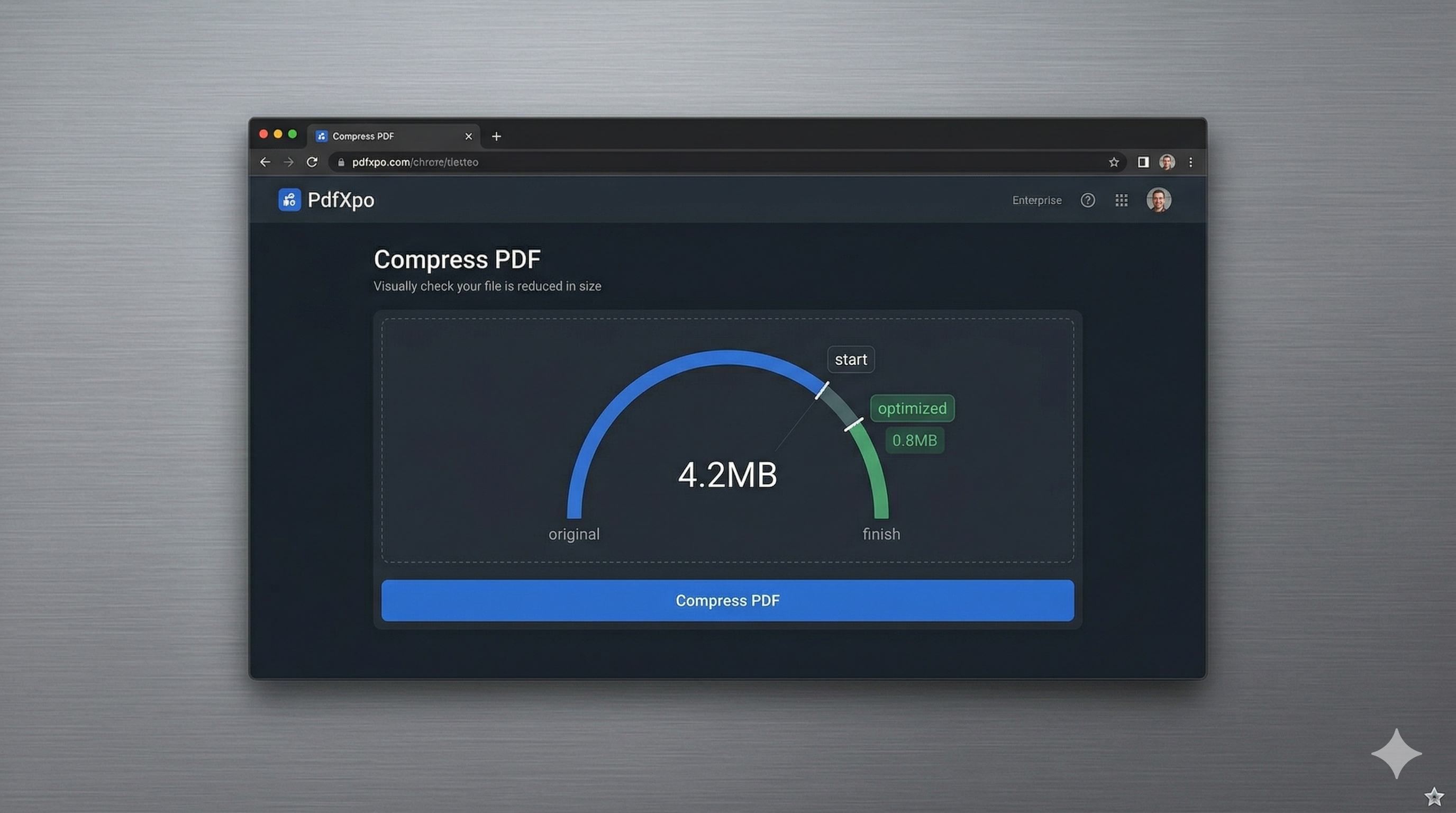
Windows 11 has redefined the desktop experience with its focus on speed, fluidity, and advanced security. Whether you're a business professional using a Microsoft Surface, a developer on a high-end workstation, or a home user managing digital records, the need to compress large PDF documents is a constant requirement in 2026. While Windows 11 provides integrated file management, it lacks a dedicated, high-performance PDF compression tool in the native 'Photos' or 'Print to PDF' features, often leaving users to search for reliable third-party alternatives.
PdfXpo provides a seamless, 'SaaS-Grade' compression engine that integrates perfectly with the Windows 11 workflow. We leverage the power of modern web standards to run high-speed local processing right within your browser—be it Microsoft Edge, Google Chrome, or Mozilla Firefox. By using WebAssembly (WASM), our tool turns your PC into a document processing powerhouse without the need to install bloated desktop software or risk your system's stability with insecure 'freeware' from the web. It's the ultimate solution for Windows 11 users who demand professional-grade precision with zero-friction speed.
Data privacy is a top priority for Windows power users, especially those handling sensitive legal or financial filings. PdfXpo addresses this by keeping the entire processing cycle local to your hardware. Unlike traditional online converters that force you to upload your sensitive contracts and private records to their remote cloud servers, PdfXpo ensures your files never leave your browser. This 'Air-Gap' approach to privacy ensures that your confidential information remains 100% private, with no storage on our end and zero signup walls. It's the fastest, safest way to hit your target file size on Windows 11 in 2026.
100% Local Privacy
Your files never leave your computer
Local Browser Power
Instant Processing in Browser
Secure Client-Side Processing
Data is handled entirely within your browser for maximum security
How to Compress PDF on Windows 11 — Step by Step
1. Open Microsoft Edge or Chrome on your Windows 11 PC and navigate to PdfXpo.com to access our premium document tool suite. You will find a secure, browser-resident environment that allows you to instantly optimize files without the need for any software installation or registration. Drag and drop the large PDF you wish to shrink from your File Explorer diretamente into the secure processing dashboard for immediate optimization.
2. Upload your file and select the 'Recommended' or 'Strong' compression preset based on your specific portal requirements or storage needs. The neural engine will perform an immediate, local audit of the document's internal structure, identifying and stripping unnecessary binary bloat while protecting your professional formatting and image clarity. Watch the progress dashboard as your PC's own hardware handles the complex optimization tasks right within the browser window.
3. Click the 'Compress' button to execute the final binary shrinkage using your device's native hardware acceleration. Once the process is complete, you will receive an immediate link to download your watermark-free, high-fidelity PDF directly to your device's downloads folder. Open the file to confirm that every character and graphic remains perfectly sharp before you finalize your professional submission or email attachment.
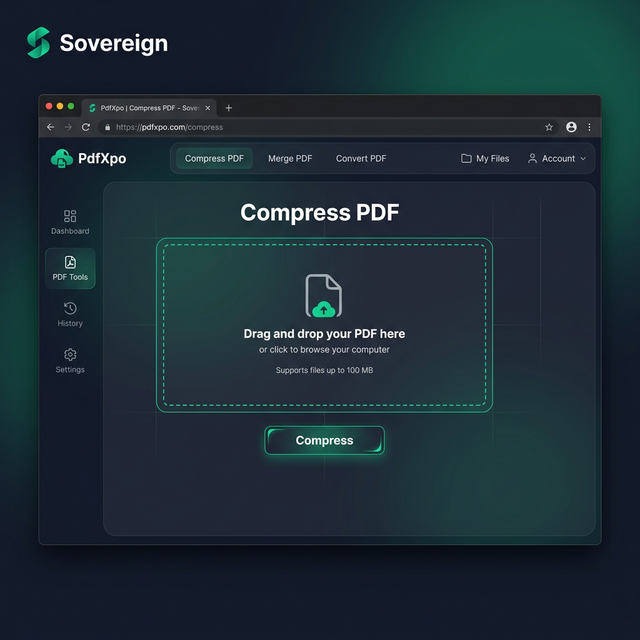
Why Windows 11 Users Choose PdfXpo Over Desktop Apps
Most legacy Windows PDF applications are bloated, expensive, and difficult to manage. Adobe Acrobat and similar suites can slow down your system and require constant updates and subscriptions for basic tasks. PdfXpo provides a 'Modern Web' alternative that matches the aesthetic and performance standards of Windows 11. We use advanced bicubic resampling for images and handle text layers with expert precision, ensuring that your reports, contracts, and portfolios look professional and sharp on any high-resolution monitor.
Furthermore, we eliminate the security risks associated with 'free' Windows downloads. The internet is full of PDF compressors that come bundled with unwanted malware or trackers. Because PdfXpo runs entirely in the secure sandbox of your browser using WASM, it represents the safest way to process documents on Windows. There is no need for 'Connect to Drive' permissions or email signups—just high-speed, 100% free compression whenever you need it. By keeping the processing local on your machine, we provide a faster and more private experience than cloud-resident competitors, helping you maintain a clean and secure Windows 11 environment.
Common Questions
Do I need to install any software to compress PDFs on Windows 11?
No. PdfXpo works directly in your web browser (Microsoft Edge, Chrome, or Firefox). This saves you from having to install heavy desktop apps that can slow down your PC and take up valuable storage space. Simply visit our site, upload your file, and compress it instantly with no installation required.
Is PdfXpo compatible with the ARM version of Windows 11?
Yes, PdfXpo is fully compatible with Windows 11 on ARM devices like the Surface Pro. Because our tool runs via WebAssembly in the browser, it takes full advantage of the power and efficiency of ARM processors to deliver blazing fast local compression with no emulation overhead.
Is it safe to compress my sensitive files on an online tool?
PdfXpo is the safest online tool for Windows 11 users because it uses local processing. Your files never leave your computer; the 'online' part of the tool is just the interface. All the actual data shrinking happens on your machine, ensuring that your documents are never exposed to the internet or stored on our servers.