Compress PDF to 500KB | Ultra-Small Optimization
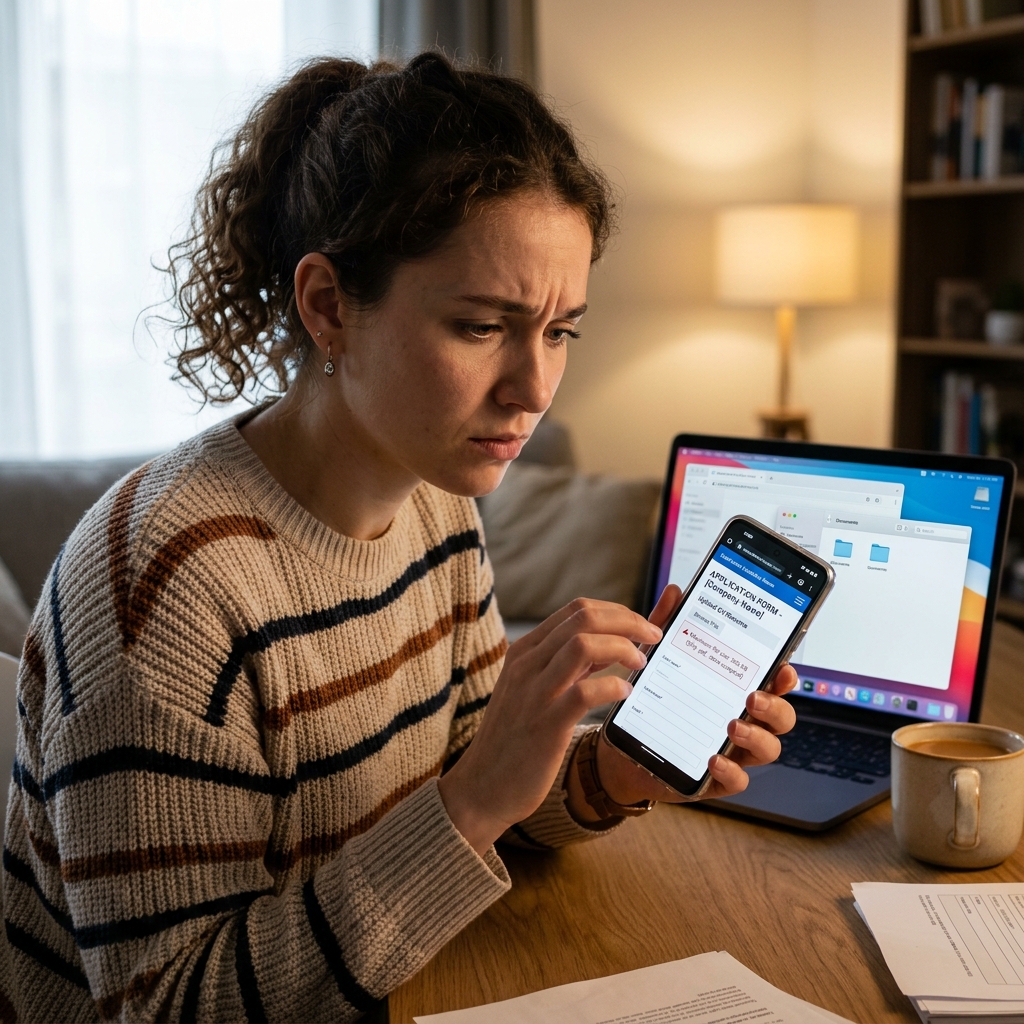
Modern administrative portals—especially those for government services, banking, and real estate—are increasingly enforcing ultra-low file size limits to maintain peak system performance. A 500KB limit is one of the most common constraints you will face in 2026 when uploading ID proofs, utility bills, or passport scans. If your original scan is 2MB or 3MB, hitting that 500KB target can feel like an impossible puzzle, especially if the portal also requires the text to be crystal clear for automatic verification.
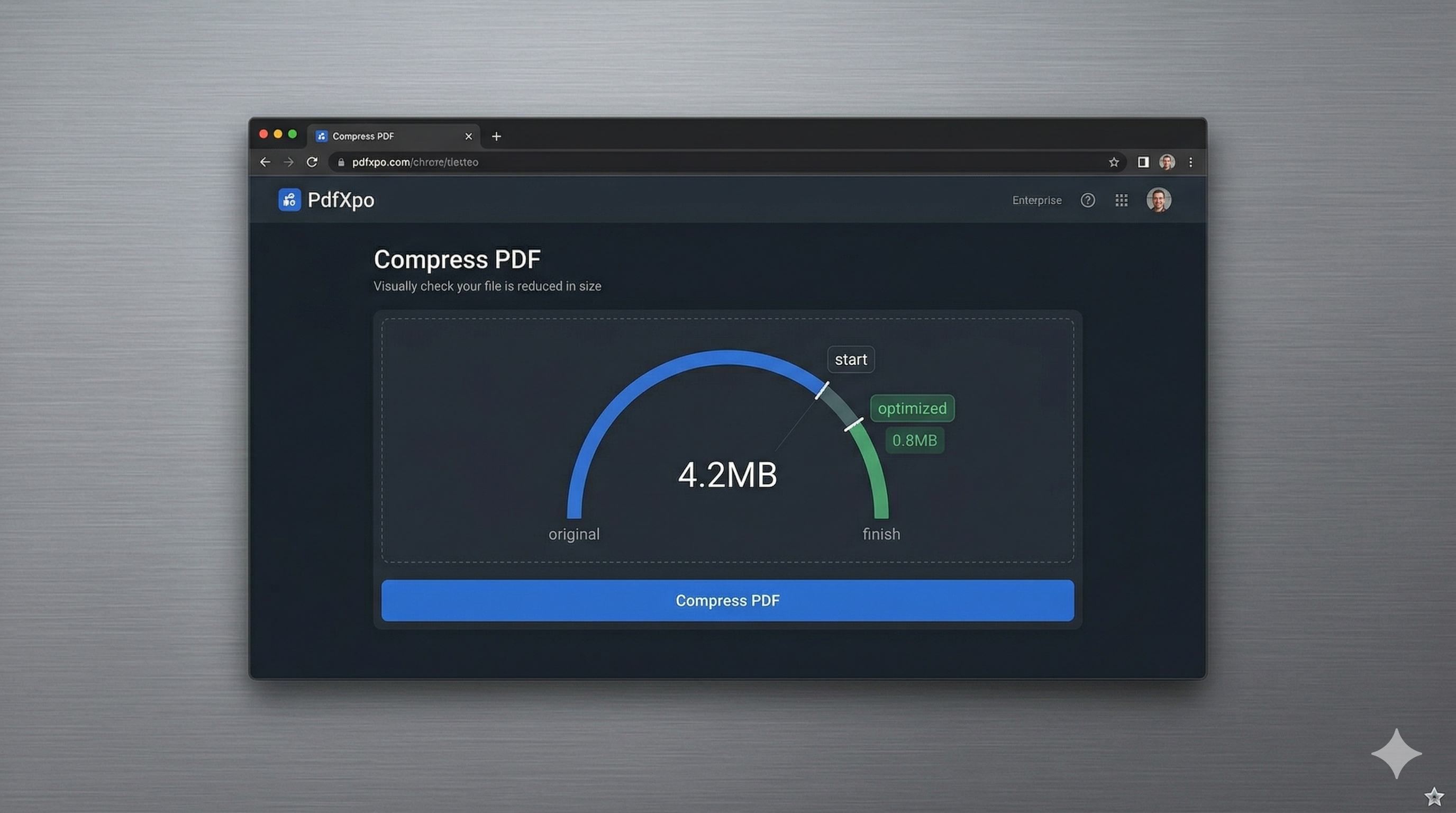
At PdfXpo, we understand that extreme compression shouldn't mean extreme quality loss. Our ultra-small optimization engine is specifically calibrated to handle 'Binary Shrinkage'—a technique that focuses on the deep structural elements of a PDF. We strip hidden data streams, consolidate redundant font dictionaries, and perform intelligent pixel-sampling on images to ensure your document ducks under the 500KB bar. Even at this tiny footprint, we ensure your text remains legible and your signatures stay sharp, allowing your application to pass automated validation on the first attempt.
Because our tool is powered by local WebAssembly (WASM), the entire process happens inside your browser. This is essential for documents like Aadhaar cards, PAN cards, or tax records where privacy is non-negotiable. Other tools require you to upload your sensitive ID documents to the cloud, where they could theoretically be stored indefinitely. With PdfXpo, your data stays on your hardware. You can achieve an ultra-compact 500KB file size with the confidence that your personal information is protected by the highest standards of digital sovereignty.
100% Local Privacy
Your files never leave your computer
Local Browser Power
Instant Processing in Browser
Secure Client-Side Processing
Data is handled entirely within your browser for maximum security
How to Compress PDF to 500KB — Step by Step
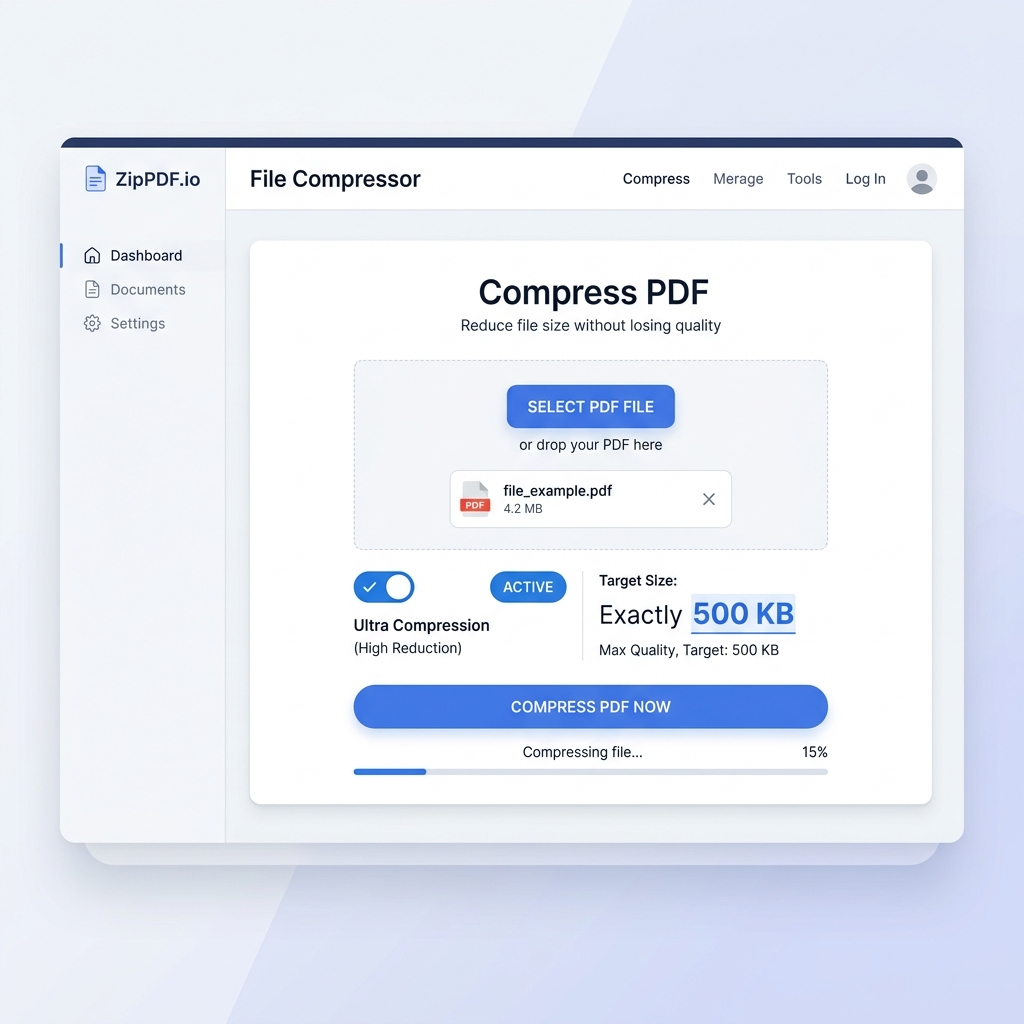
1. Navigate to the high-efficiency Compress PDF tool on PdfXpo.com to begin your ultra-small file transformation. You will find a clean, responsive interface that is specifically designed to handle the heavy processing required for 500KB targets on both desktop and mobile. Use the secure upload zone to drop your large PDF knowing it will be processed locally with absolute privacy.
2. Upload your file and select the 'Strong/Ultra' compression setting to trigger the most aggressive data-stripping algorithms. Our engine will instantly begin analyzing the PDF to find the largest clusters of unnecessary data while preserving the essential text and image layers. Watch the dashboard as it prepares to shrink your document from multiple megabytes down to the critical sub-500KB range.
3. Tap the 'Compress' button to execute the browser-based optimization and generate your compact, portal-ready document. You will watch the progress bar reach 100% within seconds as the engine finalizes the ultra-small binary structure for your download. Retrieve your watermark-free result immediately and verify the file size is under 500KB before submitting it to your chosen online portal.
Why PdfXpo Is Best for 500KB Ultra-Compression
When you need to reach a target as low as 500KB, many standard PDF tools fail because they simply don't have the non-destructive algorithms to go that small. iLovePDF or Smallpdf might give you a blurry, unusable mess at high compression ratios because their cloud servers are optimized for generic speeds rather than precision. PdfXpo uses local hardware acceleration to run more complex, high-calculation cycles, resulting in a significantly clearer document for the same file size.
We also respect the urgency of low-limit portals. Most of these sites are for critical services—like visa applications, insurance claims, or tax filings—where any delay can have real-world consequences. We provide a 100% free experience with zero ads, zero signup walls, and zero watermarks. This means you can compress your file and get your application submitted in under a minute, without having to navigate through a marketing funnel or pay for 'premium' compression features.
Common Questions
Can I compress a scanned document to 500KB?
Yes, scans are typically the best candidates for 500KB compression because they usually contain high-resolution image data that can be optimized. PdfXpo's engine uses smart resampling to keep the scanned text readable while stripping the high-frequency 'noise' that makes unoptimized scans unnecessarily large.
What if my file is still over 500KB after compression?
If your file is exceptionally large (e.g., 50MB+), you may need to use our 'Split PDF' tool first to divide the document into sections or use the 'Greyscale' option to aggressively save space by removing color data. For most standard documents under 10MB, our 'Strong' setting will easily reach the sub-500KB mark.
Will the digital signature on my PDF still work after compression?
Yes. PdfXpo's non-destructive compression is designed to protect the integrity of the PDF's logical structure, including form fields and digital signatures. Unlike tools that rasterize the whole page into an image, our tool keeps the document layers intact while shrinking the assets within them.