Compress PDF to 300KB | Optimized for Fast Uploads
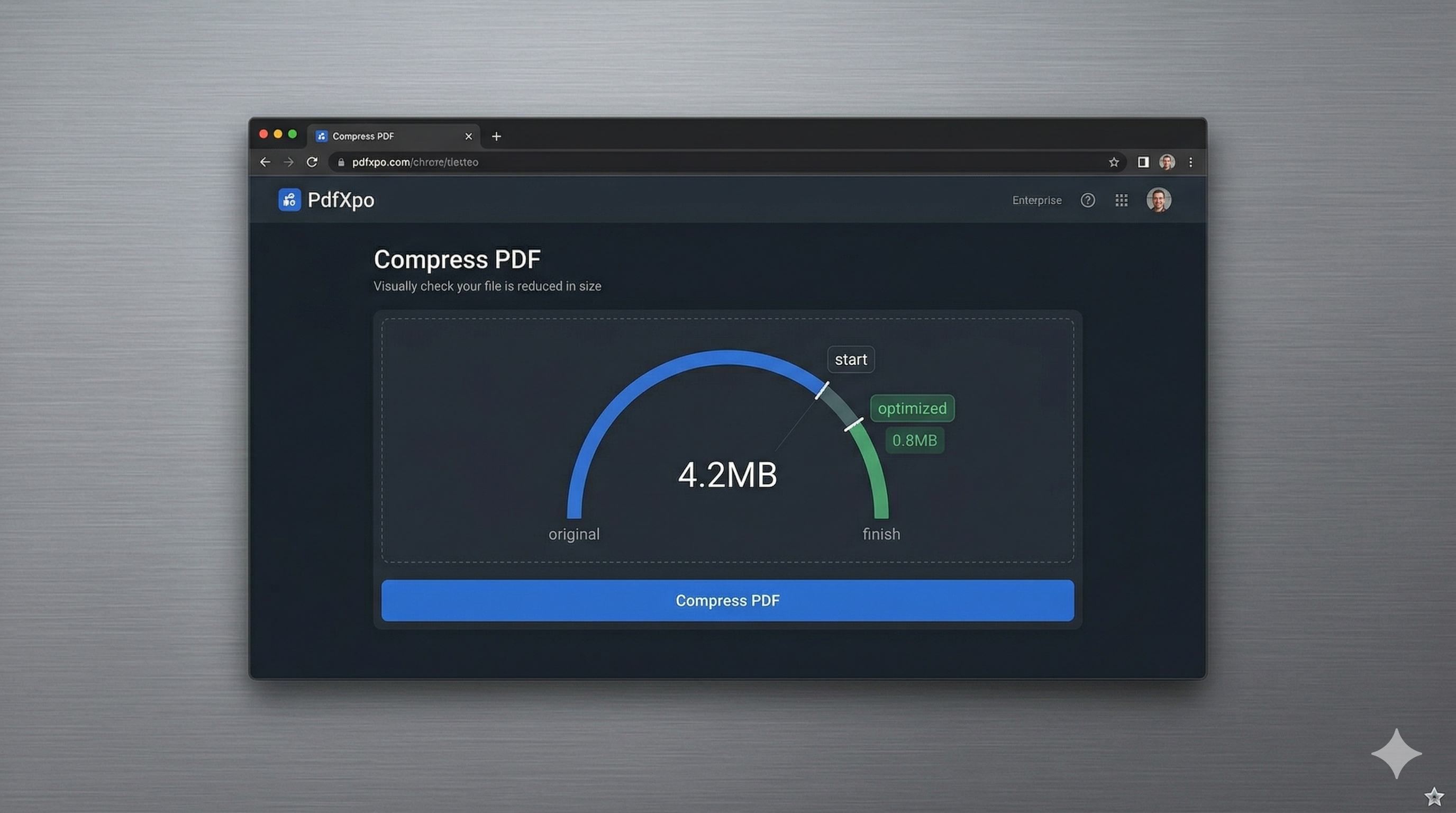
The 300KB file size limit is a standard benchmark for many online portals, particularly those used for school registrations, scholarship applications, and regional government services. This limit strikes a balance: it’s large enough to contain a decent scan of a birth certificate or a high-school diploma, but small enough to ensure that thousands of concurrent users don't crash the server during peak registration windows. However, when your original scan is 5MB or even 10MB, reaching exactly 300KB without making the text unreadable can be a difficult technical hurdle to clear.
PdfXpo provides a specialized 300KB compression engine that uses non-destructive optimization techniques. Our system identifies and removes unnecessary document overhead—such as unused character maps, redundant metadata, and high-frequency image noise—while keeping the essential text layer perfectly sharp. In 2026, where automated intake bots read your documents for keywords, preserving text clarity is not just about human readability; it's about ensuring your application is actually processed by the system.
One of the unique advantages of using PdfXpo is our local-only execution model. When you're compressing sensitive documents like birth certificates or sensitive educational transcripts, you shouldn't have to risk your privacy by uploading them to a remote cloud server. PdfXpo processes everything safely on your local hardware using WebAssembly. This means you get professional-grade, 300KB-optimized results instantly, without ever losing control of your data. It's fast, 100% free, and designed for users who need a perfect result on the first attempt.
100% Local Privacy
Your files never leave your computer
Local Browser Power
Instant Processing in Browser
Secure Client-Side Processing
Data is handled entirely within your browser for maximum security
How to Compress PDF to 300KB — Step by Step
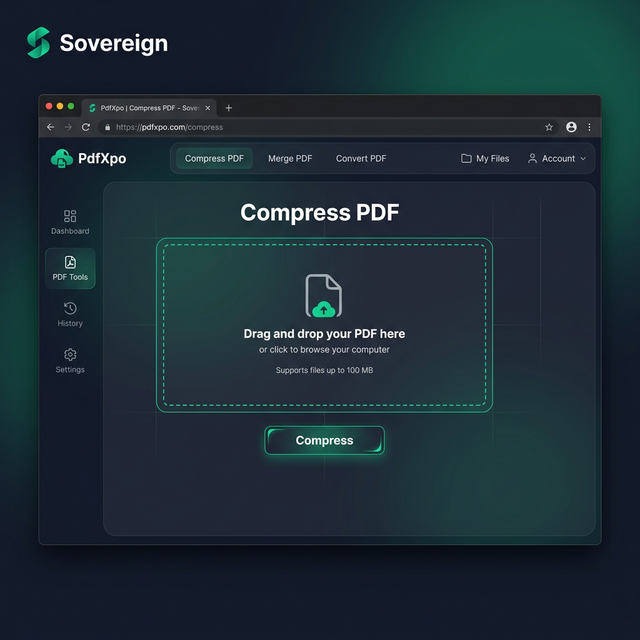
1. Visit PdfXpo.com and navigate to our dedicated Compress PDF tool to begin your file size optimization. You will find a secure, browser-based environment that requires no app download or registration to function. Drag into the upload area the PDF you need to bring under the 300KB requirement to prepare it for local processing.
2. Upload your file and select the 'Strong' compression profile which is specifically calibrated for these tighter size requirements. Our engine will instantly begin to strip bloated background data while protecting the integrity of your text and document structure. Watch the status indicator as it prepares your file to fit comfortably within the 300KB limit for your specific target portal.
3. Click the 'Compress' button to execute the optimization and download your watermark-free file directly to your device. Once the process is complete, you can open your file explorer to confirm the new size is approximately 250KB to 290KB. This ensures you meet the strict requirement and allows you to proceed with your online application without any further technical delays.
Why PdfXpo Is the Best Choice for 300KB Limits
Many online PDF tools use generic compression strategies that often undershoot or overshoot the 300KB target. iLovePDF or Smallpdf might compress your file to 450KB, which is still too large, or they might crush it down to 100KB, ruining the quality and making signatures unreadable. PdfXpo uses an iterative sampling technique that aims for the 'sweet spot'—reducing the binary size significantly while leaving enough graphical resolution for high-quality previews and printing.
Additionally, our service is completely unlimited. While other sites might force you to pay for 'high compression' or limit the number of files you can process in a day, PdfXpo is completely free. We believe that everyone should have access to professional-grade tools for their most important life tasks, whether that's applying for a school or filing a government form. By running the compression locally on your own CPU, we avoid the costs of cloud computing and pass that efficiency directly to you in the form of a free, high-performance service.
Common Questions
Can I reach 300KB without my PDF looking blurry?
Yes, by using PdfXpo's smart bicubic resampling, we keep the edges of characters sharp while reducing the 'noise' in larger images. This ensures that even at 250-300KB, your document will look clean on a standard screen and will be clear enough for a recruiter or administrator to read easily.
Is there a limit on the number of pages for 300KB compression?
The 300KB limit is quite tight for very long documents (e.g., 50+ pages). For these, we recommend splitting the document or removing high-res images first. However, for standard 1-5 page ID documents and certificates, reaching the 300KB mark is easily achievable with our 'Strong' setting.
Is it safe to compress my birth certificate on PdfXpo?
It is the safest way to do so. Because we use WebAssembly to process your file securely on the edge, your birth certificate is never sent to our servers. Your private information stays on your device, giving you total data privacy, which is something most other online tools cannot offer.