Compress PDF to 200KB Free Online
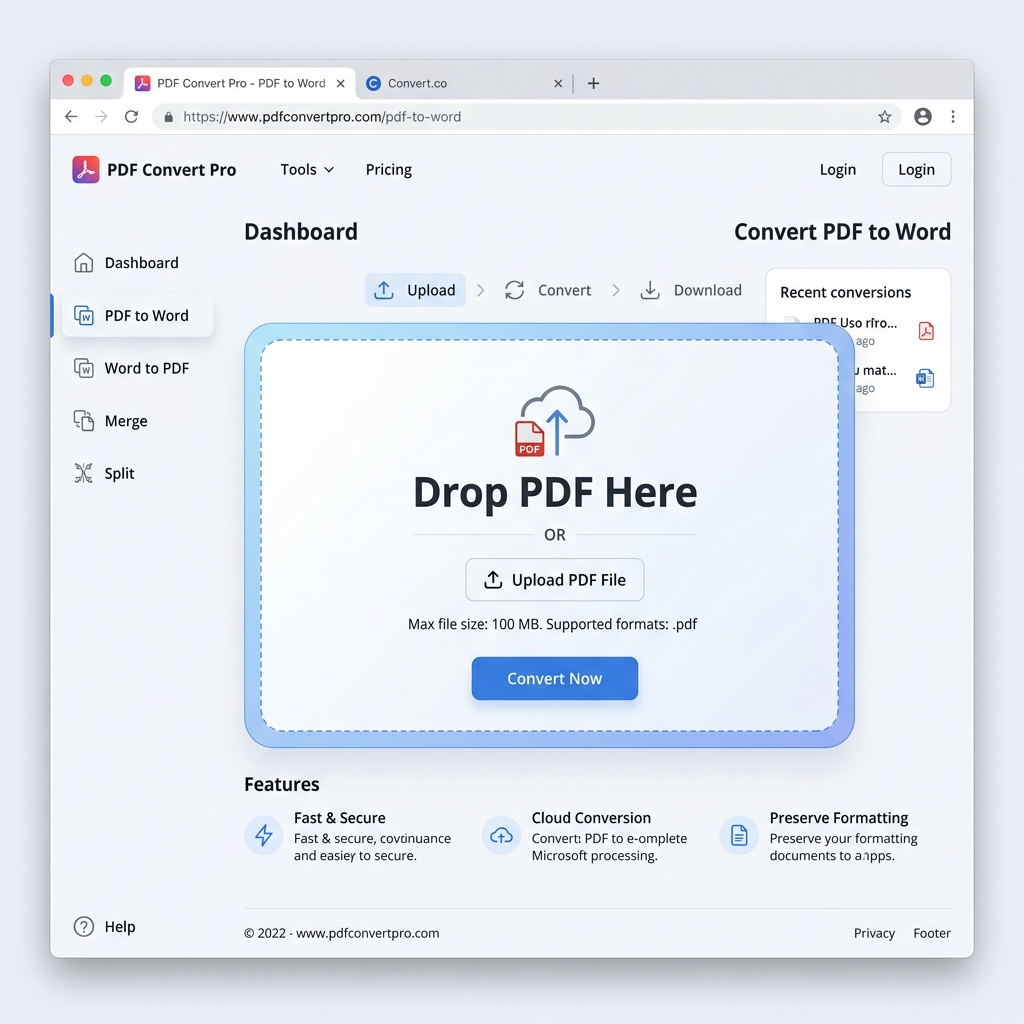
Dominate 200KB File Limits with PdfXpo Privacy-First Engine
Have you ever spent hours perfecting a document only to find that your government portal, job application, or university system has a strict 200KB file size limit? Whether it is for the UPSC portal in India, a bank application in Brazil, or a passport renewal service in the USA, hitting that precise 200,000-byte mark is one of the most common hurdles in digital professional workflows.
PdfXpo is built specifically to solve this "File Too Large" frustration. Using localized browser-based processing, we provide a high-performance 200KB PDF compressor that doesn't just lower the quality — it intelligently optimizes the internal structure of your document to meet strict submission requirements without making the text illegible.
Why a 200KB Target is a Global Standard
Most PDF files generated by modern software like Microsoft Word, Adobe InDesign, or Canva are between 2MB and 10MB by default. These files contain massive amounts of high-resolution metadata, unoptimized image layers, and full font families that aren't necessary for viewing or printing. When you need to compress PDF to 200KB online, you are essentially cleaning the "digital noise" out of the file to meet the specific bandwidth and storage constraints of official registries.
Privacy Without Compromise: The WASM Revolution
At PdfXpo, we believe your data is your property. Traditional "cloud-based" PDF tools require you to upload your sensitive tax returns, resumes, or medical records to their servers. This creates a massive security risk. PdfXpo is different. Our tools leverage WebAssembly (WASM), meaning all compression logic runs entirely on your local CPU and RAM. Your document never leaves your device. This "Zero-Knowledge" architecture is the new gold standard for secure document management in 2026.
Optimized for Global Submission Portals
We have engineered our compression algorithm against the most rigorous digital upload systems in the world:
- Government Portals: Tailored for systems requiring 200KB for identity verification and tax filing.
- Educational Applications: Fast, reliable uploads for transcripts, diplomas, and statement of purpose documents.
- Enterprise HR Systems: Ensure your resume loads instantly for recruiters by keeping it under the 200KB 'Goldilocks' zone.
- Legal & Court Filings: Maintain enough resolution for signatures to remain valid while meeting strict Pacer or e-filing limits.
How We Achieve the 200KB Budget
Our multi-stage optimization process includes:
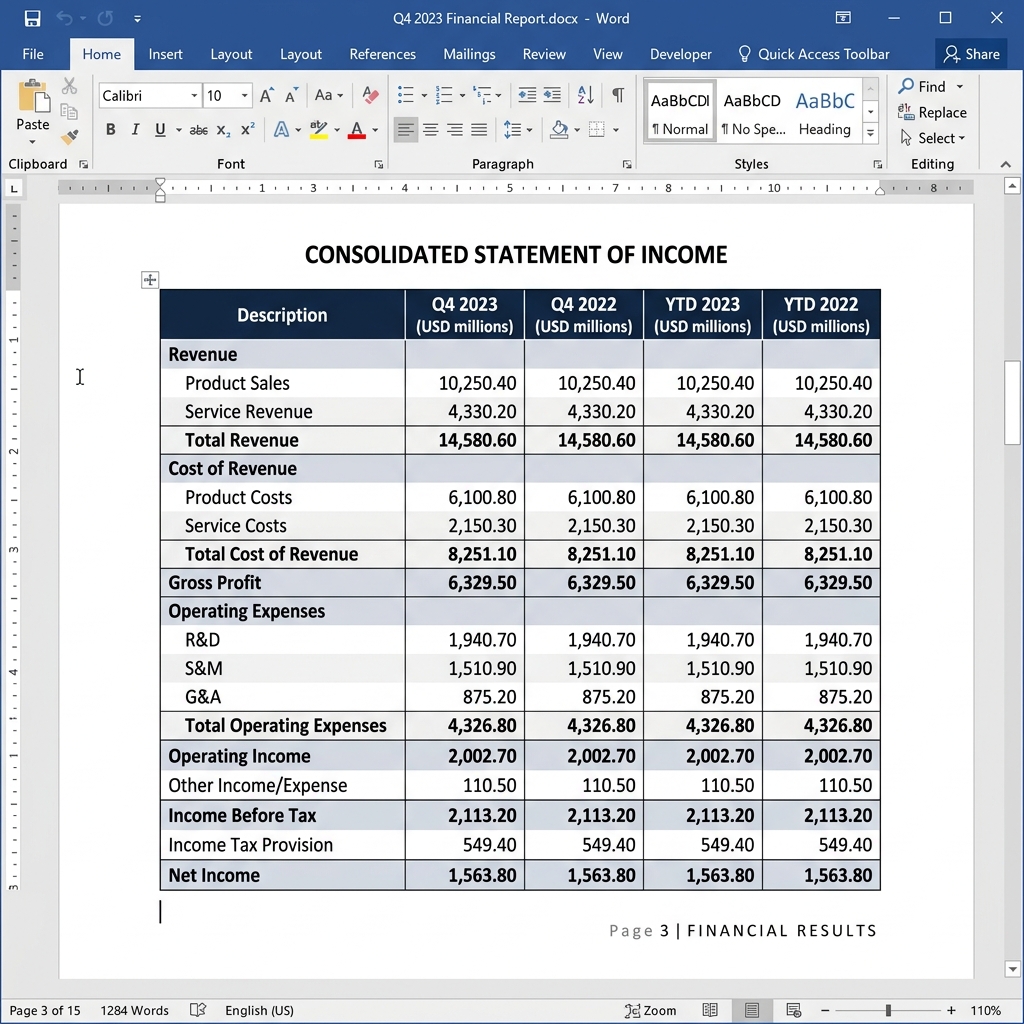
- Smart DPI Scaling: We scale images to 144 or 72 DPI (web standards) which looks flawless on high-resolution displays but saves megabytes of space.
- Object Stream Compression: We rewrite the internal PDF cross-reference tables to be as efficient as possible.
- Color Space Optimization: Converting heavy CMYK print data to efficient RGB screen data reduces file weight significantly.
- Metadata Stripping: We remove hidden proprietary tags from software like Word or Photoshop that add unnecessary weight to your PDF.
Professional Grade Tools, Zero Cost
Why pay for a premium subscription just to shrink a few files? PdfXpo is 100% free, forever. No credit cards, no "Pro Only" features, and no watermarks. You get the same (or better) high-fidelity output as the most expensive desktop software, right in your browser tab.
100% Local Privacy
Your files never leave your computer
Local Browser Power
Instant Processing in Browser
Secure Client-Side Processing
Data is handled entirely within your browser for maximum security
How to Compress PDF to 200KB Free Online — Step by Step
Select or drag your PDF into the secure, blue-bordered local processing box.
The engine automatically detects the optimal path to reach the 200KB target.
Wait less than a second as the WASM engine restructures the file objects.
Click the 'Download' button to save your optimized PDF to your local folder.
Upload your new 200KB document to your target portal with total confidence.
The Sovereign Choice for Document Compression
The Technical Edge: Why PdfXpo Outperforms iLovePDF and Smallpdf
When you choose to compress PDF under 200K with our engine, you aren't just running a generic "shrink" command. We use a context-aware compression model. If your PDF is mostly text-based (like a legal contract), we focus on removing unreferenced font glyphs. If it is image-heavy (like a scanned ID), we apply advanced sub-sampling that maintains edge contrast so your text remains sharp.
The Speed of Local Execution
Because our technology runs on your device, there is zero upload latency. This means even if you have a slow internet connection, the actual "work" of compressing your PDF to 200KB happens in milliseconds. Most users describe the experience as "magic" because they click a button and the download starts instantly. We have eliminated the middleman (the server) to give you the fastest document utility on the internet.
Common Questions
Will my PDF lose readability if I compress it to 200KB?
PdfXpo uses advanced stream optimization that prioritizes text clarity. For a standard document, 200KB is enough to maintain sharp text while drastically reducing the file size of images and hidden metadata. We use lossy compression only where it's invisible to the human eye, ensuring your documents pass strict readability tests for official submissions.
Is it safe to upload sensitive documents to PdfXpo?
Your files never leave your device. We use WASM (WebAssembly) to process your data securely on the edge. Unlike other tools, we never upload your documents to a cloud server, ensuring 100% privacy for tax returns, medical records, and legal contracts. Your browser effectively becomes the processing engine.
How does the 'Target Size' engine work for 200KB?
Our intelligent engine analyzes the internal object structure of your PDF. If you select 200KB, it iteratively adjusts image DPI, color depths, and font embedding until the file matches your target. If the file is extremely large, it reaches the highest possible compression ratio while maintaining the PDF specification integrity.
Is there a limit to how many files I can compress?
No. All PdfXpo tools are 100% free with no signup, no subscriptions, and no daily limits. Whether you need to compress one file or a thousand, our local-first architecture ensures you have unlimited access to professional-grade tools without a credit card or email requirement.