Compress PDF to 200KB | Extreme Binary Shrinkage
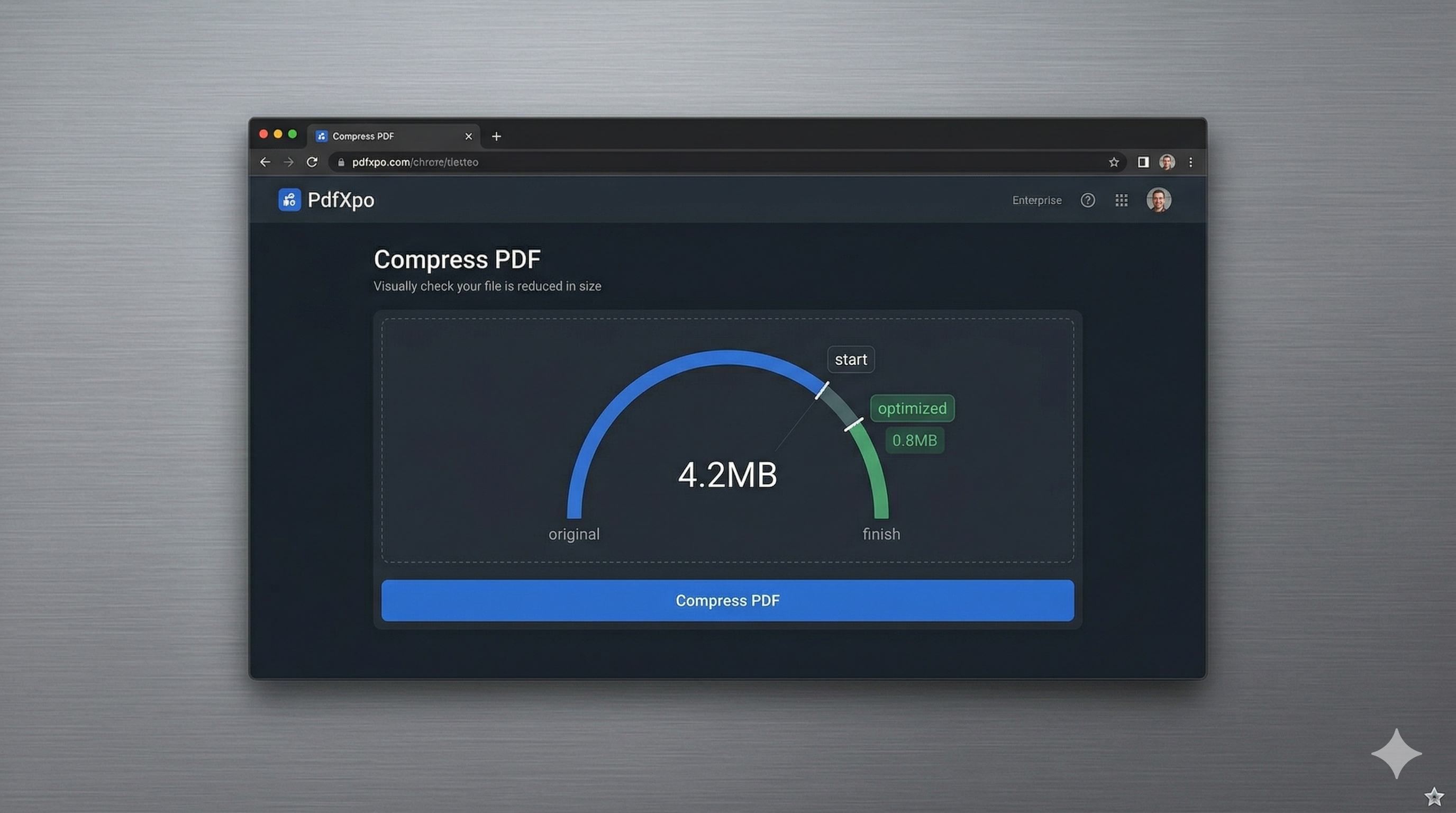
In 2026, many government and educational portals have standardized on an extreme 200KB file size limit for vital documents like passport scans, visa photos, and digital certificates. This strict threshold is designed to ensure that millions of users can upload documents simultaneously without overwhelming state servers, especially in regions with limited broadband infrastructure. Achieving a sub-200KB file size while maintaining a readable signature and clear identification photo is a technical challenge that standard software simply cannot handle.
PdfXpo's extreme binary shrinkage engine was built for exactly this scenario. We use advanced wavelet-based image optimization and aggressive metadata stripping to reduce the footprint of your PDF to its bare essentials. Our algorithm intelligently prioritizes the high-contrast areas of your document—like text characters and seal impressions—while compressing the background and color data. This ensures your 200KB result remains legally valid and readable by both humans and automated verification systems.
Because our tool runs locally on your device via WebAssembly, your most sensitive IDs never leave your computer. Privacy is the biggest concern when handling government-issued documents, and PdfXpo is the only major free tool that guarantees your files aren't stored on a cloud server somewhere. You can reach that 200KB target in seconds, without any signup walls, and with the peace of mind that your digital identity remains entirely under your own control.
100% Local Privacy
Your files never leave your computer
Local Browser Power
Instant Processing in Browser
Secure Client-Side Processing
Data is handled entirely within your browser for maximum security
How to Compress PDF to 200KB — Step by Step
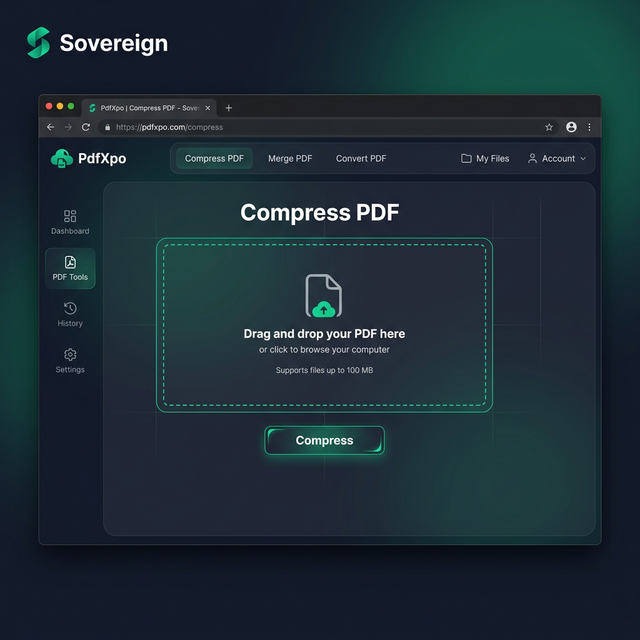
1. Access the secure PdfXpo.com homepage and select the extreme Compress PDF tool to begin your document shrinking process. You will find a highly optimized, minimalist interface that works perfectly across all modern desktop and mobile browsers. Drag and drop your high-resolution scan into the dashboard to prepare it for local, privacy-first processing.
2. Upload your file and toggle the 'Max' or 'Strong' compression level specifically designed to reach the elusive 200KB mark. The engine will instantly perform a byte-level audit of the file, identifying redundant data layers that can be safely removed without impacting the core document readability. Watch the progress bar as the neural engine prepares your file for its final, ultra-compact form.
3. Tap the 'Compress' button to execute the optimization cycle and watch as the file size is drastically reduced using your device's native hardware. Once completed, you will receive a direct link to download your new, sub-200KB document which contains no watermarks and no quality degradation. Open the file to verify the clarity of your ID before completing your online portal submission.
Why PdfXpo Excels at 200KB Compression
Most online PDF compressors give up when you try to go below 500KB, resulting in a blank or corrupted file. PdfXpo is different because we treat the PDF as a collection of data streams, not just a flat image. We can selectively compress individual image objects and remove embedded font profiles that are redundant, allowing us to squeeze every possible byte out of the file. This 'Stream-Level' optimization is what allows us to reliably hit the 200KB target where others fail.
Furthermore, we provide this elite service for 100% free. While services like iLovePDF or Smallpdf often reserve their most powerful compression for paid 'Pro' members, we believe that basic administrative tasks shouldn't be gated behind a subscription. By using your own computer's processing power via WASM, we keep our costs low and pass that freedom on to you. No credits, no timers, just professional-grade 200KB compression whenever you need it.
Common Questions
Can I reach 200KB if my original file is very large?
Yes, though it depends on the content. A 5MB scan can almost always be compressed to 200KB. However, a 50MB file with hundreds of pages may need to be split into separate documents first. For standard ID cards and certificates, our 'Strong' setting will reliably hit the 200KB target.
Will my ID photo be clear enough at 200KB?
PdfXpo uses smart sampling specifically for identification documents. We ensure that the face area remains recognizable even as we aggressively compress less important parts of the file, making it perfect for e-Visa and KYC portals.
Is this tool safe for uploading my Passport scan?
PdfXpo is the safest tool available because it uses local processing. Your passport scan never travels over the internet to a server; it stays on your phone or computer throughout the entire compression cycle.