Targeted Compression | Shrink PDF to Exactly 1MB
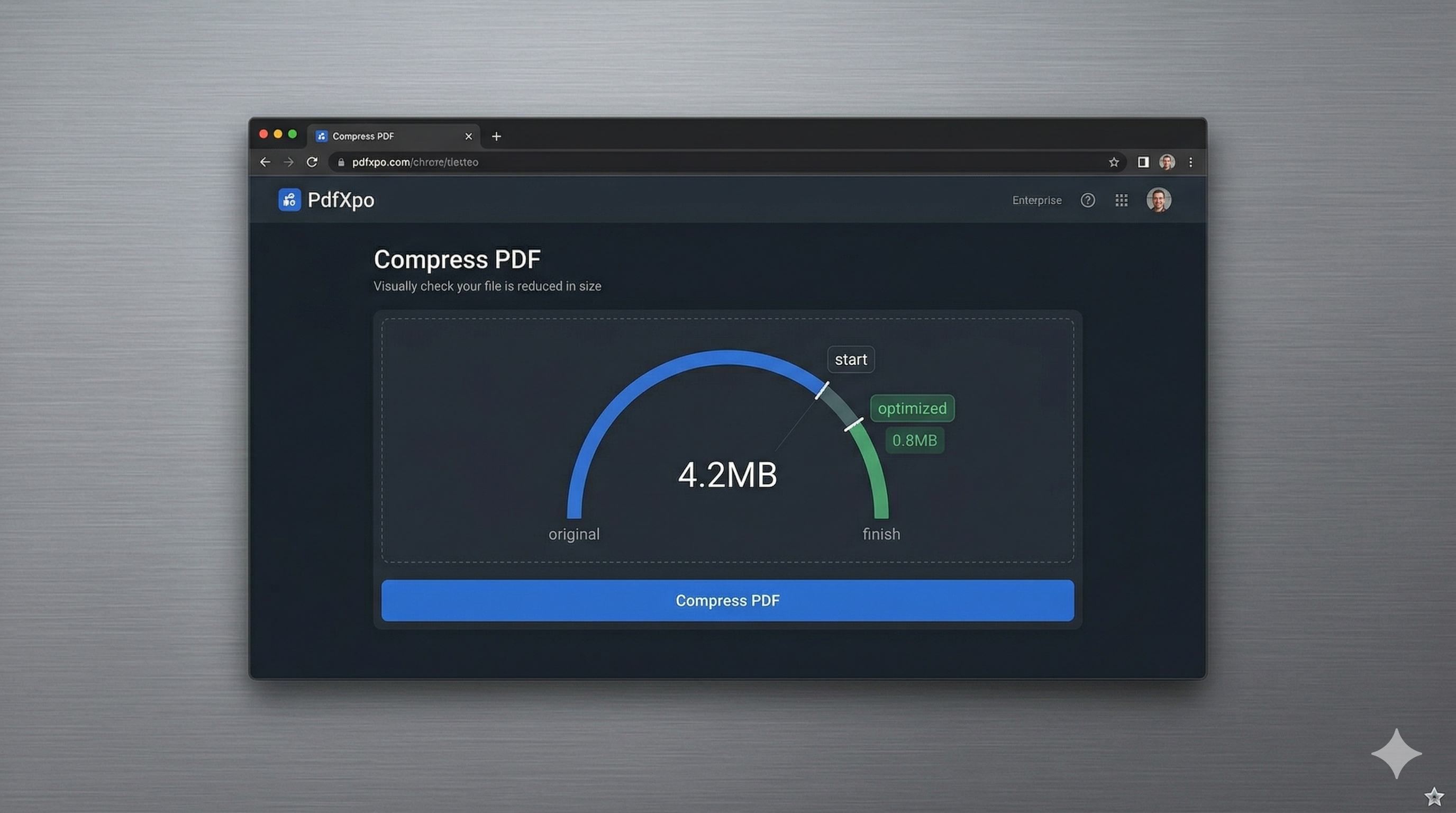
One of the most frustrating obstacles in modern digital administration is the 'Hard Upload Limit.' Whether you are applying for a visa via USCIS, submitting court documents, or uploading a university admission portfolio, you often encounter a strict 1MB or 2MB file size cap. These portals are unforgiving; even a file that is 1.01MB will be flatly rejected, forcing you back to the beginning of a long application process. Standard PDF compressors are often a game of 'guess-and-check,' where you compress a file only to find it's still too large, or worse—so small that the text is unreadable and your application is rejected later for 'poor document quality.'
PdfXpo’s 'Target-Size' engine was engineered specifically to solve the 'Portal-Limit' crisis. Using a sophisticated bit-rate optimization algorithm, our system performs a multi-pass scan of your PDF. Instead of applying a generic 'Low/Medium/High' setting, we calculate the exact amount of data that needs to be removed from embedded images and metadata to hit your target size while maintaining maximum legibility. We prioritize the 'OCR Text Layer' and vector paths, ensuring that while the file size drops, the essential information remains sharp and searchable for government officials and admissions officers.
Security is paramount when handling sensitive legal and personal documents. Most online compressors require you to upload your passport scans, tax records, and academic transcripts to a cloud server, creating a massive security vulnerability. PdfXpo has pioneered 100% local PDF compression using WebAssembly (WASM). The entire optimization process happens inside your browser’s secure sandbox. Your sensitive identifiers and private data never leave your computer. You get the surgical precision of a pro-grade compressor with the absolute confidentiality of an offline tool. It’s the fastest, safest, and most reliable way to beat the 1MB limit and get your application submitted on time.
100% Local Privacy
Your files never leave your computer
Local Browser Power
Instant Processing in Browser
Secure Client-Side Processing
Data is handled entirely within your browser for maximum security
How to Targeted Compression — Step by Step
1. Navigate to PdfXpo.com and open our specialized Compress PDF tool to start your precision optimization. You will be greeted by a clean, modern dashboard that allows you to drag and drop your large files directly into the secure processing zone. Use the browser-based interface to keep your workflow fast and your data entirely private without installing any software.
2. Upload the PDF you need to bring under the 1MB limit and watch as the engine performs an instant audit of the file's internal structure. You will see an array of compression presets designed to help you reach specific file size milestones without compromising visual clarity. Select the 'Strong' or 'Recommended' setting to ensure your resulting file successfully dips below the critical 1MB threshold.
3. Click the 'Compress' button to initiate the local neural optimization and watch the progress bar reach completion in just a few seconds. You will receive an immediate download link for a high-quality, watermark-free PDF that is now perfectly sized for any 1MB-limited portal. Open your file explorer to confirm the new size and proceed with your submission with total professional confidence.

Why PdfXpo Is the Best for Precise 1MB Targets
When you need to hit a specific file size target like 1MB, accuracy is everything. Many competitors like iLovePDF or Smallpdf use generic compression algorithms that are inconsistent; sometimes they shrink the file to 1.2MB, other times to 800KB, leaving you with either a rejected file or a document that is lower quality than it needed to be. PdfXpo uses a more sophisticated, iterative approach. Our engine is specifically calibrated to reclaim 'just enough' space by stripping junk data first, leaving your visual assets as pristine as possible while ensuring you stay under the cap.
Furthermore, we don't believe in 'pay-to-play' for essential tools. While other services might limit the number of free compressions you can perform per hour or lock high-ratio compression behind a paywall, PdfXpo remains 100% free and unlimited. This allows you to experiment with different settings to get the absolute best quality for your 1MB document. With our local WASM-powered processing, you also save on data usage because you aren't uploading and downloading massive files to the cloud—making us the fastest and most efficient choice for hitting that 1MB target.

Common Questions
Is there a way to guarantee my PDF will be exactly 1MB?
While it is impossible to predict an exact byte-count due to the different ways PDF data is structured, PdfXpo's 'Strong' compression is specifically designed to bring standard 5-10MB documents down into the sub-1MB range. Most of our users find that our 'Recommended' setting hits the sub-1MB target perfectly for resumes and applications.
Will my images look pixelated after compressing to 1MB?
PdfXpo uses smart bicubic resampling, which is a high-end downscaling technique that maintains sharpness. While very high-resolution photography may see some reduction in pixel density to meet the 1MB target, the images will remain perfectly clear for screen viewing and standard office printing in 2026.
Why is 1MB such a common limit for online forms?
The 1MB limit is a legacy of older database systems and server storage optimization. By keeping files under 1MB, organizations ensure that their portals remain fast and their storage costs manageable. Complying with this limit via PdfXpo also ensures that your application is processed faster by their automated intake systems.