Compress PDF on Mac | Professional Grade Optimization
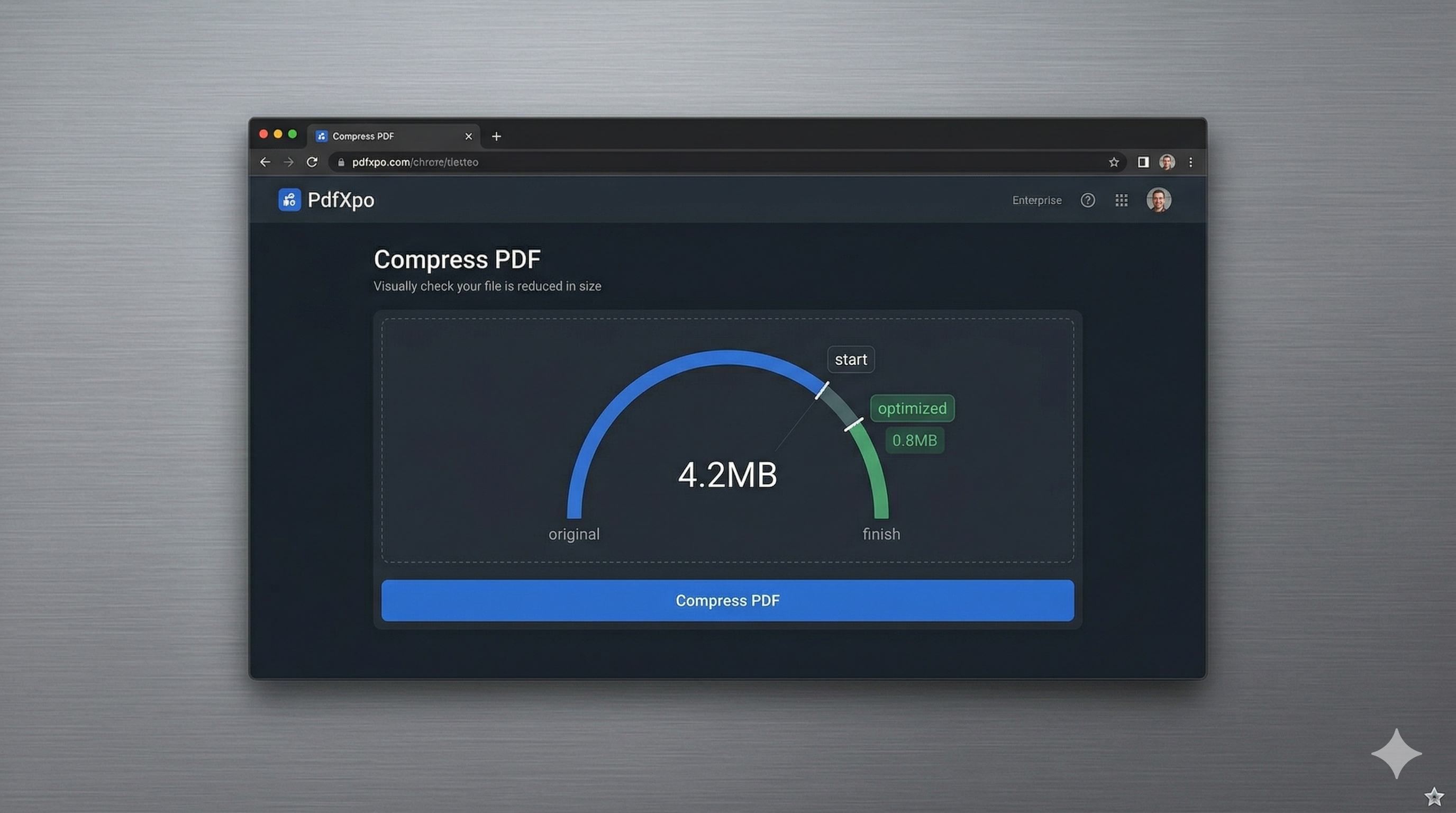
Mac users value high performance, elegant design, and robust security above all else. Whether you're a creative professional working on a Mac Studio, a student using a MacBook Air, or a business executive on a MacBook Pro, managing large PDF files is an essential part of your macOS experience. While Apple's built-in "Preview" app offers basic 'Quartz Filter' compression, users frequently find it lacking in terms of file size accuracy and quality retention, often resulting in documents that are too blurry for professional use.
PdfXpo provides a superior, non-destructive compressor specifically optimized for the macOS ecosystem. We leverage the power of Apple Silicon (M1, M2, M3) to run high-speed local processing right within your web browser—be it Safari, Chrome, or Firefox. By using WebAssembly (WASM), our tool turns your Mac into a high-performance document processing workstation without the need to install heavy software suites or pay for monthly subscriptions. It's the perfect bridge between professional-grade precision and the zero-friction speed of the web.
Data sovereignty and privacy are foundational to the Mac community. PdfXpo addresses this by keeping the entire compression cycle local to your machine. Unlike traditional online converters that force you to upload your sensitive contracts, portfolios, and financial records to their remote servers, PdfXpo ensures your files never leave your device. This 'Sovereign-Mode' processing ensures your confidential information remains 100% private, with no storage on our end and zero signup friction. It's the fastest, safest way to hit your target file size on Mac in 2026.
100% Local Privacy
Your files never leave your computer
Local Browser Power
Instant Processing in Browser
Secure Client-Side Processing
Data is handled entirely within your browser for maximum security
How to Compress PDF on Mac — Step by Step
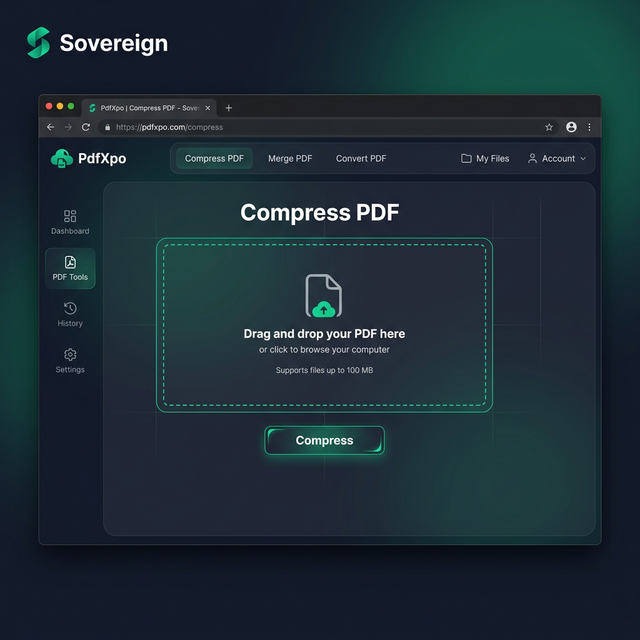
1. Open Safari or Chrome on your Mac and navigate to PdfXpo.com to access our premium document suite. You will find a secure, browser-resident environment that allows you to instantly optimize files without the need for installing any third-party software. Drag and drop the large PDF you wish to shrink from your desktop or Finder directly into the secure processing dashboard.
2. Upload your file and selection the 'Recommended' or 'High' compression preset based on your specific file size target. The neural engine will perform an immediate, local audit of the document's structure, identifying and stripping unnecessary data bloat while protecting your formatting and image clarity. You can watch as your Mac's own processor handles the complex optimization tasks right within the browser window.
3. Click the 'Compress' button to execute the final binary shrinkage using your native hardware acceleration. Once the process is complete, you will receive an immediate link to download your watermark-free, high-fidelity PDF directly to your Mac's downloads folder. Open the file in Preview to confirm that every graphic and character remains perfectly sharp before you finalize your professional submission.
Why Mac Users Choose PdfXpo Over Preview
While macOS Preview is a great tool for basic edits, its 'Minimize File Size' filter is notorious for pixelating images and removing the text layers that make PDFs searchable. PdfXpo use a more sophisticated approach. We target the hidden metadata and redundant font profiles that increase file size without adding any visual value. This ensures your legal briefs, portfolios, and reports remain professional and archival-grade, with crisp typography and vibrant imagery that looks incredible on Liquid Retina displays.
Furthermore, we eliminate the complexity of the macOS 'Quartz Filter' settings which can be confusing and hard to tune. PdfXpo offers a simplified, AI-assisted interface that gives you the best results with a single click. There is no need for advanced technical knowledge or expensive software like Adobe Acrobat. By keeping the processing local on your Mac via WASM, we provide a faster and more private experience than cloud-resident competitors, helping you maintain a clean, efficient desktop environment without unnecessary 'bloatware' installations.
Common Questions
How is PdfXpo different from using 'Export as PDF' in Preview?
The 'Reduce File Size' option in Preview often results in extremely low-resolution images. PdfXpo uses smart bicubic resampling and structural optimization to shrink files significantly *without* making images look blurry. It's a more professional approach that preserves the visual integrity of your document while still reaching your target size.
Can I use PdfXpo on an older Intel Mac?
Yes, PdfXpo works on all Macs that support modern web browsers like Safari 15+ or Chrome. While newer Apple Silicon Macs will experience blazing fast local processing, our WebAssembly engine is highly optimized to run smoothly on older Intel-based MacBooks and iMacs as well.
Is it safe to compress confidential legal docs on PdfXpo?
Yes, it is the safest online tool for legal professionals. Because we use local browser-resident processing, your sensitive documents never leave your Mac. Your private data is never sent to a server, never stored in a database, and never analyzed by a third party, ensuring total confidentiality for your legal and financial files.