Compress PDF on iPhone | Free Mobile Optimization
In 2026, your iPhone is more than just a phone; it's a mobile office that carries your critical documents, contracts, and scanned IDs. However, one major limitation of iOS is its historical friction with large file management, particularly when trying to share heavy PDFs via email or messaging apps. Many iPhone users believe they need to download expensive, storage-consuming apps to simply resize a document. But downloading 'bloatware' apps often leads to intrusive notifications and potential privacy risks from third-party trackers.
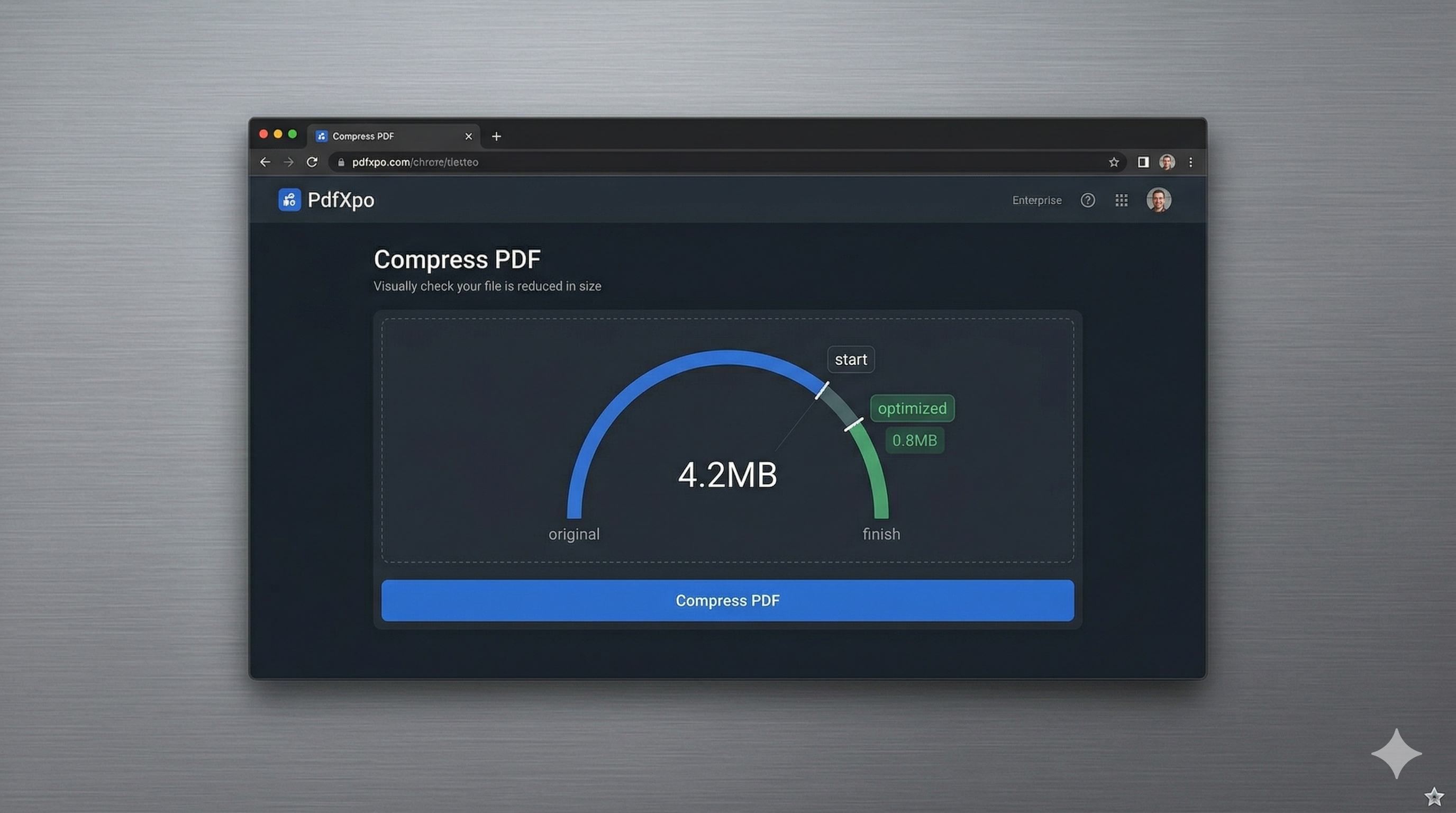
PdfXpo solves this by providing a high-performance, browser-based compression suite that is specifically optimized for iOS and Safari. We leverage the power of the Apple Silicon within your iPhone to run local WebAssembly (WASM) processing. This means that instead of uploading your sensitive files to a remote server and waiting for a cloud process, your iPhone itself handles the compression. It's faster than using an app and significantly more private, as your documents never leave your local Safari browser environment during the entire shrinking cycle.
Whether you're shrinking a school assignment, a business proposal, or a scanned passport for a travel visa, PdfXpo ensures a zero-friction experience. Our engine is specifically calibrated to handle the high DPI of iPhone retina displays, ensuring that text remains crystal clear while the binary size is slashed by up to 90%. Best of all, it's 100% free with no watermarks and no hidden subscriptions, giving you professional-grade PDF tools that are always just a tap away in your favorite browser.
100% Local Privacy
Your files never leave your computer
Local Browser Power
Instant Processing in Browser
Secure Client-Side Processing
Data is handled entirely within your browser for maximum security
How to Compress PDF on iPhone — Step by Step
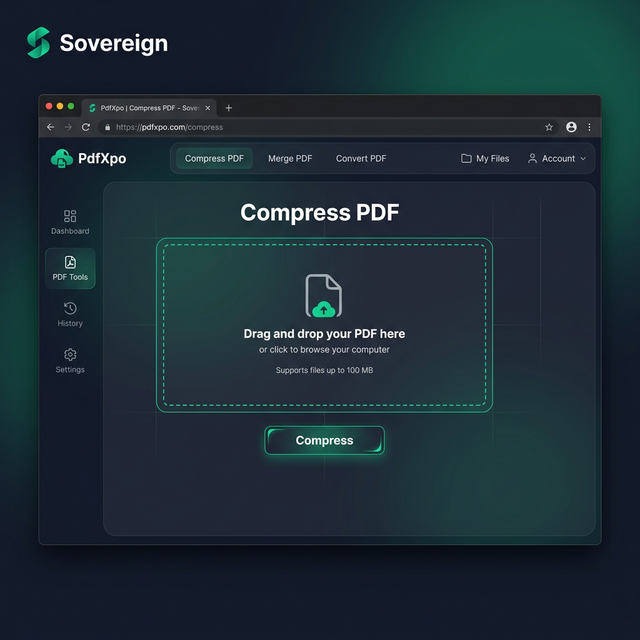
1. Open Safari on your iPhone and go to PdfXpo.com to access our responsive mobile document tools. You will see the tool gallery on the homepage — simply tap the Compress PDF icon to enter the secure local processing zone. No app download is needed as our technology works directly in your mobile browser for maximum convenience.
2. Tap the 'Upload' button to browse your Files app and select the large PDF you wish to optimize on your device. The neural engine will instantly calculate the file's structure and provide you with simple presets for achieving the perfect balance of size and clarity. Watch the progress bar as your iPhone's own processor begins to shrink the document locally without using any cloud data.
3. Select the 'Compress' option and wait a few seconds for our browser-based WASM engine to finalize the optimization process. You will receive an immediate download link for a light, watermark-free PDF which can be shared directly through Messages, Mail, or AirDrop. Verify the file size in your downloads folder to ensure it meets your specific requirements before sending it along.
Why iPhone Users Choose PdfXpo Over Apps
Privacy and storage space are the two biggest concerns for iPhone power users. The App Store is full of 'Free PDF tools' that are actually wrappers for cloud services that collect your data and sell your habits to advertisers. PdfXpo is fundamentally different—we are a 'Privacy-First' platform. By processing files securely on the edge, we ensure that your personal resumes, medical records, and ID scans remain on your device. There is no account to create and no email to verify, meaning your session is completely anonymous from start to finish.
Furthermore, PdfXpo respects your iPhone's storage and battery life. Because we don't require an app installation, we save you hundreds of megabytes of disk space. Our local WASM engine is highly efficient, utilizing the low-power cores of your iPhone's CPU to perform compression without draining your battery like resource-heavy desktop ports often do. We provide a clean, ad-free environment that allows you to get your work done and get on with your day—offering professional-level PDF management with the simplicity of a mobile website.
Common Questions
Is it really free to compress PDFs on iPhone using PdfXpo?
Yes, 100% free. Unlike many 'top' apps in the App Store that offer a free download but then charge a subscription for basic high-quality compression, PdfXpo offers all its features for free. We don't have paywalls, daily limits, or watermarks—making us the most accessible document tool for iPhone users.
Which iPhone models are compatible with PdfXpo?
Any iPhone running a modern version of iOS with Safari, Chrome, or Firefox is compatible. This includes everything from the iPhone 8 and up. Our WebAssembly engine is designed to be backwards compatible while still taking full advantage of the power in modern devices like the iPhone 15 and 16 series.
Can I save my compressed PDF directly to iCloud Drive?
Yes. When you download your compressed PDF from PdfXpo, Safari will prompt you to save it to your device. You can choose to save it directly into any folder in your Files app, including iCloud Drive, Google Drive, or local storage, making it instantly available across all your Apple devices.