Compress PDF on Android | Faster Mobile Workflows
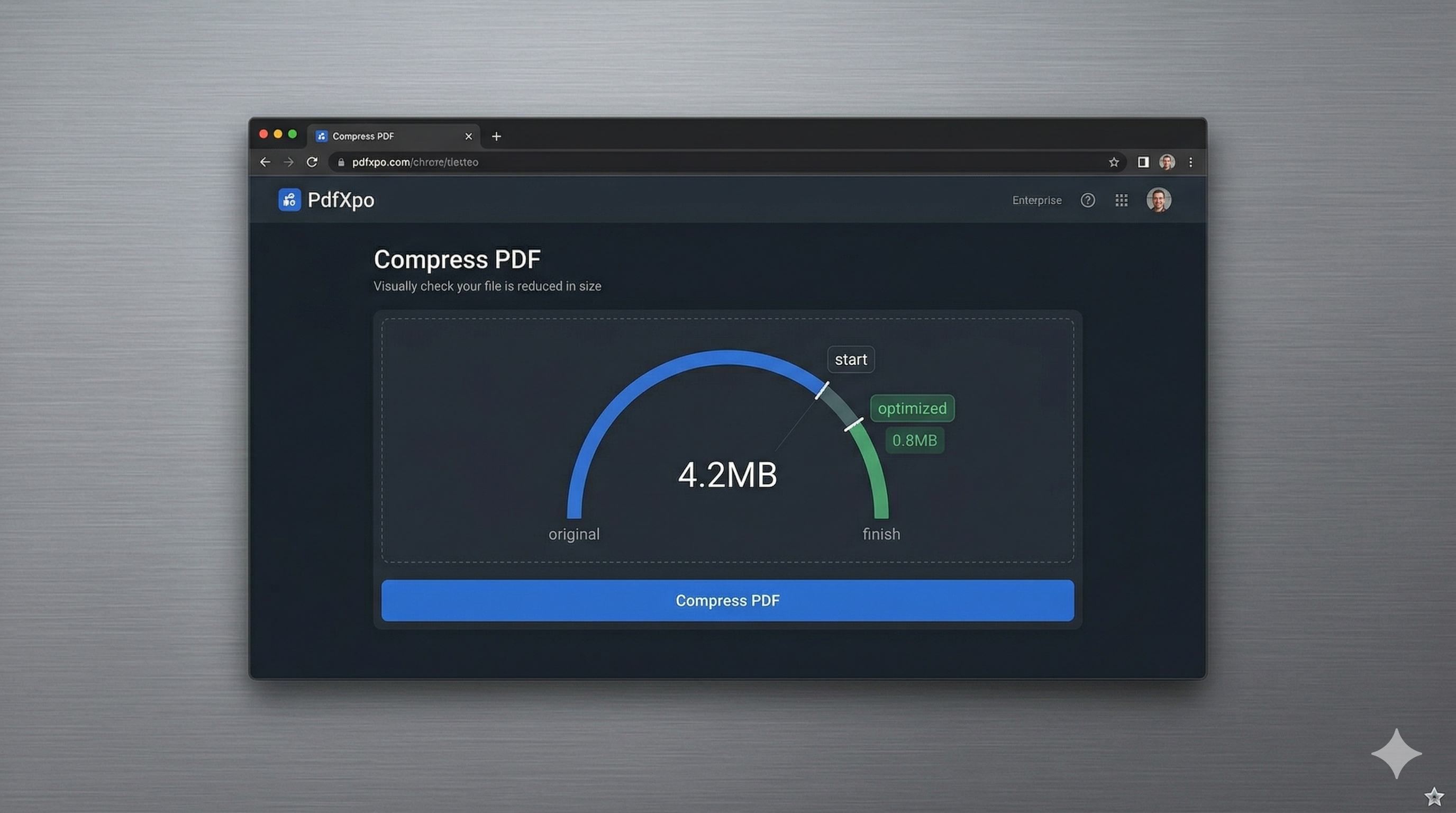
In 2026, Android devices have become the primary work tools for millions of professionals and students worldwide. Whether you're using a flagship Samsung Galaxy, a Google Pixel, or a versatile tablet, managing large PDF documents on the go is a core part of the modern mobile workflow. However, Android users frequently face a dilemma: either download 'bloatware' apps from the Play Store that consume storage and track data, or struggle with slow cloud-based tools that eat up mobile data.
PdfXpo provides a zero-friction, 'No-App-Needed' solution for Android users. We leverage the power of modern mobile browsers like Chrome and Samsung Internet to run high-performance local compression. By using WebAssembly (WASM), your Android device handles the heavy lifting of shrinking your files right within the browser. This means and wait for a cloud server, and your sensitive documents—be it a resume, a bank statement, or a school assignment—never leave your local device. It's faster than using an app and significantly more private.
Our neural optimization algorithm is specifically calibrated for mobile screens, ensuring that your PDFs remain perfectly sharp and professional when viewed on high-density OLED displays. Whether you're shrinking a 20MB portfolio to send via WhatsApp or a 50MB report to upload to a company portal, PdfXpo ensures a seamless experience with zero watermarks and zero signup friction. It's 100% free, forever, giving Android users the professional-grade tools they need without the traditional privacy and storage costs associated with mobile apps.
100% Local Privacy
Your files never leave your computer
Local Browser Power
Instant Processing in Browser
Secure Client-Side Processing
Data is handled entirely within your browser for maximum security
How to Compress PDF on Android — Step by Step
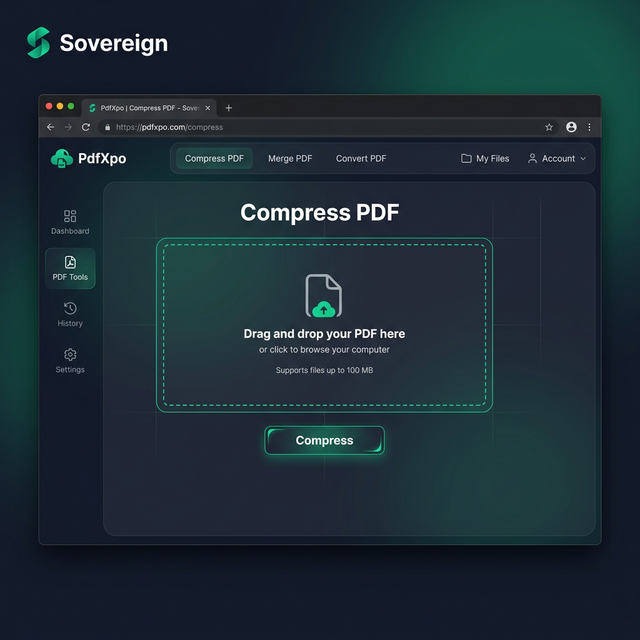
1. Open Google Chrome or Samsung Internet on your Android device and navigate to PdfXpo.com to access our responsive mobile tool suite. You will find a clean, touch-optimized dashboard that allows you to instantly select the 'Compress PDF' tool without downloading any separate applications. Prepare the file you wish to optimize by locating it in your device's internal storage or SD card for immediate local processing.
2. Tap the upload area to launch your Android file picker and select the heavy PDF document you need to shrink for your specific task. The neural optimizer will instantly audit the document's structure and provide you with simple compression presets to reach your target size without losing clarity. You can monitor the progress indicator on your screen as your phone's processor handles the non-destructive optimization locally in the browser.
3. Select the 'Compress' option and wait a few seconds as the WASM engine finalizes the binary shrinkage on your Android hardware. Once complete, you will receive a direct link to download your watermark-free file directly into your device's downloads folder for immediate use. You can now attach the optimized PDF to any email or chat application and send it instantly without encountering any file size limits.
Why Android Users Choose PdfXpo Over Apps
Privacy and device performance are the top priorities for modern Android users. Most 'Free PDF' apps in the Google Play Store are laden with aggressive advertisements, trackers, and data-sharing scripts that can compromise your personal security. PdfXpo eliminates this risk by keeping the entire processing cycle within the sandbox of your mobile browser. Your sensitive files never travel to an external server, which prevents your personal information from ever being stored or analyzed by third-party entities.
Furthermore, PdfXpo respects your Android device's storage and battery constraints. Because our tool works directly in your browser, you save hundreds of megabytes of space that would otherwise be used by a dedicated app installation. Our WASM engine is designed to be highly energy-efficient, utilizing the powerful multi-core processors of modern Android devices to perform compression in seconds without significant battery drain. We provide a clean, professional environment that allows you to manage your documents and get on with your day—offering desktop-level performance with the simplicity of a mobile website.
Common Questions
Is it safe to compress sensitive PDFs on an Android phone?
With PdfXpo, it is the safest method available. Because our technology uses local browser-based processing, your files never leave your Android device. This is much safer than using traditional online tools or Play Store apps that may upload your sensitive data to their own cloud servers for processing.
Do I need a specific browser to use PdfXpo on Android?
PdfXpo is optimized for Google Chrome, which is the default for most Android users, but it also works flawlessly on Samsung Internet, Opera, and Firefox. As long as your browser supports modern web standards and WebAssembly, you can enjoy fast, local PDF compression with no additional setup.
Can I save my compressed PDF directly to Google Drive on Android?
Yes. When you download your optimized PDF from PdfXpo, your browser will save it to your local 'Downloads' folder. You can then use the 'Share' or 'Upload' function within Android to move that file directly into Google Drive, OneDrive, or any other cloud storage service of your choice.