Compress PDF for WhatsApp | Bypass 100MB Limit
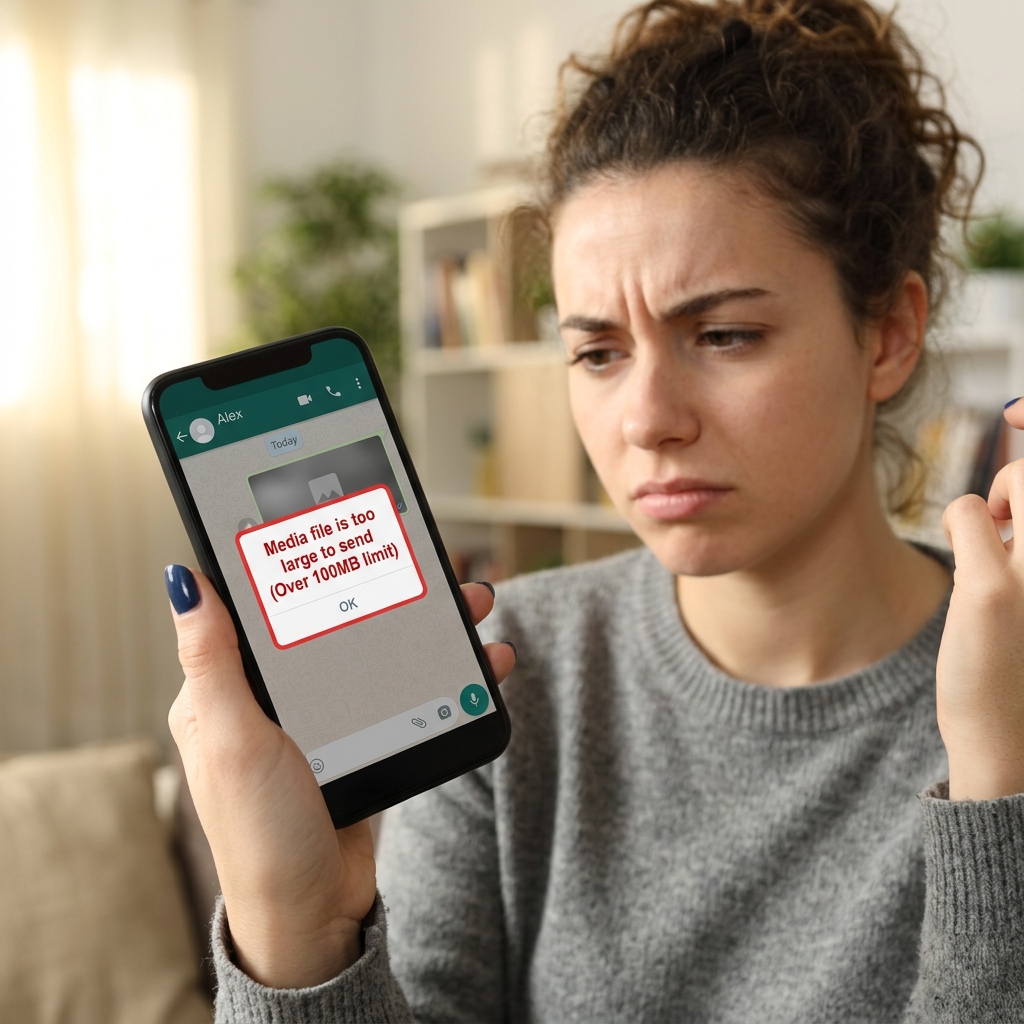
Sharing heavy PDF documents on WhatsApp has become a daily necessity for millions of users in India, Brazil, and across the globe. Whether you're sending a multi-page business proposal, a high-resolution textbook, or a massive legal brief, you’ve likely encountered the dreaded "Media file is too large to send" error message. WhatsApp currently enforces a strict 100MB individual file size limit (which varies slightly by region and device), making it impossible to share large archives without first performing an aggressive optimization.
In 2026, the speed of your communication defines your productivity. Waiting to find a computer or a stable Wi-Fi connection just to send a document that is slightly over the limit can stall critical projects or classroom assignments. PdfXpo was built specifically to solve this mobile-centric problem by providing a neural compression engine that works directly within your smartphone's browser—be it Chrome for Android or Safari for iOS.
Our technology focuses on structural binary optimization, allowing you to shrink a 150MB PDF down to less than 40MB without sacrificing the readability of your charts, tables, or text. Most importantly, because our tool runs locally using WebAssembly, your private documents are never uploaded to a remote server. You can compress your PDF for WhatsApp with absolute peace of mind, knowing your data remains on your phone while the file becomes small enough to send in any chat window instantly.
100% Local Privacy
Your files never leave your computer
Local Browser Power
Instant Processing in Browser
Secure Client-Side Processing
Data is handled entirely within your browser for maximum security
How to Compress PDF for WhatsApp — Step by Step
1. Open your mobile browser and navigate to PdfXpo.com to access the free compression tool. You will see a clean, touch-optimized dashboard that allows for instant file selection from your phone's internal memory. Use the secure upload zone to initiate the local processing without needing to download a separate app.
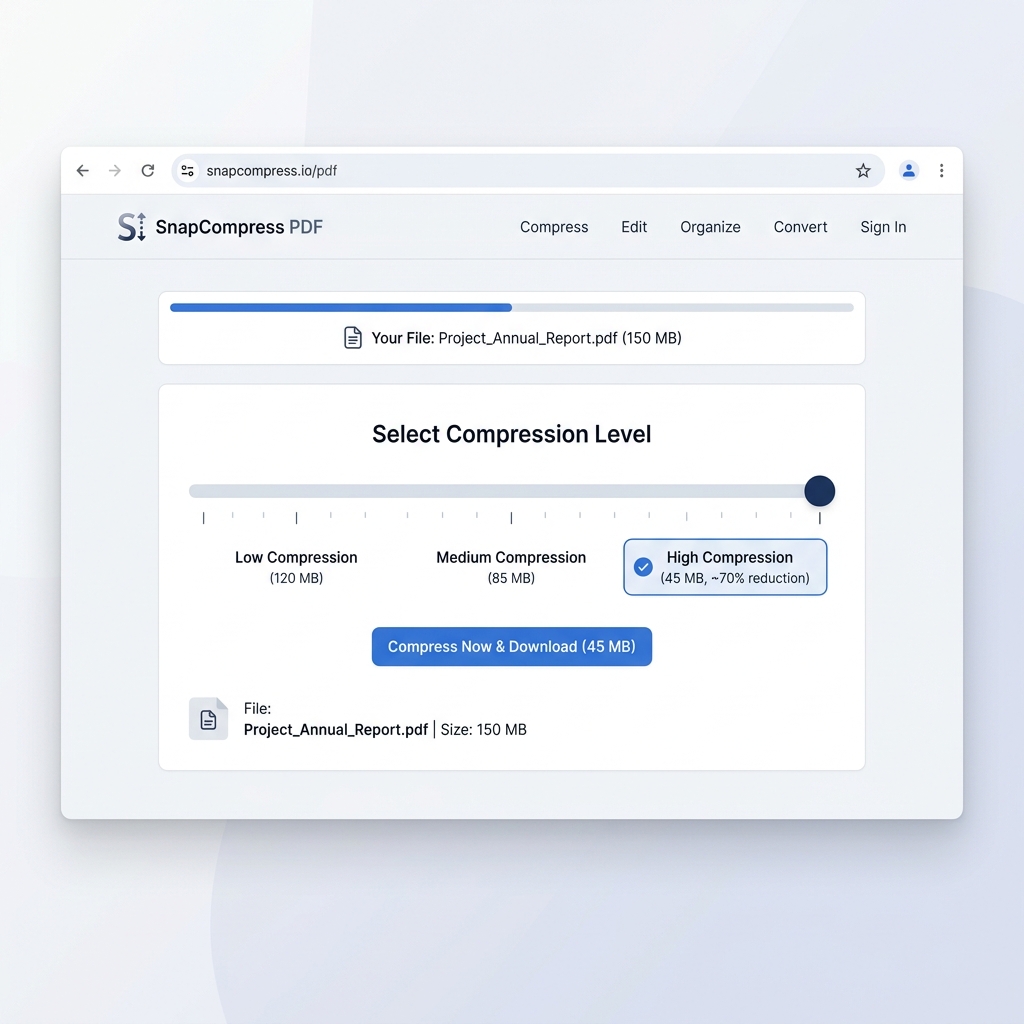
2. Select the large PDF file you wish to send and upload it into the browser-based neural compressor. The tool will automatically calculate the current size and offer a degree of optimization that ensures it falls well below the 100MB WhatsApp threshold. Choose the 'High' compression setting if your original file is significantly over the limit to guarantee a successful send.
3. Tap the 'Compress' button to execute the optimization and watch as the file is shrunk in real-time. Once the progress bar reaches the end, you can download the watermark-free result directly back into your downloads folder. Open WhatsApp and attach the newly optimized document to your chat—it will now send instantly without any file size errors.
Why PdfXpo Is the Best Choice for WhatsApp Sharing
When sending documents over a chat app like WhatsApp, speed and reliability are what matter most. Other tools invite you to 'upload' your files to their servers, which can be terribly slow on 4G or 5G connections and consumes a massive amount of data. PdfXpo is fundamentally different because it keeps the processing local. Your phone's own processor handles the compression, making it up to 5x faster than cloud-based competitors like iLovePDF or Smallpdf when you're on the go.
Furthermore, we respect the 'zero-friction' nature of WhatsApp. You don't need to sign up for an account, verify an email, or watch annoying video ads to get your file. We believe that professional tools should be as simple as the apps they support. Our engine ensures that fonts are embedded correctly and images are resampled for mobile screens, so the person on the receiving end sees a perfectly clear document every time, no matter what device they are using.

Common Questions
Why does WhatsApp say my PDF is too large to send?
WhatsApp has a set maximum file size for documents, which is typically 100MB. This limit is in place to preserve server performance and ensure that users on slower data connections don't experience crashes. If your PDF is even slightly over this limit, you will need to use a tool like PdfXpo to compress it before it will be accepted by the app.
Will the quality of my PDF decrease if I compress it for WhatsApp?
PdfXpo uses smart sampling that prioritizes text clarity and structural integrity. While image resolution may be slightly reduced to save space, the document will remain perfectly readable on mobile screens and tablets. Our 'Recommended' setting is specifically calibrated to ensure that business documents and textbooks look professional even after high compression.
What is the file size limit for sending PDFs on WhatsApp?
WhatsApp has two main limits: 16MB for media-type sharing and typically 100MB (recently increased to 2GB in some regions) for document sharing. However, sending large files over 100MB can still be slow and prone to failure on mobile networks. PdfXpo helps you shrink files to under 16MB for the most reliable instant sharing.
Will my PDF look blurry on my friend's phone after I shrink it?
No. Our engine uses 'Mobile-Adaptive' compression. We keep the text as sharp as possible while only reducing the resolution of background graphics and removing unneeded metadata. This ensure your documents remain professional and easy to read even on small screens.
Is it safe to compress my private receipts or flight tickets?
It is the safest way to do it on mobile. Because PdfXpo runs securely on the edge (not on a server), your sensitive information like reservation numbers or home addresses never leaves your phone. You get total privacy and zero data harvesting.