Compress PDF for Visa Application | Global Travel Compliance
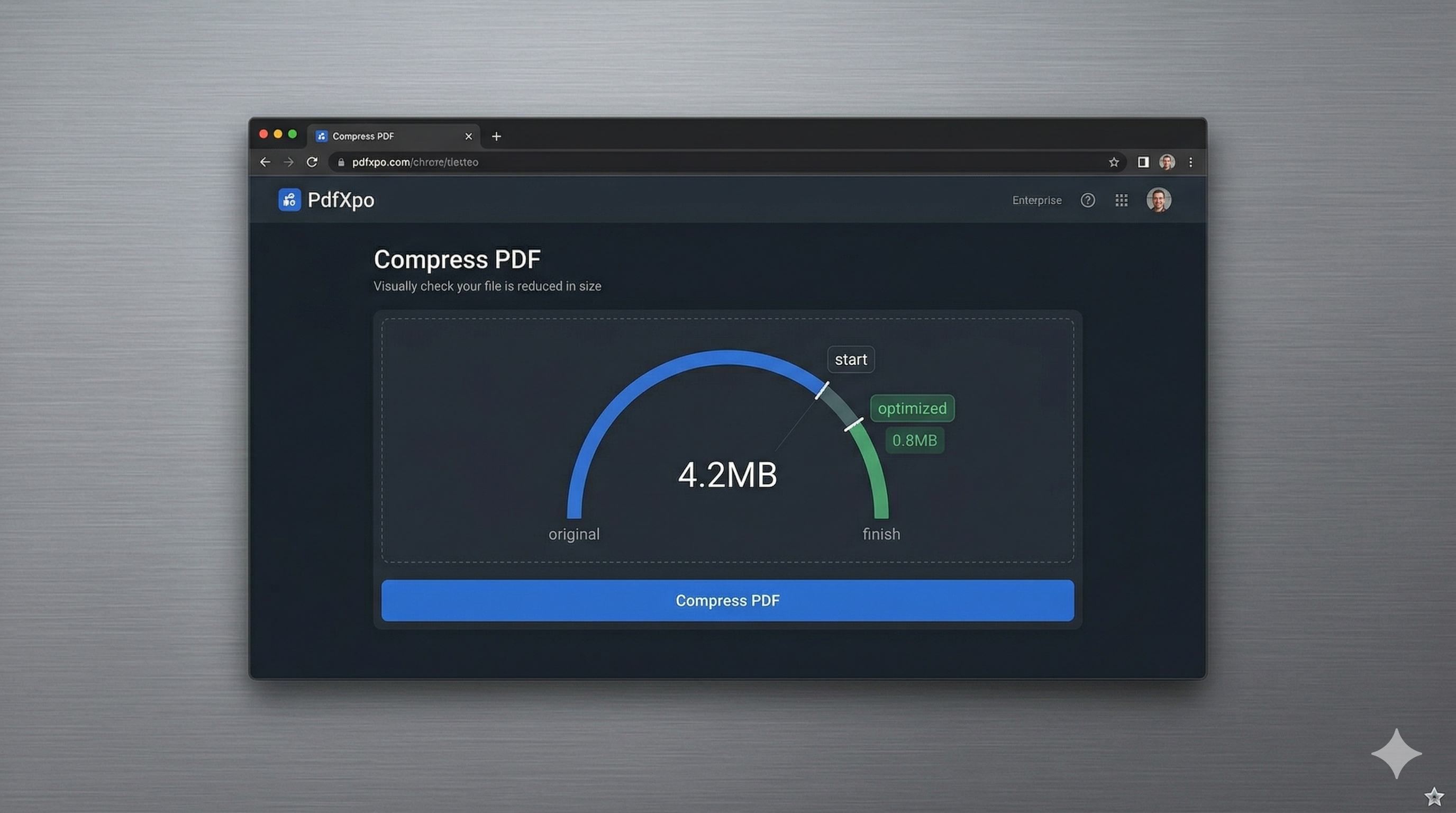
In 2026, the global travel landscape is moving toward 100% digital visa processing. Whether you're applying for a US B1/B2, a UK Standard Visitor Visa, or a Schengen entry permit, you will inevitably face strict file size constraints on your supporting documents. Most visa portals limit uploads to between 1MB and 5MB per file to maintain system reliability. If your scanned passport, bank statements, or sponsorship letters are even slightly over this limit, your entire application process can come to a grinding halt.
PdfXpo provides a mission-critical compression engine specifically tuned for the rigors of international visa portals. We understand that a visa document is not just a file; it's your key to the world. Our neural-weighted algorithm targets the high-frequency image data in your scans, shrinking the file size while ensuring that every official seal, signature, and micro-text remains legible to consulate officers. This ensures that your application passes both automated resolution checks and human inspection on the first attempt.
Security is paramount when handling sensitive travel records. PdfXpo is unique in that it offers local, browser-based processing via WebAssembly. Your passport scans and bank records never leave your device, meaning they are never uploaded to our servers or stored in a cloud database. You can achieve consulate-compliant file sizes with absolute privacy and zero signup friction. It's 100% free, forever, helping you move forward with your travel plans without any technical or security-related stress.
100% Local Privacy
Your files never leave your computer
Local Browser Power
Instant Processing in Browser
Secure Client-Side Processing
Data is handled entirely within your browser for maximum security
How to Compress PDF for Visa Application — Step by Step
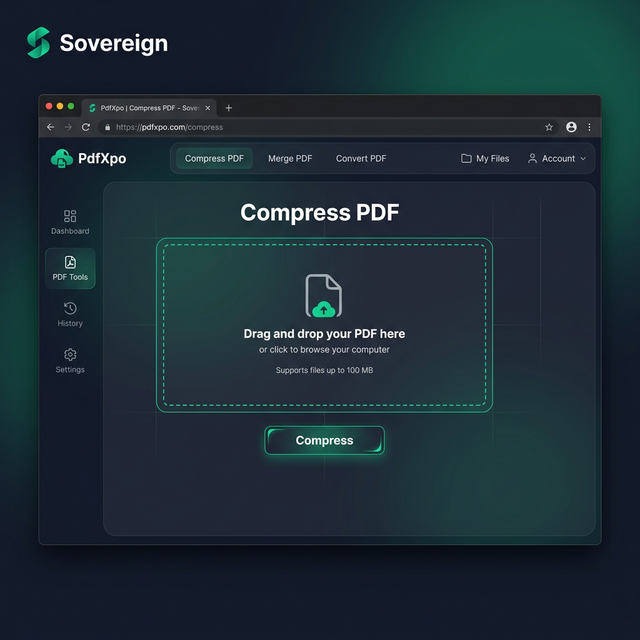
1. Visit PdfXpo.com from any device and select the dedicated Compress PDF tool to begin your visa document preparation. You will enter a secure, privacy-first interface that is specifically optimized for international government portal compatibility. Drag and drop your high-resolution passport scan or bank statement into the upload zone to start the local processing cycle.
2. Upload your file and select the 'Strong' or 'Recommended' compression preset to ensure you meet the strict megabyte limits of travel portals. The engine will instantly perform a structural analysis to find redundant data bloat while protecting the clarity of stamps and signatures. You can watch as the optimizer prepares your document for a successful, error-free upload to your chosen consulate website.
3. Click the 'Compress' button to execute the non-destructive shrink and download your watermark-free file instantly to your downloads folder. Once the process is complete, you should open the resulting PDF to verify that your face and personal details are crisp and clear. Upload your optimized document to the visa portal and proceed with your travel application with total confidence.
Why Travelers Choose PdfXpo for Visa Filing
When you're dealing with immigration officials, your documents must be professional. Many free online PDF tools leave ugly watermarks or degrade image quality so much that stamps become unreadable, which could lead to a visa rejection. PdfXpo ensures your documents remain print-ready and archival-grade. We use advanced bicubic resampling for images, which preserves the edges of text and seals even at high compression ratios.
Furthermore, we eliminate the need for account creation or email verification. When you're in the middle of a complex visa application, the last thing you want is more 'marketing spam' or daily usage limits. PdfXpo is 100% free and unlimited, allowing you to optimize every single document in your application package in one sitting. By using your own device's hardware for the heavy lifting via WASM, we provide a faster and more private experience than cloud-based competitors like iLovePDF or Smallpdf.
Common Questions
What are the common file size limits for US and UK visa portals?
Most federal visa portals, including those for the US and UK, recommend keeping individual PDF uploads under 5MB. Some specific document types, such as photos or individual scans, may have tighter 1MB limits. PdfXpo's 'Strong' setting is specifically designed to bring multi-page scans down into these compliant ranges efficiently.
Will my compressed documents still be valid for my visa interview?
Yes. PdfXpo maintains the logical structure of the PDF, ensuring that text remains sharp and images are clear enough for official inspection. Because we don't rasterize the page or add watermarks, the resulting file is indistinguishable from a high-quality original scan to the human eye and automated consulate systems.
Is it safe to compress my passport scan on PdfXpo?
It is the safest tool available. Because the processing happens securely on the edge using WebAssembly, your passport scan is never sent to our servers. Your private identification never travels over the internet, providing you with a level of security that cloud-based competitors simply cannot match.