Compress PDF for University Admission | Academic Excellence
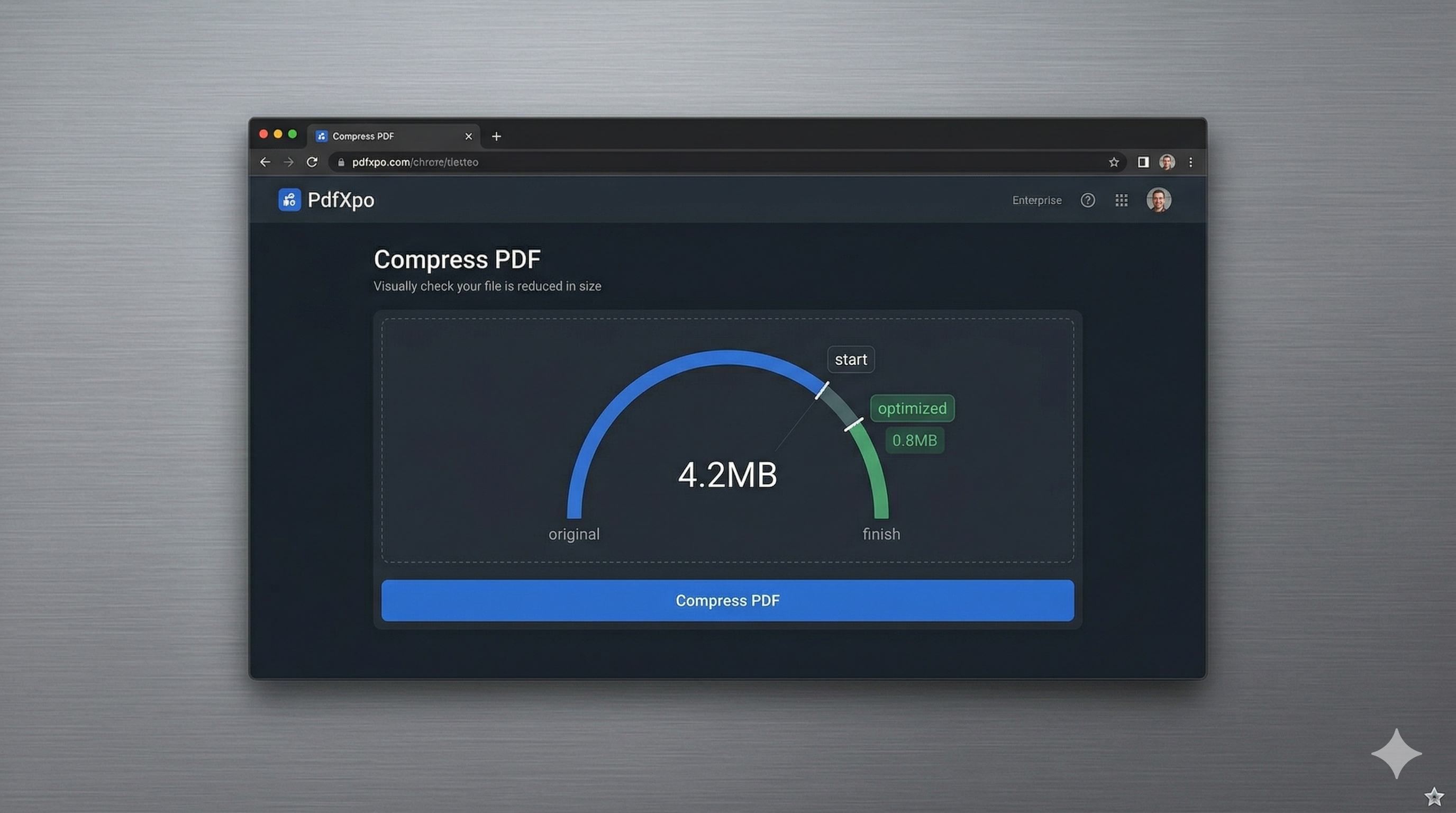
The university admission season is one of the most stressful periods in a student's academic journey. Whether you are applying through Common App, UCAS, or a specific graduate school portal, you will inevitably be required to upload high-fidelity scans of your transcripts, letters of recommendation, and creative portfolios. In 2026, most institutional portals enforce strict file size limits—often as low as 2MB or 5MB—to ensure their servers can handle the influx of millions of global applicants. Getting an "Upload Failed" message when you're minutes away from a deadline is a technical obstacle you cannot afford.
PdfXpo provides a specialized academic compression suite designed to help students overcome these technical hurdles without compromising on document quality. We understand that your transcripts must be legible and your portfolio images must remain vibrant for admission officers to evaluate your work fairly. Our neural compression engine targets the 'bloat' in your scans—such as over-sampled background noise and unoptimized metadata—while protecting the sharp edges of your text and the integrity of your grading tables. This ensures your application is accepted by the portal and presents a professional, high-quality image to the review committee.
Security and privacy are particularly important for students handling sensitive personal records and academic histories. PdfXpo is unique because it uses local, browser-based processing via WebAssembly. Your transcripts and personal statements never leave your computer, meaning they are never stored on an external server or analyzed by a third-party AI. You can achieve university-compliant file sizes with absolute privacy and zero signup friction. It's 100% free forever, ensuring that high-quality document tools are accessible to every student, regardless of their financial situation.
100% Local Privacy
Your files never leave your computer
Local Browser Power
Instant Processing in Browser
Secure Client-Side Processing
Data is handled entirely within your browser for maximum security
How to Compress PDF for University Admission — Step by Step
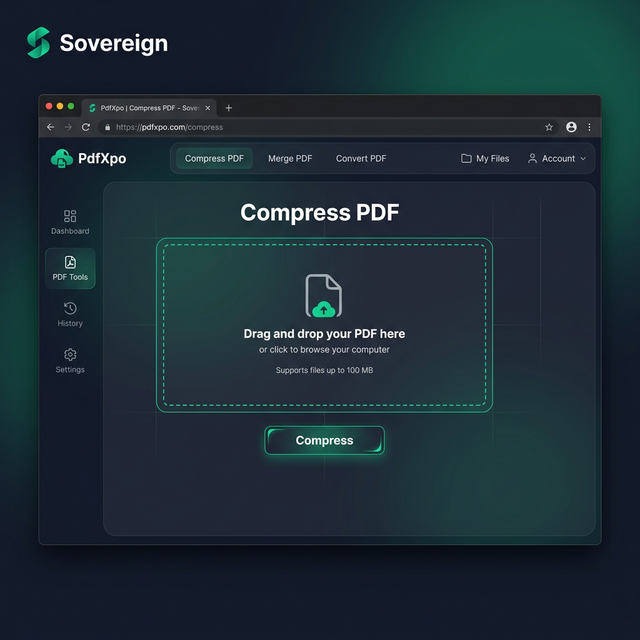
1. Navigate to PdfXpo.com and open our dedicated Compress PDF tool to begin preparing your academic documents for the admission portal. You will see a clean, student-friendly interface that allows for rapid processing without requiring any account registration or app downloads. Drag and drop your high-resolution transcript or portfolio scan into the secure upload zone for instant local optimization.
2. Upload your file and select the 'Recommended' or 'Balanced' compression preset to ensure you meet the strict megabyte requirements of the Common App or UCAS. The engine will perform a structural audit of the PDF, identifying hidden data bloat while protecting the clarity of your academic grades and official school stamps. Watch the progress dashboard as the neural optimizer prepares your document for a successful, error-free submission.
3. Tap the 'Compress' button to execute the browser-based shrink and download your watermark-free file directly to your device's downloads folder. Once the process is complete, you should open the resulting PDF to verify that every detail of your transcript remains perfectly sharp and professional. Upload your optimized document to the university portal and proceed with your academic application with total confidence and peace of mind.
Why Students Trust PdfXpo for Admissions
When your future is on the line, your documents must be flawless. Many free online PDF compressors leave invasive watermarks that look unprofessional or degrade text quality to the point where numeric grades become ambiguous. PdfXpo ensures your transcripts remain archival-grade and print-ready. We use advanced bicubic resampling for images and handle font subsets with expert precision, ensuring that your school’s unique logos and official typography look exactly as they should on an admissions officer's screen.
Furthermore, we eliminate the 'pay-to-play' dynamic often found in student software. Many competitors like iLovePDF or Smallpdf lock their best compression ratios behind a 'Pro' account or limit the number of files a student can process in a day. PdfXpo is 100% free and unlimited, allowing you to optimize your entire application suite—from your 10-page portfolio to your one-page personal statement—in a single, high-speed session. By keeping the processing local on your laptop or mobile device via WASM, we provide a faster, safer, and more reliable experience that respects your privacy and your deadlines.
Common Questions
What is the standard PDF size limit for the Common App and UCAS?
The Common App typically limits individual PDF uploads to 2MB, while UCAS and other graduate portals may allow up to 5MB or 10MB. If your multi-page transcript or creative portfolio is over these limits, PdfXpo's 'Strong' setting is specifically designed to bring them down into the compliant range while maintaining photographic clarity.
Will my school's official seal be readable after compression?
Yes. PdfXpo's 'Recommended' setting uses smart bicubic resampling which targets redundant background data while preserving high-contrast areas like seals, stamps, and signatures. This ensures that admissions officers can still see the authenticity markers of your document even after the file size has been reduced significantly.
Is it safe to upload my sensitive academic transcripts to PdfXpo?
PdfXpo is the safest choice for students because it uses browser-based local processing. Your transcripts are never sent to our servers or stored in the cloud; all the optimization happens entirely on your own device. This ensures your academic record and personal data remain private throughout the entire application process.