Compress PDF for Medical Records | HIPAA-Safe Optimization
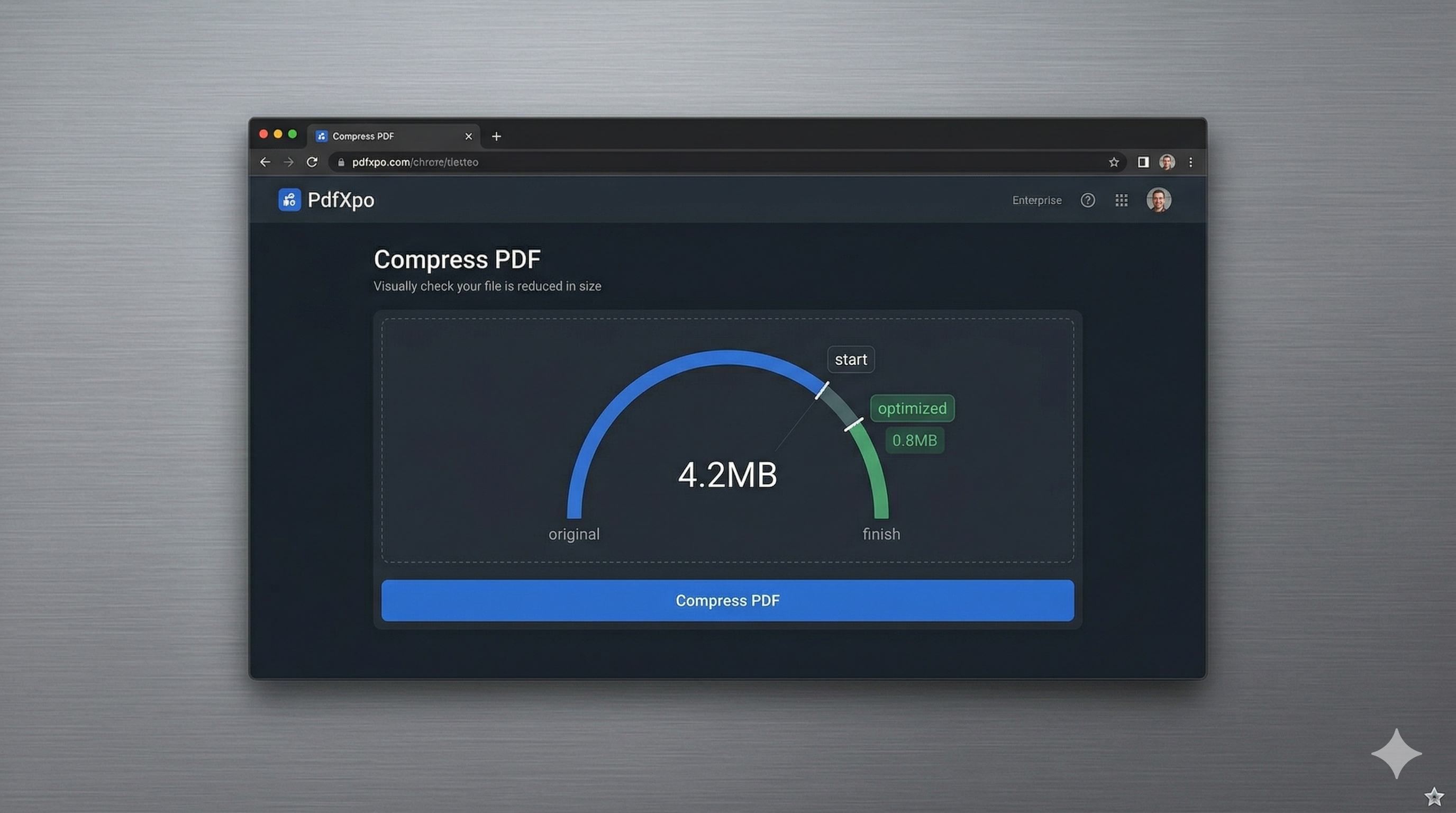
Handling medical records requires the highest level of caution, technical precision, and data privacy. Whether you're a patient sharing records with a new specialist, an insurance adjuster processing a claim, or a healthcare administrator managing discharge summaries, you will frequently encounter high-resolution scans of lab results, X-ray reports, and clinical notes. In 2026, most telehealth portals and patient management systems enforce strict file size limits—often as low as 5MB or 10MB—to ensure that medical histories can be shared quickly across different providers. If your scanned record is 50MB, you’re not just facing a technical hurdle; you’re risking a delay in critical healthcare delivery.
PdfXpo provides a specialized medical-grade compression engine designed specifically for these high-stakes scenarios. We understand that in a medical report, every character and every decimal point matters. Our neural optimization algorithm is specifically tuned to protect the edges of text and the structural integrity of diagnostic tables while stripping away the 'invisible' bloat commonly found in industrial-grade medical scanners. This ensures that your compressed record remains 100% readable for medical professionals and insurance underwriters, passing through automated hospital intake systems with zero errors.
Data sovereignty and HIPAA compliance are the primary concerns when managing health information online. PdfXpo is fundamentally different from other online tools because it uses local, browser-based processing via WebAssembly. Your sensitive medical records and personal health information (PHI) never leave your computer. We do not upload your files to our servers, meaning your private data is never stored, analyzed, or exposed to the risks of a cloud data breach. You can achieve portal-compliant file sizes with absolute privacy and zero signup friction. It's 100% free forever, providing patients and providers with a secure, high-speed alternative to traditional, risky cloud document converters.
100% Local Privacy
Your files never leave your computer
Local Browser Power
Instant Processing in Browser
Secure Client-Side Processing
Data is handled entirely within your browser for maximum security
How to Compress PDF for Medical Records — Step by Step
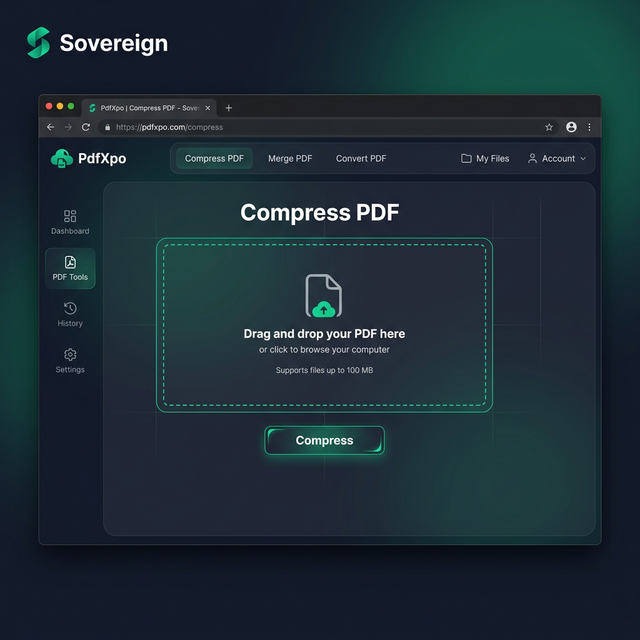
1. Visit the secure PdfXpo.com homepage and select the professional 'Compress PDF' tool to begin optimizing your sensitive health records. You will enter a browser-based environment that requires no registration or data-tracking, ensuring your medical privacy remains entirely within your own control. Drag and drop the large medical scan you wish to shrink into the secure processing zone to prepare for immediate local WASM optimization.
2. Upload your file and select the 'Recommended' compression level which is specifically calibrated to preserve the high-contrast details of clinical notes and lab reports. The engine will instantly perform a structural audit of the PDF, identifying redundant data clusters while ensuring that all your vital health statistics and diagnostic charts remain perfectly legible. Watch the status indicator as the neural optimizer prepares your document to fit comfortably under the 10MB portal limit.
3. Tap the 'Compress' button to execute the browser-based shrink and download your watermark-free file directly back to your device's local memory. Once the process is complete, you should open the resulting PDF to verify that all your medical details and professional signatures remain sharp and clearly readable for the doctor. Upload your optimized record to the telehealth portal or insurance site and proceed with your healthcare needs with total professional confidence.
Why Healthcare Professionals Trust PdfXpo
In the medical field, there is zero tolerance for errors or data leaks. Many 'free' online PDF compressors are actually data-mining tools that store your sensitive files on their servers, which could theoretically lead to devastating HIPAA violations if their security is breached. PdfXpo eliminates this risk by keeping your data on your hardware. We use sophisticated bicubic resampling for scanned images, ensuring that even after a 90% reduction in file size, the fine print on a medication list or the numbers in an ECG report remain perfectly clear and unambiguous.
Furthermore, we respect the 'no-friction' needs of medical workflows. Doctors and patients don't have time to manage subscriptions or navigate through annoying email signups just to share a report. PdfXpo is 100% free and unlimited, allowing you to optimize an entire patient history in a single, high-speed session. By utilizing local hardware acceleration through WASM, we provide a faster and more secure experience than cloud-based competitors like iLovePDF or Smallpdf, helping both patients and providers achieve digital compliance without sacrificing their personal privacy.
Common Questions
Is PdfXpo HIPAA compliant for medical record compression?
PdfXpo is a 'privacy-first' tool that bypasses the need for cloud-processing. Since the files never leave your browser and are never stored on our servers, it is the safest way to handle medical documents. If your practice uses local processing tools, PdfXpo fits perfectly into a HIPAA-compliant workflow by ensuring that sensitive PHI (Protected Health Information) is never exposed to the internet.
Will my medical charts and lab values remain readable?
Yes. Our 'Recommended' setting is specifically tuned for high-contrast documents like medical reports. We target the image noise in the background while leaving the text and numeric data layers untouched, ensuring that your doctor or insurance adjuster sees a perfectly sharp result every time.
How much medical record storage can I save using PdfXpo?
Unoptimized scans from hospital-grade scanners are notoriously large. PdfXpo can typically reduce these files by 70% to 95%. If you are managing a digital archive of your family's medical history, this can help you reclaim gigabytes of storage space on your local computer or phone.