Compress PDF for Job Application | Resume Optimization
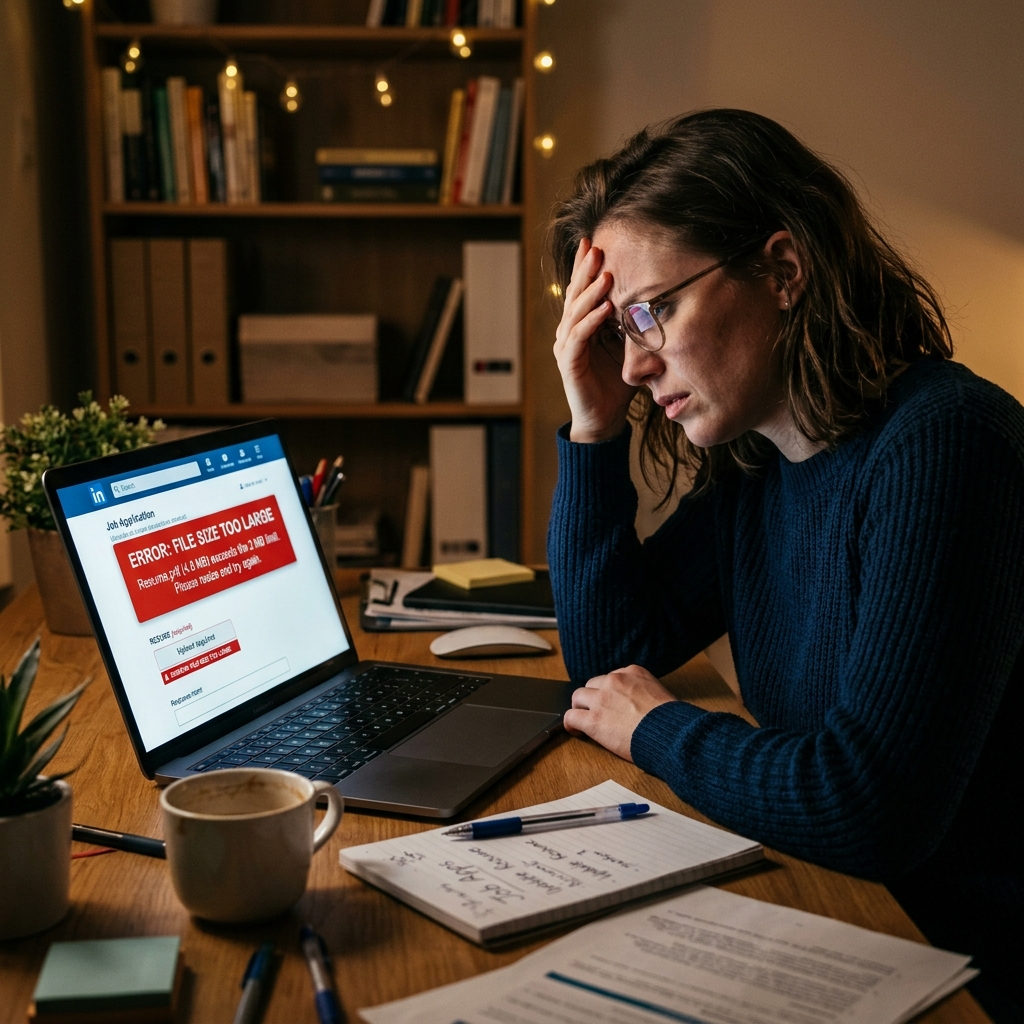
You've spent days perfecting your professional resume, aligning every bullet point, and adding high-resolution portfolio images to showcase your best work. But when you finally click "Submit" on LinkedIn, Workday, or Greenhouse, you’re hit with a cold, red error message: "File size exceeds the 5MB limit." This technical hurdle is the last thing you need when you're trying to land your dream role in 2026.
Applicant Tracking Systems (ATS) are designed to process thousands of applications every hour, and large files can cause these systems to lag or even crash. Most corporate portals enforce strict 2MB to 10MB limits to ensure their servers remain fast and mobile-friendly for recruiters. If your PDF is 15MB, you're not just fighting the portal—you're risking your application being discarded by an automated system before a human ever sees it.
PdfXpo solves this problem with neural-grade compression that shrinks your file while keeping your text sharp and your professional headshots crisp. Our tool operates entirely in your browser using WebAssembly, meaning your private resume and contact details never actually leave your device. You can safely compress your PDF for any job application, knowing that your data is private and your resume will look perfect on a recruiter's high-resolution monitor.
100% Local Privacy
Your files never leave your computer
Local Browser Power
Instant Processing in Browser
Secure Client-Side Processing
Data is handled entirely within your browser for maximum security
How to Compress PDF for Job Application — Step by Step
1. Open PdfXpo.com in any browser and navigate to the Compress PDF tool. You will see a secure upload zone with a minimalist interface designed for speed. Use the dedicated compression engine to ensure your resume remains ATS-compatible without losing text clarity.
2. Drag and drop your resume PDF directly into the compression dashboard from your file explorer. The UI will instantly display the original file size and provide optimization presets for job portals. Choose the 'Recommended' setting to achieve the perfect balance between file size and professional visual polish.
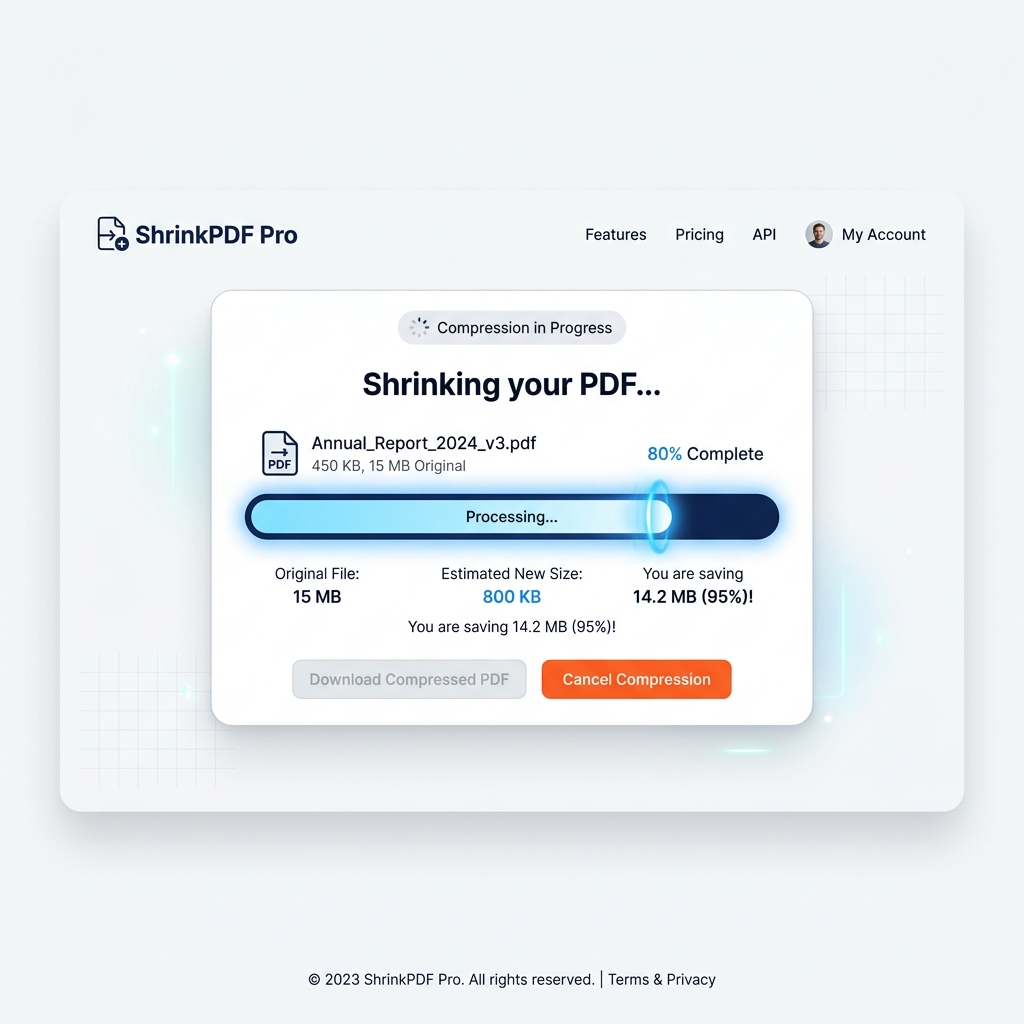
3. Click the 'Compress' button to begin the local, browser-based optimization process. You will watch the progress bar reach completion within seconds as the neural engine strips unnecessary metadata. Download your resulting file for an immediate, watermark-free resume that fits every major job application portal.
Why PdfXpo Is Better for Applicants
When you're applying for a job, your privacy is paramount. Many PDF tools like iLovePDF or Smallpdf require you to upload your resume to their cloud servers, where it could theoretically be stored or analyzed. PdfXpo is fundamentally different—we use WASM-powered local processing. Your resume never leaves your computer, ensuring that your address, phone number, and work history remain 100% private.
Furthermore, while competitors often lock "high compression" behind a subscription or add ugly watermarks to free users, PdfXpo is 100% free forever. We believe that job seekers shouldn't have to pay a toll just to submit an application. Our tools provide professional-grade optimization that keeps your typography perfect, avoiding the blurry text issues common in cheaper compression algorithms.

Common Questions
What is the standard PDF size limit for LinkedIn and Workday?
Most major job portals like LinkedIn and Workday limit resume uploads to 5MB or 10MB to maintain system performance. If your file contains high-resolution images or complex vector graphics, it will likely exceed this limit. PdfXpo's 'Recommended' setting typically brings even large portfolios down to well under 2MB.
Will compressing my PDF make the text unreadable for ATS-bots?
No, PdfXpo uses structural optimization that targets image data while leaving the text layer untouched. Applicant Tracking Systems (ATS) will still be able to scan your keywords and work history perfectly. Our engine ensures that your professional formatting remains intact while the binary size of the file is drastically reduced.
Is it safe to upload my resume to an online PDF compressor?
With most tools, you are uploading data to a remote server, which carries inherent risks. However, PdfXpo uses browser-based processing, meaning your file stays on your hardware throughout the entire process. This is the safest way to compress sensitive documents like resumes and portfolios in 2026.