Compress PDF for Insurance Claim | Accelerated Processing
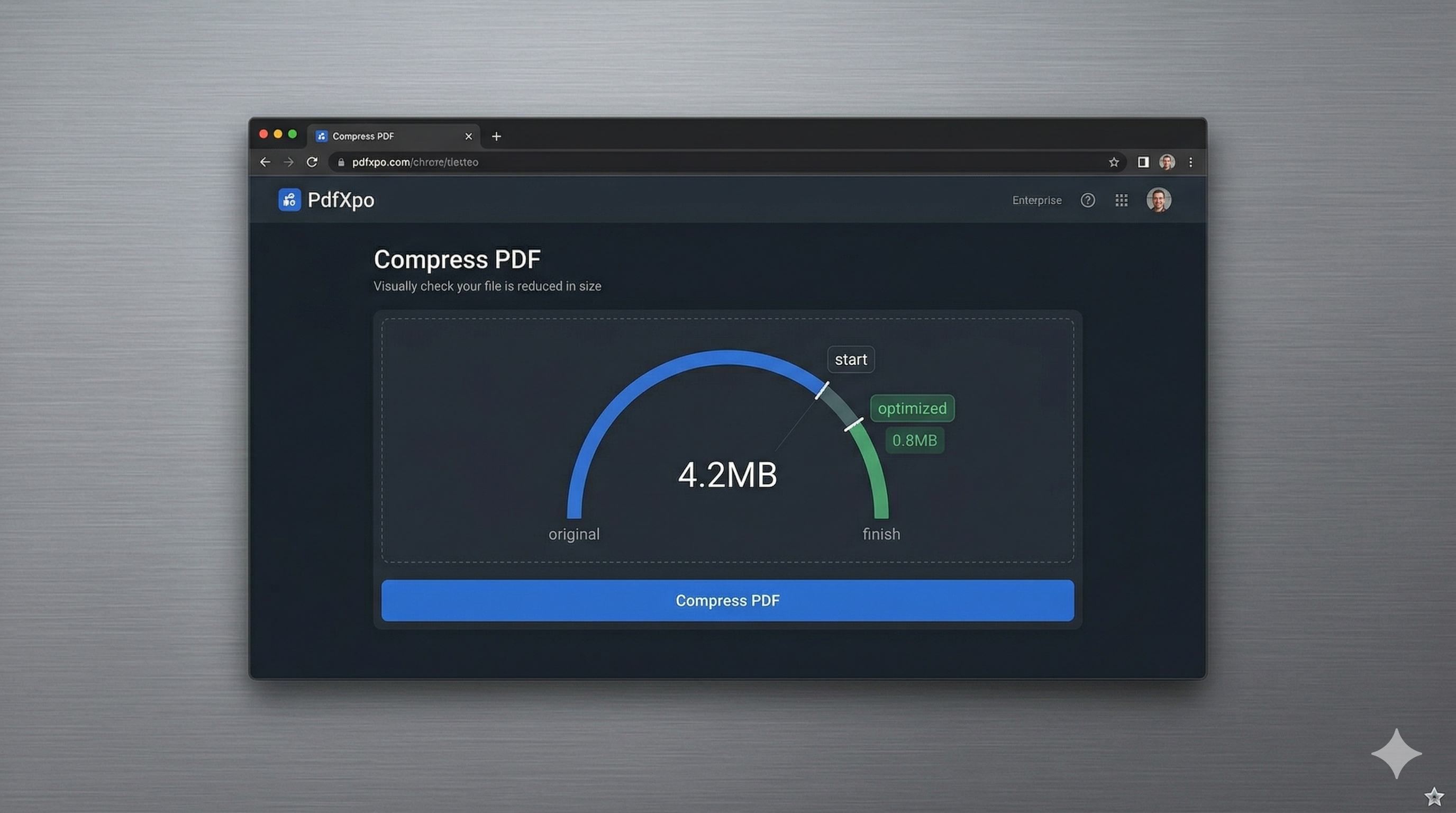
Filing an insurance claim is often a race against time, whether you're dealing with a car accident, property damage, or a medical emergency. To ensure your claim is processed quickly in 2026, you must submit a comprehensive digital bundle that often includes high-resolution photography, scanned repair estimates, and official police or medical reports. However, most insurance company portals enforce strict file size limits—frequently between 5MB and 15MB per upload. If your document package is over this threshold, you risk delayed payouts and unnecessary bureaucratic friction during an already stressful time.
PdfXpo provides a specialized insurance-ready compression engine designed to help claimants overcome these technical hurdles with zero delay. We understand that your evidence must be crystal clear for adjusters to evaluate the damage fairly. Our neural compression algorithm targets the hidden data bloat within your PDFs—such as over-sampled image noise and redundant metadata—while ensuring that every detail in your photos and every number on your estimates remains perfectly sharp. This allows your entire claim bundle to fit under the portal limit on the first attempt, accelerating the path to your financial recovery.
Security and data privacy are particularly critical when handling insurance records containing personal IDs, financial details, and private property photos. PdfXpo is unique because it uses local, browser-based processing via WebAssembly. Your sensitive claim documents never leave your computer, meaning they are never stored on an external server or exposed to the risk of a cloud data breach. You can achieve portal-compliant file sizes with absolute privacy and zero signup friction. It's 100% free forever, providing you with a secure, professional-grade alternative to traditional cloud-based document converters that often compromise your data sovereignty.
100% Local Privacy
Your files never leave your computer
Local Browser Power
Instant Processing in Browser
Secure Client-Side Processing
Data is handled entirely within your browser for maximum security
How to Compress PDF for Insurance Claim — Step by Step
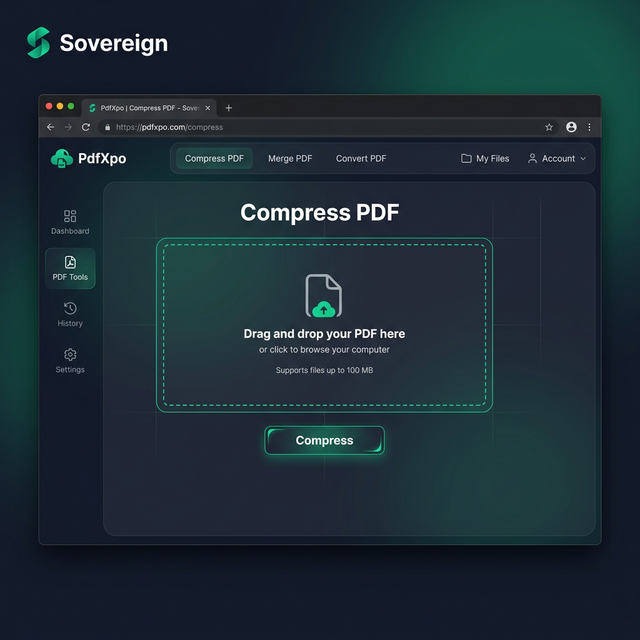
1. Visit the secure PdfXpo.com homepage and select the professional 'Compress PDF' tool to begin optimizing your sensitive insurance claim documents. You will find a clean, responsive interface that is specifically designed to handle large exhibit bundles on both desktop and mobile browsers. Use the secure upload zone to drop your high-resolution damage photos and scanned reports into the dashboard for immediate local processing.
2. Upload your file and select the 'Recommended' compression preset to ensure you meet the strict megabyte requirements of the insurance portal while maintaining photographic clarity. The engine will instantly perform a structural audit of the PDF, identifying opportunities to strip unnecessary data bloat while protecting the fine details of your evidence and official signatures. Watch the progress dashboard as the neural optimizer prepares your claim package for a successful, error-free submission.
3. Tap the 'Compress' button to execute the browser-based shrink and download your watermark-free file directly back to your device's downloads folder. Once the process is complete, you should open the resulting PDF to verify that every detail of the damage and all text in your estimates remain sharp and professional. Upload your optimized document bundle to the insurance portal and proceed with your claim filing with total confidence and peace of mind.
Why Claimants Trust PdfXpo for Insurance Filings
When your payout is on the line, your documentation must be professional and unambiguous. Many free online PDF compressors leave invasive watermarks that look amateurish to adjusters or degrade photo quality to the point where damage becomes hard to assess. PdfXpo ensures your evidence remains archival-grade and professional. We use advanced bicubic resampling for images and handle text layers with expert precision, ensuring that your claim evidence looks exactly as it should on an insurance adjuster's high-resolution monitor.
Furthermore, we eliminate the 'signup walls' and 'daily limits' that can slow you down during an emergency. You don't have to waste time verifying emails or managing subscriptions when you need to get your files submitted immediately. PdfXpo is 100% free and unlimited, allowing you to optimize your entire claim package—from the police report to the final repair invoice—in a single, high-speed session. By keeping the processing local on your own device via WASM, we provide a faster and more private experience than cloud-based competitors like iLovePDF or Smallpdf, protecting your personal data throughout the entire claim process.
Common Questions
What is the standard PDF size limit for major insurance portals?
Most national and international insurance providers limit individual PDF uploads to between 5MB and 15MB. If you are submitting multiple high-resolution photos of property or vehicle damage, the total bundle size can easily exceed this limit. PdfXpo's 'Strong' setting is specifically calibrated to bring these heavy image-focused documents down into a compliant range efficiently.
Will the insurance adjuster still be able to see the details in my photos?
Yes. PdfXpo uses smart sampling that prioritizes the structural integrity of images. While we reduce the binary file size, our engine ensures that essential details—such as scratches, cracks, and serial numbers—remain sharp enough for a professional assessment. Our 'Recommended' setting is the gold standard for maintaining evidentiary clarity in compressed legal and insurance documents.
Is it safe to upload my personal insurance contracts to PdfXpo?
It is the safest choice available for claimants. Because PdfXpo processes your files locally using WebAssembly, your sensitive insurance records and personal info never leave your browser. This 'Air-Gap' approach to privacy ensures that your data is never stored on a server or exposed to the internet, providing a level of security that cloud-based competitors simply cannot match.