Compress PDF for Google Drive | Reclaim Storage Space

Google Drive has revolutionized the way we store and share documents, but its 15GB free storage tier can fill up surprisingly fast. A significant portion of that space is often consumed by large, unoptimized PDF files—scanned documents, reports with high-res graphics, and archived portfolios that each take up 20MB to 50MB. In 2026, when your entire digital life depends on cloud availability, getting a "Storage Full" notification while trying to sync an important file can be a major productivity killer.
Wait-times are also a factor; uploading a massive 100MB PDF to a shared Google Drive folder shouldn't take minutes. By compressing your PDF for Google Drive before you upload, you're not just saving expensive storage space—you're ensuring that sync speeds are lightning-fast for you and everyone you share the folder with. This is especially critical for teams working on collaborative projects where frequent file updates are synced across multiple devices in real-time.
PdfXpo provides a seamless, privacy-first way to optimize your Drive storage. Our neural compression engine targets the hidden data bloat within PDFs, such as redundant metadata and uncompressed image streams, without affecting the readability of your content. Most importantly, because our tool works locally using WebAssembly, your private documents never leave your browser during the compression process. You can shrink dozens of files and reclaim gigabytes of Google Drive space in minutes, all without a subscription and without ever compromising your data sovereignty.
100% Local Privacy
Your files never leave your computer
Local Browser Power
Instant Processing in Browser
Secure Client-Side Processing
Data is handled entirely within your browser for maximum security
How to Compress PDF for Google Drive — Step by Step
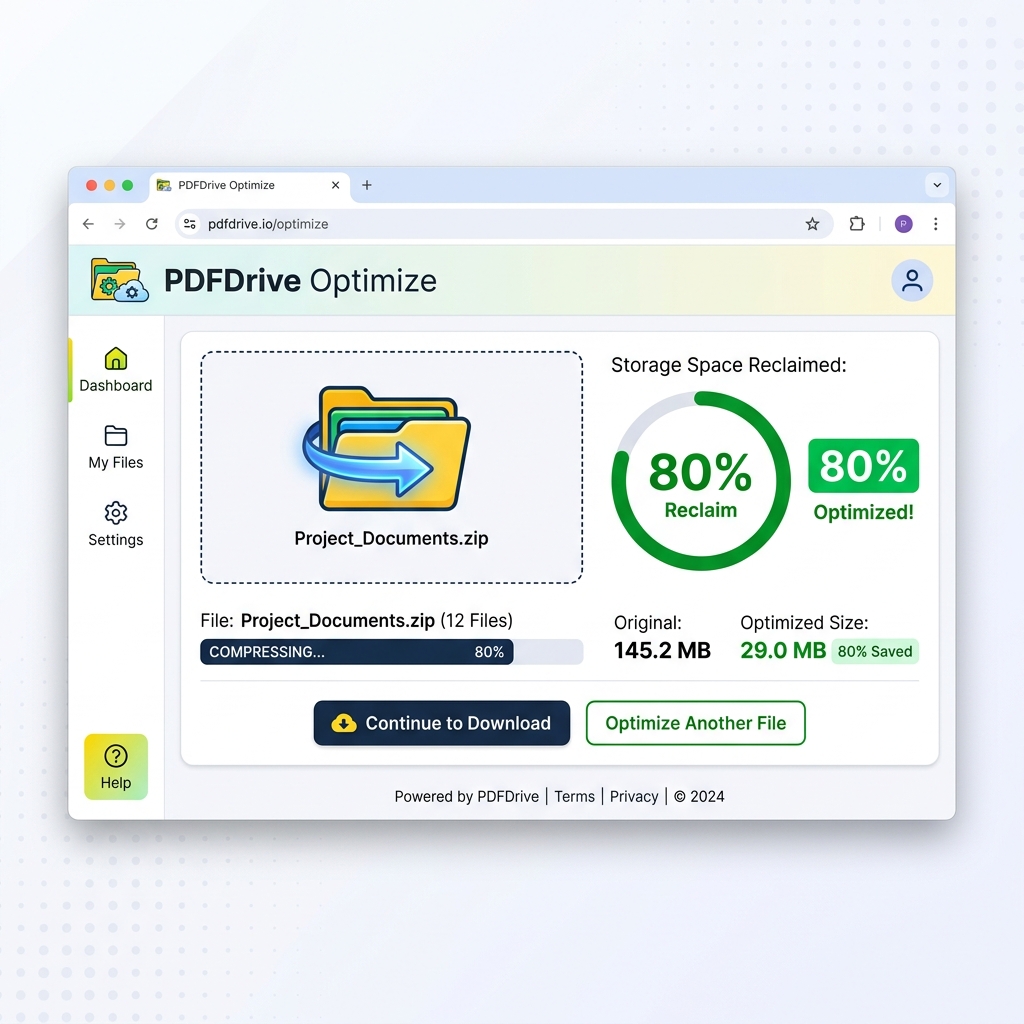
1. Open PdfXpo.com in your web browser and navigate to the dedicated Compress PDF tool to begin your storage optimization. You will see a modern, minimalist interface that allows you to drag and drop multiple files for rapid batch-style processing. Use the secure zone to ensure your documents remain local and private while you prepare to shrink them.
2. Upload your large Drive-bound PDFs into the browser workspace and select the 'Recommended' compression level for optimal results. The tool will instantly analyze the file structure and identify opportunities to strip unnecessary overhead while preserving your core content. You can watch as the optimizer prepares to reclaim significant percentages of your cloud storage space in real-time.
3. Click the 'Compress' button to execute the non-destructive optimization and generate a smaller, more efficient version of your document. Once the process is complete, you will be able to download your watermark-free file and upload it directly into your Google Drive environment. Refresh your Drive page to see the storage meter drop and enjoy faster syncing across all your connected devices.
Why PdfXpo Is Better for Google Drive Users
When you're managing cloud storage, every megabyte counts. Traditional compression tools often ignore the complex metadata that Google Drive uses for indexing, or they degrade quality so much that the shared document becomes unusable for your teammates. PdfXpo is specifically calibrated to produce 'Drive-optimized' PDFs. We ensure that your files remain searchable and that internal links and bookmarks are preserved, so your Google Drive 'Search' and 'Preview' functions work exactly as they should.
Furthermore, we eliminate the security risks associated with cloud-to-cloud transfers. Competitors like iLovePDF or Smallpdf often ask you to 'Connect your Google Drive' directly to their service, giving them broad permissions to read your files. PdfXpo requires no such access. You simply download our optimized file locally and upload it yourself. This 'Air-Gap' approach to privacy ensures that your entire Google Drive remains a private silo, accessible only by you, while you still benefit from our elite compression algorithms.
Common Questions
Will Google Drive still be able to search my compressed PDFs?
Yes. PdfXpo preserves the text layer and metadata required for Google Drive's OCR (Optical Character Recognition) and full-text search. Your documents will remain just as searchable and easy to find within your Drive environment as the original unoptimized versions.
How much Google Drive storage can I save by compressing my files?
On average, unoptimized PDFs can be reduced by 60% to 90% in size. If you have a folder full of scanned documents or image-heavy reports, you could potentially reclaim several gigabytes of storage space by running them through PdfXpo's neural compressor before uploading.
Is it better to compress files before or after uploading to Drive?
You should always compress files *before* uploading. This not only saves you immediate storage space but also ensures that the upload happens much faster, especially on slower connections. Additionally, syncing these smaller files to your phone or tablet will consume significantly less mobile data.