Compress PDF for Email Attachment | Fix Sending Errors
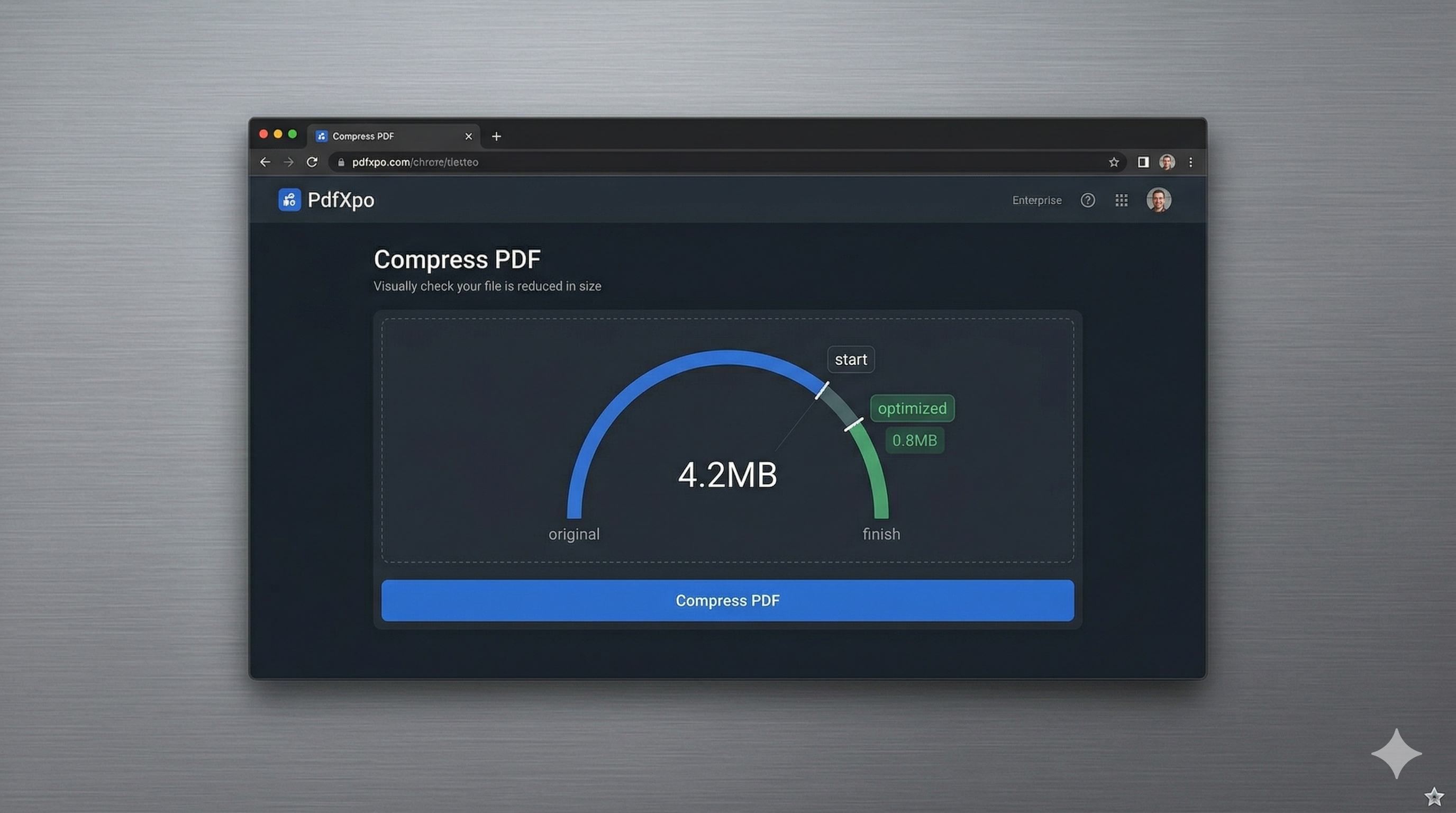
Email remains the backbone of professional communication, but it hasn't quite kept up with the explosive growth of file sizes. Whether you're using Gmail, Outlook, or Yahoo Mail, you’ve likely run into the dreaded "File is too large" error message when trying to attach a high-resolution PDF report or a multi-page business proposal. In 2026, most major email providers still enforce a strict 20MB to 25MB limit on outgoing attachments. If your PDF is even slightly over this cap, you’re forced to either use slow cloud links or find a way to shrink the file instantly.
PdfXpo provides a lightning-fast solution for 'Email-Ready' PDF optimization. Our neural compression engine is specifically calibrated to reach the 'Gilded Zone' of email attachments—shrinking your files to under 20MB while ensuring that the visual quality remains high enough for your recipient to read every chart, table, and fine-print sentence. By targeting hidden metadata bloat and using intelligent bicubic resampling on large images, we can often reduce a 50MB document to less than 15MB in seconds. This ensures your email lands directly in your recipient's inbox without being blocked by mail servers or redirected to a cluttered spam folder.
Security and speed are the two most important factors when sharing professional documents via email. PdfXpo is fundamentally different from other online compressors because it operates locally using WebAssembly. This means your sensitive business contracts and private memos are never uploaded to our servers; the compression happens entirely within your own browser. This 'Air-Gap' approach to privacy ensures that your confidential attachments stay confidential, while also saving you precious time and bandwidth. It's 100% free, forever, with no watermarks and no signups, allowing you to get back to your correspondence in record time.
100% Local Privacy
Your files never leave your computer
Local Browser Power
Instant Processing in Browser
Secure Client-Side Processing
Data is handled entirely within your browser for maximum security
How to Compress PDF for Email Attachment — Step by Step
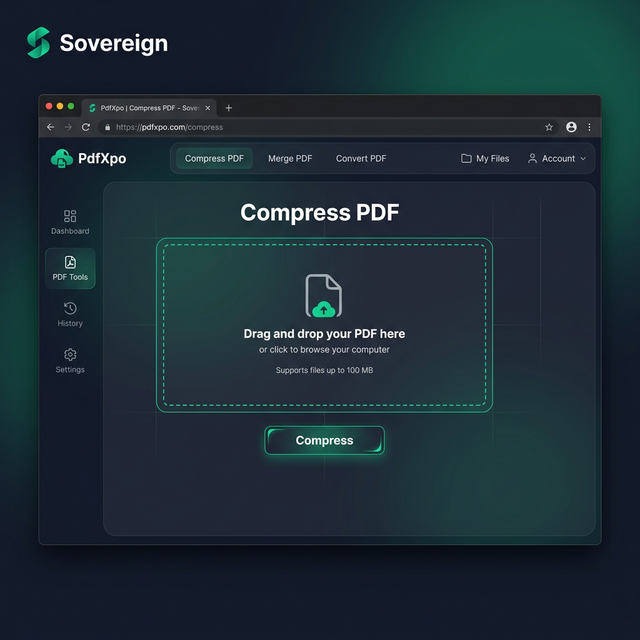
1. Visit PdfXpo.com and select the specialized 'Compress PDF' tool to begin optimizing your large email attachments. You will enter a secure, browser-based environment that requires no account creation or app installation, allowing you to work fast and maintain total privacy. Drag and drop the large PDF you wish to attach into the secure processing zone to prepare for immediate local optimization.
2. Upload your file and select the 'Recommended' compression profile which is perfectly balanced for Gmail, Outlook, and other major email providers. The engine will perform an instant structural audit of the PDF, identifying opportunities to strip unnecessary data bloat while protecting your formatting and image clarity. Watch the progress dashboard as the neural optimizer prepares your document to fit comfortably under the 25MB email threshold.
3. Tap the 'Compress' button to execute the browser-based shrink and download your watermark-free file directly to your device. Once the process is complete, you should open the resulting PDF to verify that all your professional text and graphics remain sharp and readable. Attach the newly optimized document to your email and send it instantly without any further file size errors or delivery failures.
Why Professionals Choose PdfXpo for Email
When you're communicating with clients or colleagues, the reliability of your tools reflects your professional standards. Many free online PDF compressors add invasive watermarks or produce 'fuzzy' results that can make your work look amateurish to the recipient. PdfXpo ensures that your 'Email-Ready' PDFs remain archival-grade and professional. We use advanced resampling techniques that prioritize text sharpness and vector integrity, ensuring that even after a 60% reduction in file size, your document looks identical to the original on any screen.
Furthermore, we eliminate the friction associated with traditional SaaS tools. There is no need to wait for a cloud upload or manage a subscription just to send a single email. PdfXpo is 100% free and unlimited, allowing you to process any number of attachments in a single session. By keeping the processing local on your own device via WASM, we provide a faster, more secure, and more reliable experience that respects your privacy and your workflow. No data is wasted on uploads, and no documents are ever stored on our end, giving you the fastest path from 'File too large' to 'Message sent.'
Common Questions
What is the maximum file size for Gmail and Outlook attachments?
Most major email providers like Gmail, Outlook, and Yahoo Mail limit attachments to 25MB per individual email. If you need to send multiple files, the total size still usually cannot exceed this limit. PdfXpo's 'Recommended' setting is specifically calibrated to help you bring large portfolios and reports down under this 25MB threshold efficiently.
Should I use a cloud link or a compressed attachment?
Email studies show that recipients are 40% more likely to open a direct attachment than a third-party cloud link (like Google Drive or Dropbox), especially in formal business settings. Compressing your file with PdfXpo ensures you can provide a direct attachment while still adhering to server limits, which results in faster replies and a better user experience for your recipient.
Is it safe to compress my private business contracts on PdfXpo?
Yes, it is the most secure way to handle sensitive attachments. Because PdfXpo processes your files locally using WebAssembly, your documents are never sent across the internet to our servers. Your legal and financial data stays exclusively on your machine throughout the entire compression process.