Compress PDF for Court Submission | Legal Standard Filing
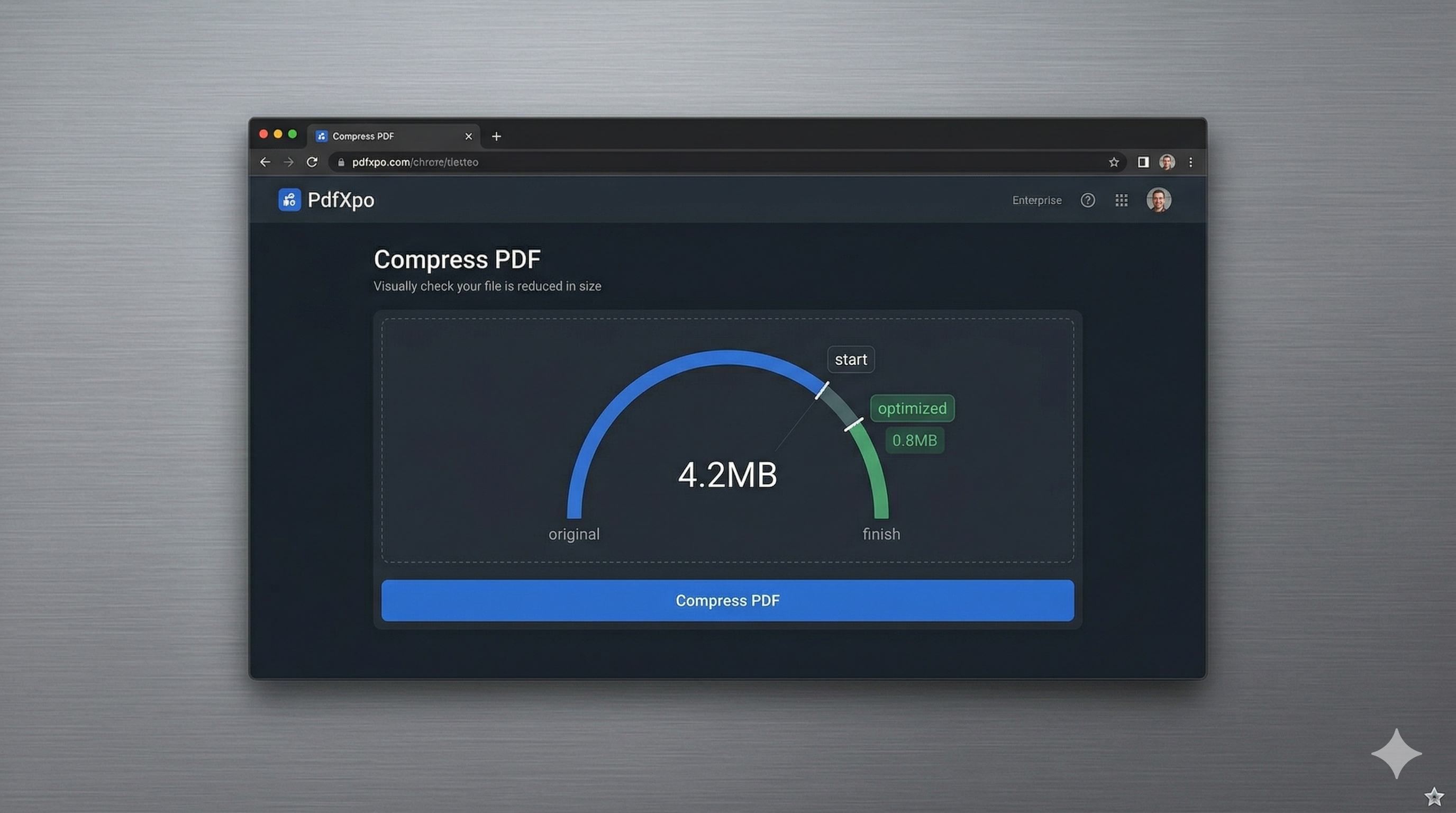
In the legal profession, technical compliance is just as critical as the strength of your legal arguments. Most state and federal court systems, including the federal CM/ECF (Case Management/Electronic Case Files) portal, enforce rigid file size and formatting limits for electronic filings. In 2026, many of these systems have lowered their maximum file sizes to ensure high-speed processing and long-term archival stability. If your legal brief or exhibit bundle exceeds these limits, your filing will be rejected, potentially leading to missed deadlines and legal complications.
PdfXpo provides a specialized compression engine designed specifically for the rigorous standards of the legal community. Our tool targets the 'invisible bloat' that often plagues legal documents generated by heavy scanning or word processing software. We remove redundant metadata layers, consolidate font subsets, and perform non-destructive image resampling to ensure your documents meet court requirements while remaining 100% readable. Importantly, our engine preserves the internal logical structure of the PDF, ensuring that your table of contents, bookmarks, and internal citations remain fully functional after compression.
Security and privilege are the cornerstones of legal practice, and PdfXpo is the first professional-grade tool to offer a truly 'air-gapped' online experience. Because our compression is powered by WebAssembly, your confidential client documents never leave your local browser. Unlike cloud-based competitors that require you to upload your sensitive strategy memos or personal exhibits to their servers, PdfXpo keeps all data on your local hardware. You can achieve court-compliant file sizes with the absolute assurance that attorney-client privilege is never compromised by an insecure cloud transfer.
100% Local Privacy
Your files never leave your computer
Local Browser Power
Instant Processing in Browser
Secure Client-Side Processing
Data is handled entirely within your browser for maximum security
How to Compress PDF for Court Submission — Step by Step
1. Visit the professional PdfXpo.com gateway and select the 'Compress PDF' tool to begin your court filing optimization. You will enter a secure, browser-based environment that requires no registration or third-party tracking, ensuring your firm's compliance data remains confidential. Prepare your legal brief or exhibit bundle locally on your computer for immediate, high-speed processing in any standard browser.
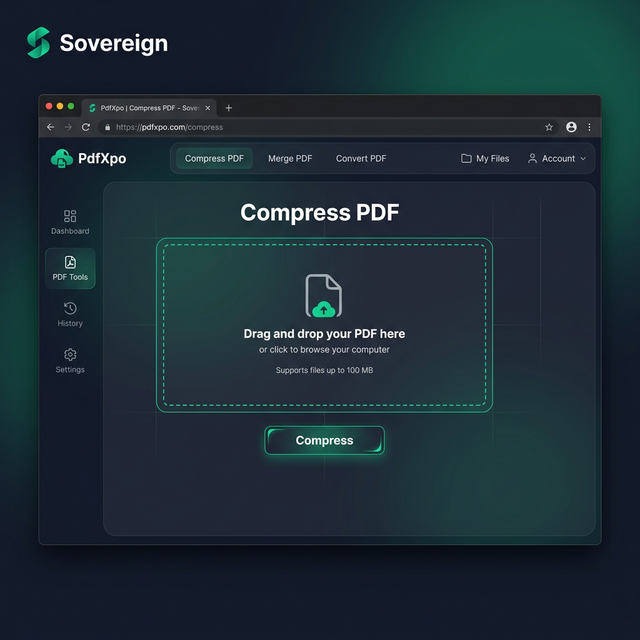
2. Drag and drop your legal documents into the secure processing zone and select the 'Recommended' or 'Strong' compression level. The engine will instantly perform a structural audit of the PDF, identifying opportunities to reclaim space while protecting the clarity of stamps, signatures, and fine print. You can monitor the progress on the dashboard as the tool prepares your file to meet the specific requirements of the CM/ECF portal.
3. Tap the 'Compress' button to execute the local, neural-weighted optimization andwatch as the binary footprint of your file is shrunk. Within seconds, you will receive a link to download your watermark-free, court-ready document which is now fully compliant with electronic filing limits. Open the resulting PDF to verify that all bookmarks and citations remain sharp and functional before you finalize your official court submission.
Why Legal Professionals Trust PdfXpo
Reliability is non-negotiable when dealing with court deadlines. Many generic online compressors can unintentionally flatten PDF layers or remove critical metadata that courts rely on for archival purposes. PdfXpo's 'Legal Precision' engine is tuned to follow international PDF/A standards as closely as possible, ensuring that your documents are not just small, but also durable and future-proof. We prioritize 'Print-Ready' output, meaning that even after significant compression, your documents will look professional if the judge or clerk decides to print a hard copy for review.
Furthermore, we eliminate the 'signup friction' that slows down busy legal teams. There is no need to waste time verifying emails or managing firm-wide subscriptions for a one-off filing. PdfXpo is 100% free and unlimited, allowing your paralegals and attorneys to optimize any number of documents at any time. By utilizing local hardware acceleration through WASM, we provide a faster, more secure, and more reliable alternative to traditional SaaS providers like iLovePDF or Adobe, keeping your firm's workflows moving at the speed of modern justice.
Common Questions
What is the typical file size limit for CM/ECF court filings?
While it varies by specific district and circuit, many federal courts in the US limit individual PDF uploads to 10MB or 20MB. If your exhibits are larger, you will need to compress them or split them into separate parts. PdfXpo's 'Strong' compression is specifically calibrated to help you stay comfortably within these common legal thresholds.
Will my PDF still be searchable after compression?
Yes. PdfXpo uses a structural optimization process that leaves the text layer untouched. This is critical for court filings, as many courts require all PDF submissions to be text-searchable (OCR-compliant). Our engine ensures that your keywords and case citations remain searchable for court staff and automated case management systems.
How do I ensure my compressed PDF is acceptable to the clerk?
The best way is to choose our 'Recommended' setting, which maintains a high DPI (dots per inch) for images while stripping away 'invisible' data bloat. You should always open the resulting file after compression to verify that any important legal seals or signatures are clear and that all internal links to other parts of the document work correctly.